The feature engine

Every feature,
and why it exists

Every one of these was built because something went wrong on a real job. Search the way you think about it — the problem you have, the outcome you want, or the name you already know. Searching looks through everything we have, not just what’s listed.

54 of 54
Sales, estimating, money, crew — the shelves you'd expect

Sales

13
Contract library written for how you actually build

A shelf of complete construction contracts — kit supplier, turnkey builder, design-build with subs — that you copy and make your own.

don't have a real contract, just a quote and a handshake

Contracts that write themselves from the estimate

The customer approves the estimate, fills in their details, and their construction agreement is already written — priced, dated and ready to sign.

still typing contracts in Word for every job

Lead Distribution Engine

Every new lead is somebody's from the first second — a rep who covers that county and is not already buried, or, when the map can't decide, a named person who hands it out — with the reason written on the card.

my reps say it isn't fair that the same people get the good leads

Missed-call text back

When a call goes unanswered, the caller gets a text back in your words, the line's owner gets a task due now, the voicemail lands in the conversation, and the rep can get a text that a call was missed — and three calls in ten minutes is one job, not three.

we missed a call and nobody followed up

Permit Lookup

Every lead with an address gets its permit answer before it gets a price — who governs the build, whether a permit is required, what it costs, and the office to phone.

found out about permits after I already quoted

Sales Pipeline Board

Every lead you have on one board, in one of nine stages built around how a post-frame building actually sells — and every card says whose it is, how long it has waited, and why it's waiting.

same customer showing up twice on my board

The quote your customer reads

The quote is a page on your domain, not a PDF — their building in 3D, the price broken down, and an approve button at the bottom.

my quotes are a spreadsheet the customer cannot read

Also on this shelfA free branded quote form on its own linkApprove and start my projectContract builderOpen and view tracking on every estimateWho sees which leadsYour call list — the ones you added and the ones you owe

Estimating

14

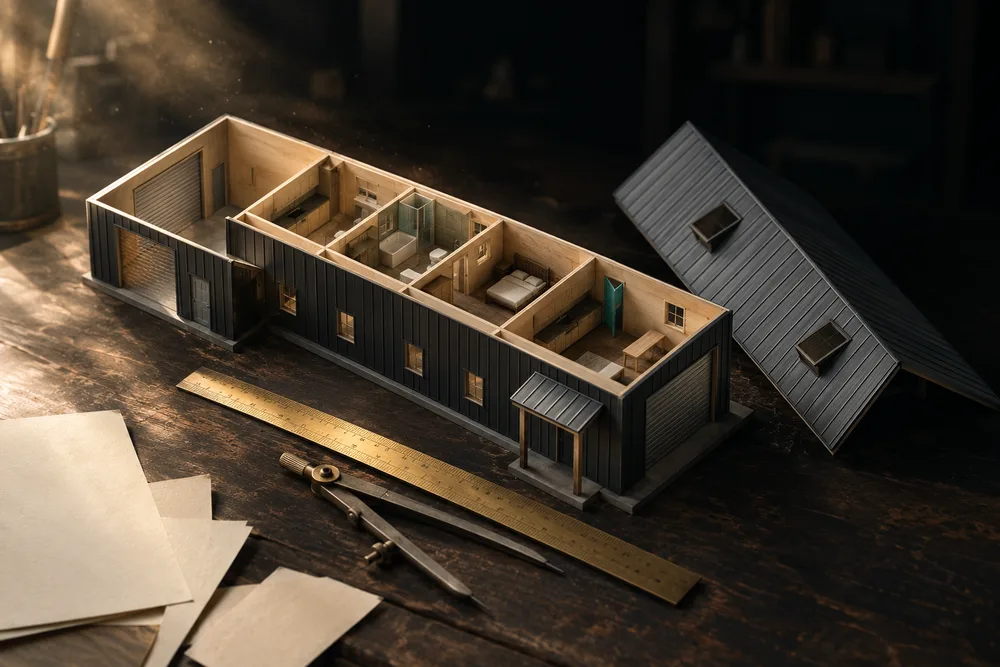
3D building designer

Draw the building by dragging it, and every stick, sheet and screw it needs is counted while you draw.

I size the building in one place and count the steel in another

Barndominium floor plans, drawn inside the building

Draw the house inside the barn — rooms, doors, kitchen, electrical — on the building you're quoting, with a code check that flags problems while you draw.

the customer wants to see where the bedrooms go before they'll sign

Labour calculator

Turns the building you drew into a priced labour line — square feet under roof, doors, tall walls, wainscot, soffits, insulation and porches, every line visible and editable, and marked up without ever touching the crew's pay.

labour is a guess every single time

Material takeoff straight off the model

Every stick, panel, screw and yard of concrete measured off the same building the model draws — posts, trusses, girts, purlins and steel, counted the way a post-frame yard sells them.

how much material for a 40 by 60

Service catalog

Your own list of priced add-ons — concrete, insulation, doors, permits, site prep — that drop onto an estimate as calculators that know their unit, and can be offered as options the customer adds themselves.

concrete pricing is on a PDF taped to the wall

The design becomes the estimate

The building you drew becomes a priced estimate through the same list the builder used — and every version you save is frozen, ready to send or go back to.

have to re-enter the material list into the estimate

Also on this shelfDoors and windows on the buildingEstimate versions: save, go back, compareEvery post-frame roof shapeLean-tos, porches and wingsMarkup, built into every priceOne customer total, everywherePricing approvalsThe picture and the numbers come from one building

Project Management

19
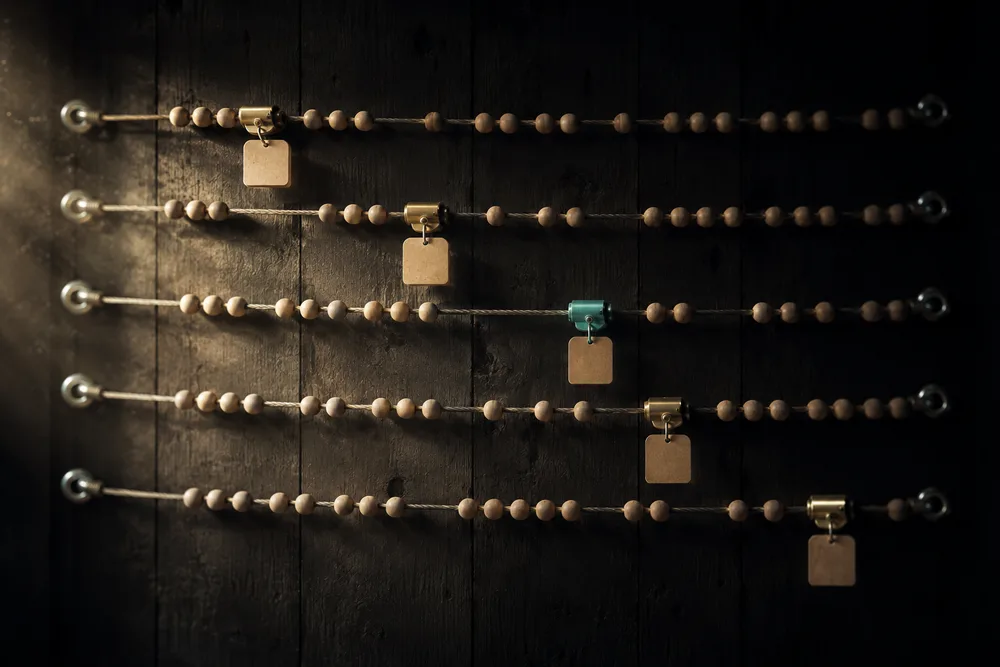

Build Schedule

One timeline showing every live job, every stage inside it, and where each crew is on any given day.

I have no idea which crew is where next week

Jobsite photos

The crew shoots from a phone, and two visibly different buttons decide whether a photo goes in the job file or in front of the customer.

photos are on five different phones

Photo gallery — every job, every photo

Every photo on every job, in one place: an endless grid, a cover per job opened into its build stages, or the day it was taken — and one search that reaches them all.

I know we took a photo of it but I can't find it

Site weather — a call for every crew on the job

Not the weather — whether today's plan still works. Gusts, the dry window and a call for each trade — then a dated record of what the weather actually did to every job.

we drove an hour to the site and couldn't set a single truss

Stage checkpoints

Every stage carries a checklist of the actual work inside it, and ticking the last one finishes the stage.

no way to track what is actually done inside a stage

Also on this shelfAdd a job that's already goingBuilding plans on the jobDaily crew logDelay reportingExtra, missing and damaged materialMark up a photoProject board that moves itselfStage status, real dates and how far off planStage templates by building typeStart ProjectThe project cockpitWhen a stage has drifted out of orderWho hears about which stageWorking days

Crew & Labour

11
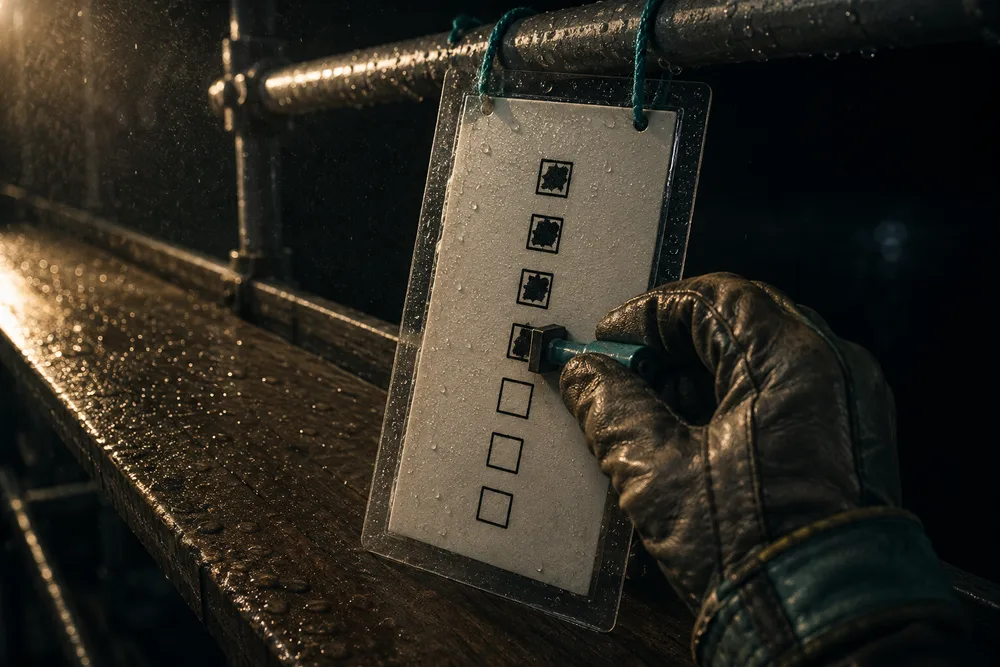

Crew ticks the work off from a phone

The crew ticks the same checkpoints the office does, from a link on their phone, and it means exactly the same thing.

crew won't use anything that needs a login

Jobsite photos, with the destination named

Two taps to file a jobsite photo against the right job and stage — and two visibly different buttons for save to job and save and send to the customer.

photos live in a group text and never reach the job file

Jobsite punch clock

One tap in, one tap out — and the hours come off two real moments instead of a Friday guess.

guys guess their hours at the end of the week

The crew app

Your crew's whole day on their own phone — clock, swipe camera, checklist, Blocked, the job chat — and a record that shows every man his own growth. One link each, no password, built only for post-frame and barndominium builders.

my guys will never log into another app

Also on this shelfBlocked on site, one tapCrew acceptanceCrewsEmployee reporting — anyone can file, only managers readLabour and costs on a jobStage checklist in the fieldSubcontractor portal

Money

22


Accounting

Money in and every way it goes back out — invoices, payroll, crew payouts, sales commissions and hour approvals under one tab, with an Overview that adds them up for the last 30 days, 90 days or 12 months.

I can't see money in and money out in one place

Change orders

Price a mid-job scope change, get it signed, and turn it into money — with the days it adds and the reason for it on the record.

customer keeps adding things and I never charge for them

Construction-loan draws, with the bank's own page

Your buyer's bank gets its own page for the job — no login: every draw's checklist built from your stages, a sealed draw request in the G702/G703 layout lenders already read, and Approve, Return and Mark funded on the same screen. Built only for post-frame and barndominium builders.

the bank won't release the draw until they see photos

Day rates with shared surplus

A job is figured for a number of days and the crew is paid for those days however fast they finish — whatever is left over goes back to them, split by hours worked. Finishing early is worth money to the men who do it.

crew stretches a two-day job into three

Hourly pay with shared surplus

Pay every hour at each person's rate — no minimum day — and when the crew beats the days the job was figured for, share what is left over, weighted by a multiplier you set. Finishing early stops costing your men money and starts paying them.

hourly pay rewards being slow

Invoicing

Invoices built from the estimate and the payment schedule — so the number on the invoice is the number they agreed to, at the customer's prices, never your cost.

I retype every invoice into another program

Payment schedule and draws

Set how the job gets paid — named stages that always add up to 100 — and carry that schedule from the estimate all the way through to the bills.

how do I bill a job in stages

Payroll for every role

Everyone paid their own way — crew by the hour with overtime, reps on commission, the PM on salary, the owner on draws — with 2026 federal and state withholding worked out line by line and a clean register for whoever files.

my crew, my reps and my office are all paid differently

Your material price book

What each material costs you and what you sell it for, in one book you edit when the yard changes its pricing.

lumber went up 20% and my quotes didn't move

Your yard's prices behind the model

Every line on the material list prices through a real material with a cost and a sell price, editable per shop, so the design carries a live dollar total.

lumber went up and every quote is stale

Also on this shelfAccidental duplicate invoices are impossibleBill straight off the estimateBudget & margin — job profit while it runsChange orders the customer can readChoose how a change order gets billedFix your own invoicing mistakesGenerate one invoice per drawPriced services that attach to the buildingSales commission trackingSelections & allowances — the customer picks, the change order writes itselfThe invoice, on its own linkWhat this crew is owed for this job

Customer Experience

13


Brand Center

Set logos, colours, type and footer once, and every email, quote and customer page restyles to match.

the emails my customers get don't look like my company

Live project dashboard

The link they already have becomes a live project page — their building in 3D, what's done, what's paid, and every document they'll ever ask you for.

the customer phones every week asking if anything happened

One conversation per customer

Every text, email, call, voicemail and photo for a customer sits in one thread on their record, in the order it happened.

I can't remember if I texted or emailed them

One customer link, no password

Your customer gets one link that opens as their estimate and later becomes their live project dashboard, with no account to create.

customers cannot find the estimate I emailed them

Review and send the estimate

Read it the way the customer will, fix anything, then send — and know whether it landed.

I sent it with the labour line showing

Stage complete — one send, once

Finishing a stage sends the customer a progress update and the team a notification — exactly once, no matter how many devices saw it happen.

customer got the same progress email twice

The customer sees their building in 3D

A button beside Review and approve opens the customer's own building in the estimate — orbit it, switch views, take the roof off — with nothing they can change.

customer signs without really knowing what they bought

Also on this shelfEmail StudioEvery message the system sends your customersThe customer picks their window, door and garage door coloursThe customer's copy follows the estimateThe customer's open tab keeps up with youWhat They See: one panel for all four customer screens

Operations

13

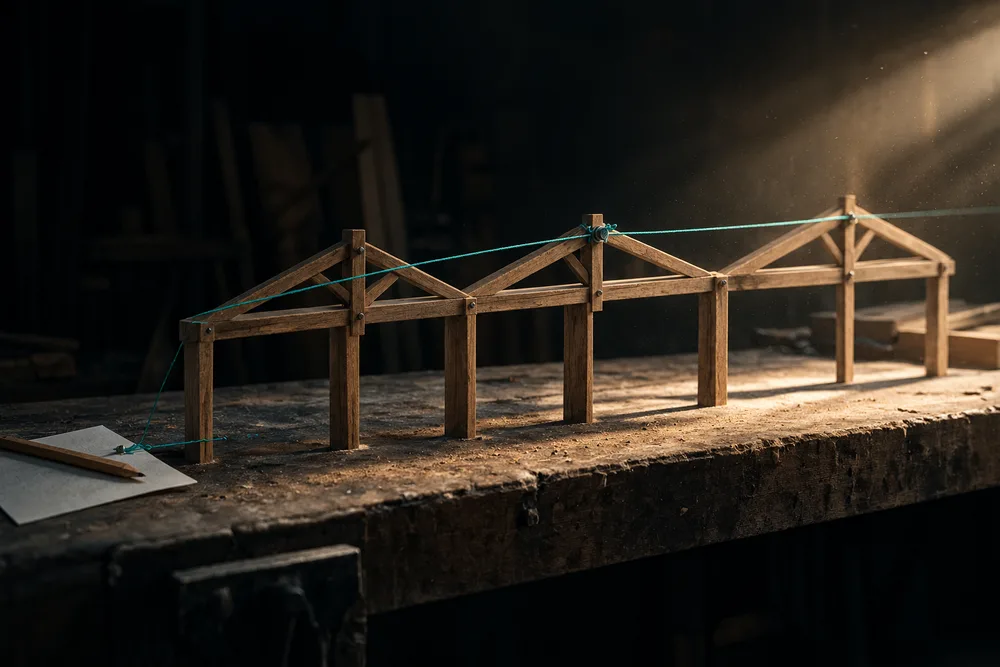
Run the business from your phone

The pipeline, the deal, the estimate and the schedule built for a thumb, not squeezed onto one — swipe between stages, answer a customer from the alert, and send the quote from the yard.

the app is just the website squeezed onto my phone

Team chat that links the exact job, stage or change order

Your crews, office and project managers in one chat that lands the moment it is sent — type / to link the exact project, stage, invoice or change order, and press Call to ring a teammate from the conversation.

I can't put the invoice in the crew chat without them seeing the money

The Academy — training built into the software

Lessons that run on your own screens with your own buttons, a first-login checklist for every role, and tours that work on a phone — so a new hire learns the job by doing it.

will my crew actually use it

The contact record

One panel beside the conversation holding how to reach them, what they are buying, where it came from, and who on your team has already tried them — and two clicks to their estimate.

I have to click into three screens to see one customer

The customer signs the agreement

They read the full agreement on your letterhead, tick the binding acknowledgement, type their legal name and draw their signature.

chasing a signed contract by email

The phone, built in

Make and take real calls inside the software, with the customer's file on screen and the call written to their record.

calls happen on my cell and the CRM knows nothing about them

What happens when someone calls your number

An incoming call rings one person — the line's owner, or the one teammate you chose for lines nobody owns — and when nobody answers it takes a message, files it on the customer and puts them on your callback list.

people call the number on my truck and it just hangs up

Also on this shelfAn order sheet a yard can quote without calling youCustomer details formOne note stream per customerOperating checklists on each pipeline stageOrder materials from your supplierThe contract writes itself from the form

Platform & Admin

10


Notifications

An event-by-role grid deciding who on your team hears about what — in-app, email or text — with customer messages held apart, a warning before anything switches off the whole company, and a pause switch that is only yours.

everyone gets emailed about everything

Roles and permissions

Six roles named for the jobs in a post-frame company — Admin, Sales Manager, Sales Rep, Project Manager, Crew Leader, Worker — each carrying about forty specific abilities, and crews who never see the office side at all.

don't want my crew seeing what the job sold for

Team Members

One list of everyone who works here — office, sales and every crew — whether or not they have a login. Built for how a post-frame outfit is actually staffed: an office, a few reps, and crews paid by the job who mostly never sign in.

my team list is empty but I have nineteen guys

Also on this shelfCarrier registration, already filled in for post-frameControl what the customer seesInvite someone to the appPermission presetsSee your business through your team's eyesSettingsStop your calls showing as Spam Likely


Integrations

3

Intelligence

7

Also on this shelfHours and labour cost across the whole teamHow fast you actually call people backHow the work went, and how the plan changedIt tells you when the building will not workWho opened your quote, and how long they read it

Construction Management Software Features | Leads2Build