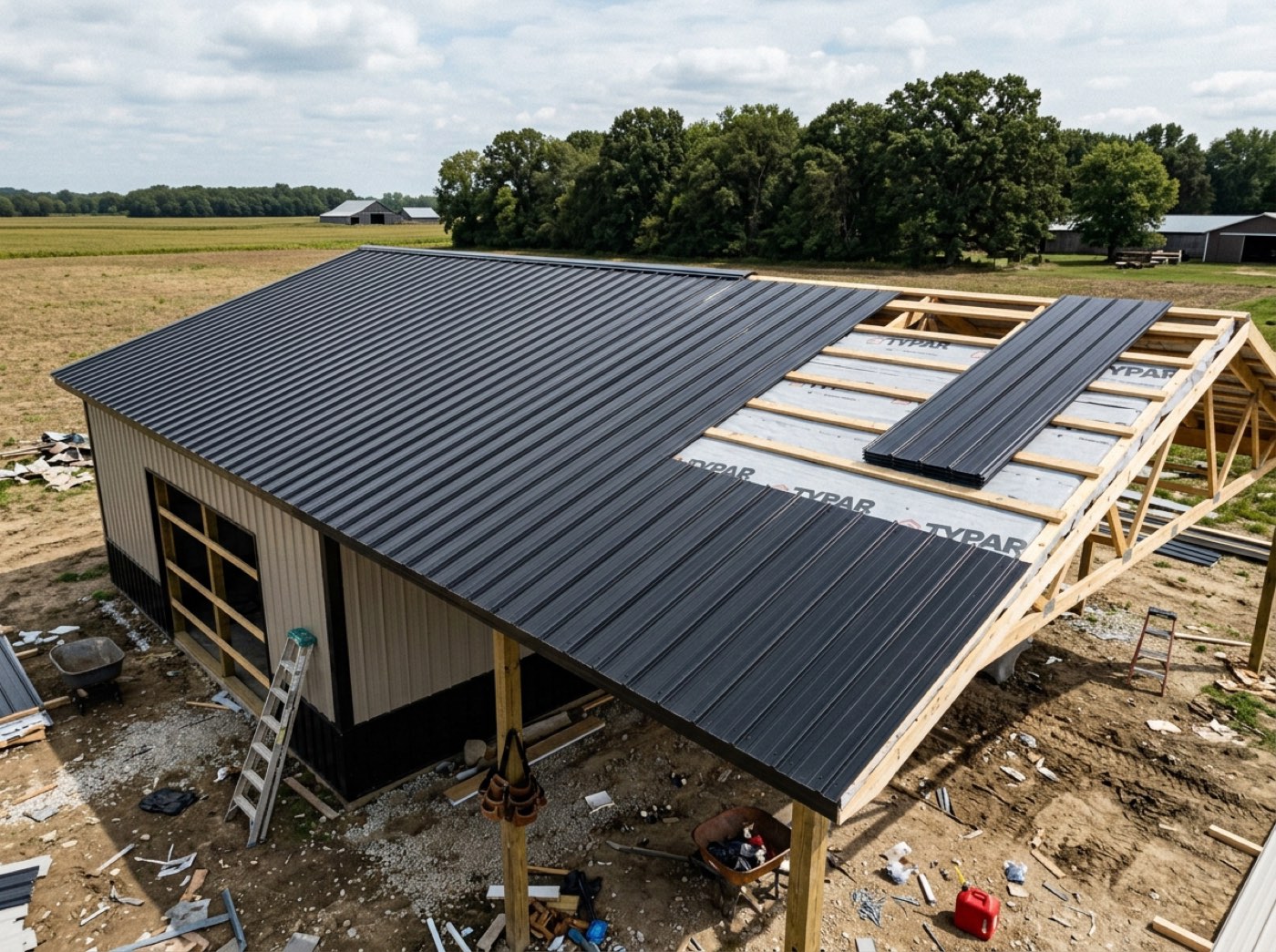
Eight causes — Weather, Crew No-Show, Material Issue, Equipment, Permit Delay, Site Access, Scope Change, Other — plus days or hours lost, what happened, and photos. Nothing is written until you save. You can report more than one delay against the same stage as the week goes on. And every job keeps a Weather history — what the weather actually did each day and which scheduled work it stopped — so a weather delay comes with its own evidence. Made for post-frame and barndominium builders, who lose days to weather, mud and slab pours.
Also called: report a delay · why is the job late · weather delay · crew no show · what caused the delay
A delay is not on the record until somebody says how long and why
Pick the cause — Weather, Crew No-Show, Material Issue, Equipment, Permit Delay, Site Access, Scope Change, Other — then the days and hours lost, what happened, and photos. Clicking a cause used to write the row on the spot, so a man who picked Weather and got called away left a permanent mark that a delay happened, for an unknown number of days, for no stated reason. Most of the delay records in use had both fields blank. Nothing is written now until the cost and the explanation are in.
Half the delay records say Weather with no days and no note, so when the customer asks why the job slipped you have a list of shrugs.
The crew boss knows why the day was lost; the office needs it written down before he forgets. Nothing saves until the cause and the cost are in, so every delay on record can be counted — and a half-filled row can't pretend to be one.
Marking a stage delayed opens the form instead of flipping a switch
Delayed is one of four statuses on a stage — Planned, In Progress, Delayed, Completed — but choosing it opens the delay form rather than setting the status straight away. Saving the form is what sets the status, so the two can never disagree and no stage sits Delayed with nothing behind it. Cancel and the stage stays exactly where it was.
A stage has said Delayed for two weeks and nobody remembers what it was waiting on.
Office staff flip statuses in a hurry, and a status with nothing behind it tells the owner nothing. Making Delayed open the form — and only the save set the status — means no stage sits Delayed without a reason, and Cancel leaves it untouched.
Photos on the delay, so it isn't your memory against their paperwork
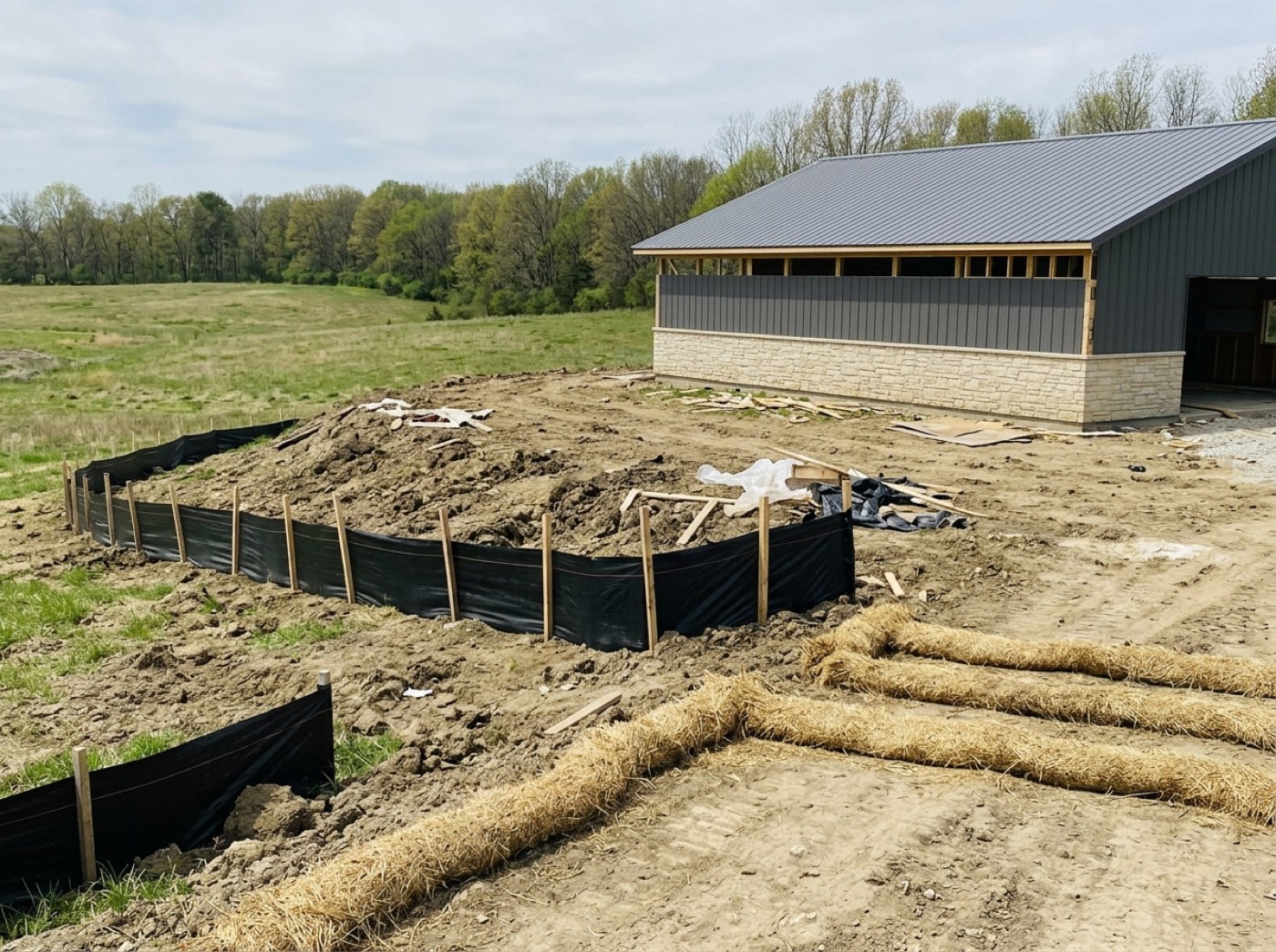
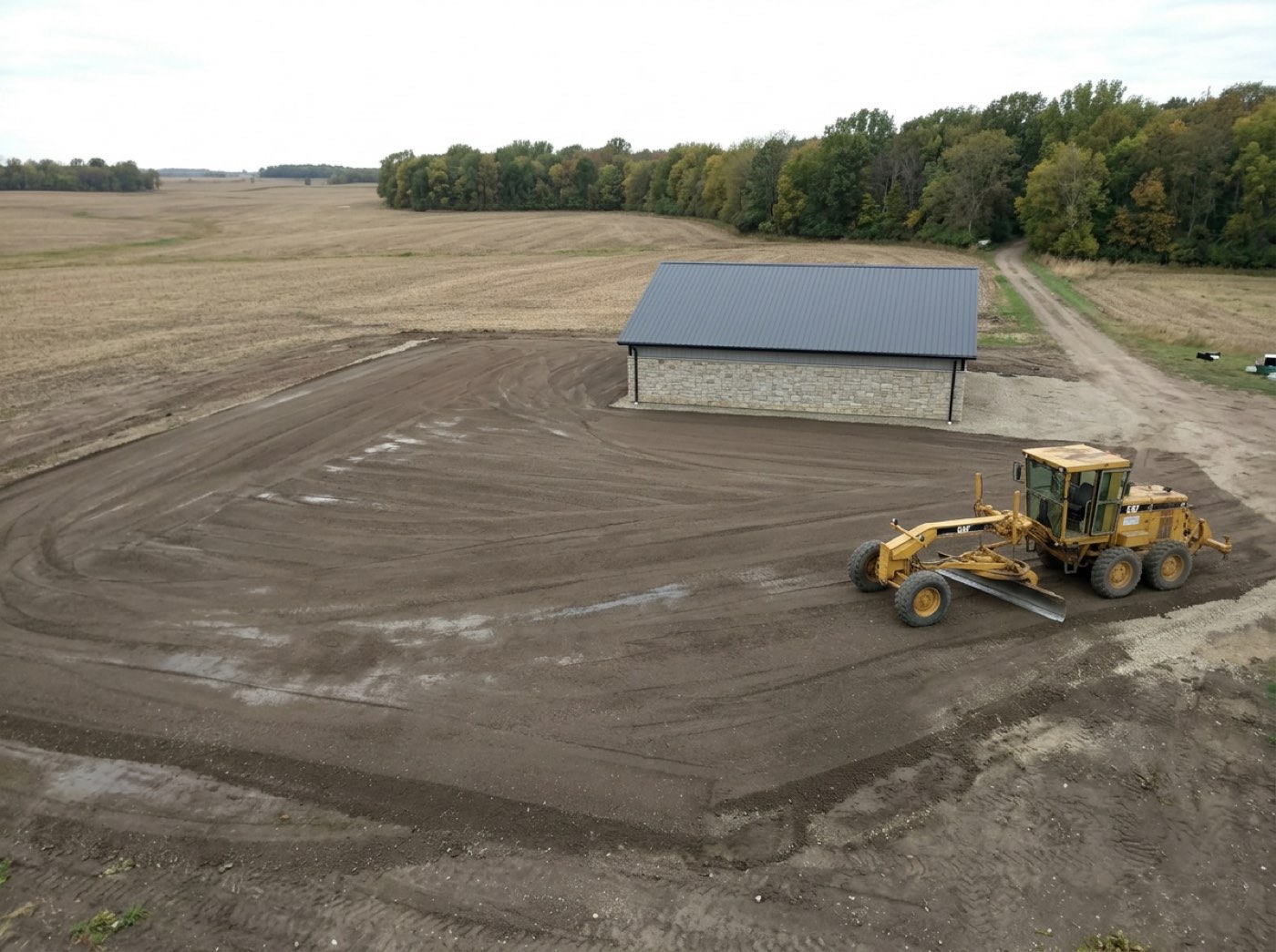
Two inches of rain overnight, the post holes full, the skid loader unable to reach the back line without cutting up the yard — the shots go on the delay itself, and a second and third delay can be reported against the same stage as the week goes on. When the customer asks in October why their building slipped three weeks, or a supplier disputes a back charge, the answer is a dated record with pictures.
The customer disputes the delay at the final walkthrough, and all you have is your word against his memory.
When the customer asks in October why the barn slipped three weeks, a dated photo of flooded post holes ends the conversation. Photos go on the delay itself, and more delays can be logged against the stage as the week goes on — so the record builds while it is happening.
Which causes actually cost you the most days
Every saved delay carries a cause and a day count, so a season of them adds up to a number instead of staying anecdotal. Weather is the excuse everyone accepts; once the days are counted it is usually one supplier and one crew that cost more than the weather did. While half the delay rows were blank, that question had no answer at all.
Everyone blames the weather, nobody can prove it, and the supplier who cost you nine days keeps getting the orders.
An owner deciding which supplier or crew to fix needs counted days, not stories. Because every saved delay carries a cause and a day count, a season of them adds up to a ranking you can act on — often not the one everybody assumed.
A stage that's running fine is never asked to explain itself
In-progress stages show no chips and no prompts. The delay form appears when a stage is marked delayed, and a lighter version appears on a completed stage that came in off its planned days — including when it finished early, where the answers are Smaller scope, Good equipment, Extra crew and Great weather. Software that asks "any issues to report?" on every healthy stage is software people stop reading on the day it matters.
An "any issues to report?" box on every stage gets clicked past by habit, including on the day there really was one.
Crews and office staff stop reading prompts that fire on every healthy stage. Asking only when a stage is delayed, or finished off its planned days — early included — keeps the question rare enough to get a real answer, and the early answers show what to repeat.
The weather record writes itself, ready for the argument
Try itEvery job with a site address keeps a Weather history, recorded each morning from weather-station observations at the site and scored against the same trade limits as the forecast. On the Hostetler shed it reads 2 days stopped · 1 hindered · 1 crew-reported: Tuesday, Aug 18 — thunderstorms, 2.1 in of rain, Post Set — stopped, with the crew's own blocked report that the post holes filled. Switch between the days that mattered and every day; Evidence report prints it with the stations the numbers came from, and CSV exports it.
Six months later the customer disputes a two-day weather delay, and the only record of the storm is the crew's memory.
When a customer says it wasn't that bad, a dated station record of 2.1 inches and the work it stopped settles it without a fight. It is kept every morning for active jobs and filled back to the first scheduled day the first time you open it — so the evidence exists before anyone knows they will need it, and it lines up with the delay the crew logged that day.
- 1Set a stage to
Delayedand the form opens. - 2Pick the cause.
- 3Enter the days or hours lost.
- 4Say what happened, and attach photos.
- 5Save — that is what sets the status and writes the record.
- 6Cancel and the stage stays exactly where it was.
- 7Open Weather history on the job for the day-by-day record, and print the evidence report when a delay is disputed.
Clicking a delay reason recorded it immediately, before anyone had said how many days or why. Pick Weather, get called away, close the window — and the job carries a permanent record that a delay happened, for an unknown number of days, for an unrecorded reason. Most of the delay records in use had both fields blank, which is why "which causes cost us the most days" had never been answerable, and the supplier and weather arguments stayed anecdotal.
- Delay rows with no cause and no cost
- No answer to which causes cost the most time
- Delay explanations living only in a conversation
- Weather delays argued from memory months after the storm