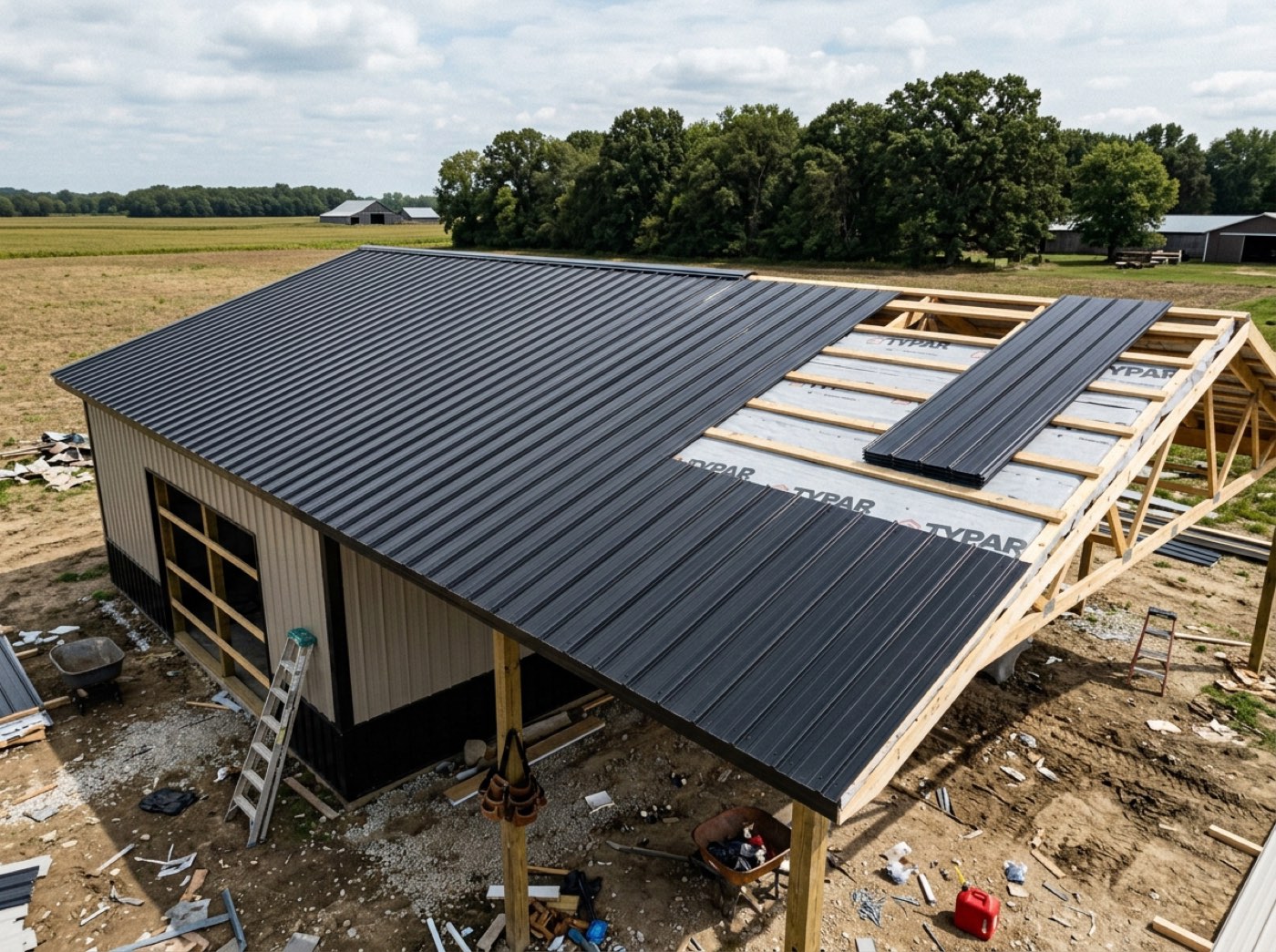
One entry per job per day. It arrives already naming the stage in progress, what day of that stage this is, and what was ticked today. Then it asks for the part nobody else can supply: work done, what's in the way, which kind of blocker, and how many men were there. It is built for post-frame and barndominium builders only, so the gaps it points at are a pole-barn site's: posts set, trusses up, purlins and girts, bracing, roof and wall panels.
Also called: daily report · end of day log · what did the crew do today · site diary
The daily log is mostly written before the crew lead opens it
Try itIt names the stage in progress, what day of that stage this is, the boxes ticked today, the photos taken and any missing or damaged material already reported. Daily reporting dies when it is pure typing — a crew lead at the end of a ten-hour day is not going to retype what the schedule already knows, so the logs came back blank and then stopped coming back.
A man who has been on his feet for ten hours will not retype the date, the crew and the stage, so the log stays blank or gets back-filled from memory a week later.
A crew lead at the end of a ten-hour day will answer four questions; he won't retype what the schedule already knows. Starting the log with the stage, the day of it, today's ticks and photos means it actually comes back — every day, not just the first week.
It asks only for the part the man on site can supply
Try itWork done, what is in the way, which kind of blocker it is — weather, materials, equipment, crew, permits — and how many men were there. Four answers against a summary that wrote itself. That is the difference between a log that comes back every day and one that comes back for a week.
A log form that asks twelve questions gets answered once, and then never again.
The man on site is asked only what he alone knows, so he answers. Picking the blocker type from a short list — weather, materials, equipment, crew, permits — means the office reads "Materials: six wall panels short" at a glance instead of digging through a paragraph.
It points at what's missing instead of letting the day close over it
No photos today. Framing running with the posts set but the trusses and bracing still unticked. A material delivery finished with no damage or shortage check done. No log at all yesterday. Each becomes a prompt on the day's entry with the action beside it, so the gap gets closed while somebody is still standing on the site.
The delivery was never checked for damage, nobody noticed for nine days, and by then the supplier won't take the claim.
The gap gets closed while somebody is still standing on the site, not discovered next week. Each missing thing — no photo today, a framing box still open, a delivery with no shortage check, no log yesterday — comes with its own button right beside it.
Yesterday's entry sits right under today's
Saved days stack under today's entry, newest first — what got done, the blocker and its type, how many men were there and who wrote it — so a crew lead sees what he said yesterday before he writes today. For the record that settles an argument, the lost days go on a delay report, and the site's weather is kept day by day on the job's Weather history card.
Monday's log says the panels arrived, Tuesday's says they're still short, and nobody notices the two don't agree until the supplier asks for dates.
The man writing today's log can see yesterday's, so the story of the job reads as one thread instead of contradicting itself. The entries that carry weight in a dispute — delays with a cause and a day count, the recorded weather — live on the job for the whole office, and the log points there.
- 1Open the day's log from the job's row on the Build Schedule.
- 2The summary is already written from today's stage activity.
- 3Answer work done, blockers, blocker type and crew count.
- 4Prompts point at what's missing — no photos, a framing box still open, no materials check, no log yesterday — each with its own button.
- 5Saved days stack under today's, newest first.
Daily reporting dies when it is pure data entry — a crew lead at the end of a ten-hour day is not going to retype what the schedule already knows, so the logs came back blank or stopped coming back. The log arrives mostly written now, and asks only for the part nobody else can supply: what actually happened on site, what is in the way, and what is needed tomorrow.
- Daily reporting abandoned because it's all typing
- Gaps on site — a missing photo, an unchecked delivery — noticed a week too late