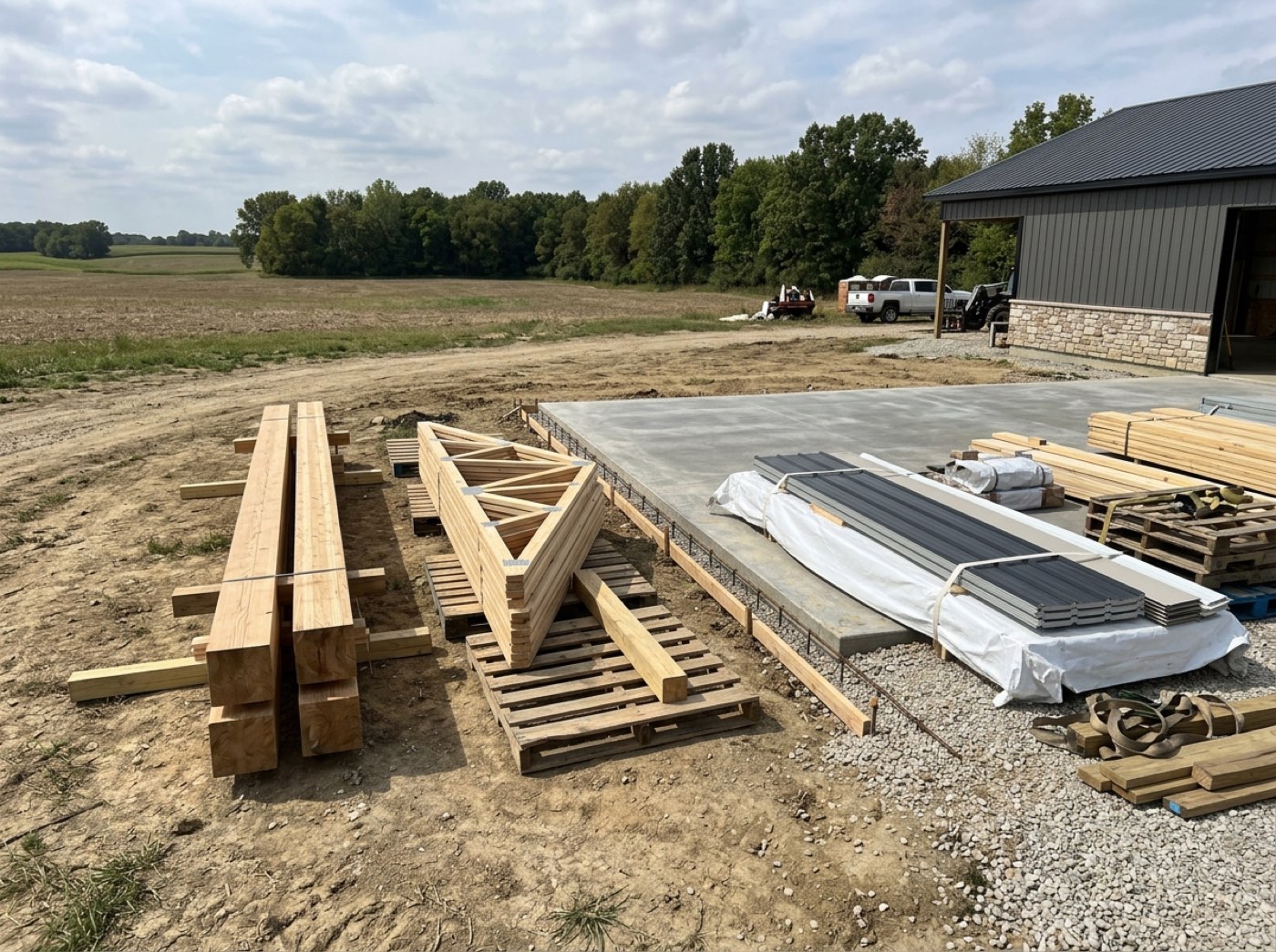
Add Photo on the crew's link opens a camera that stays open: he swipes left and right for the stage and up and down for the checkpoint, and every shot is filed under whatever is showing. Those photos are saved to the job — never sent to the customer. A photo meant for the customer is its own, deliberate path: it previews with the job and the stage it will attach to, then makes the man press one of two differently-coloured, differently-worded buttons. There is no default destination and no toggle.
Also called: send photo to customer · progress photos · crew photo upload · site pictures
The link is already on his phone
Try itNo app, no account, no password. Add Photo on the same link he clocks in with opens a camera that stays open — swipe left and right for the stage, up and down for the checkpoint, shoot, and tap Done. A man who has to install something, or pick a folder before every shot, files no photos.
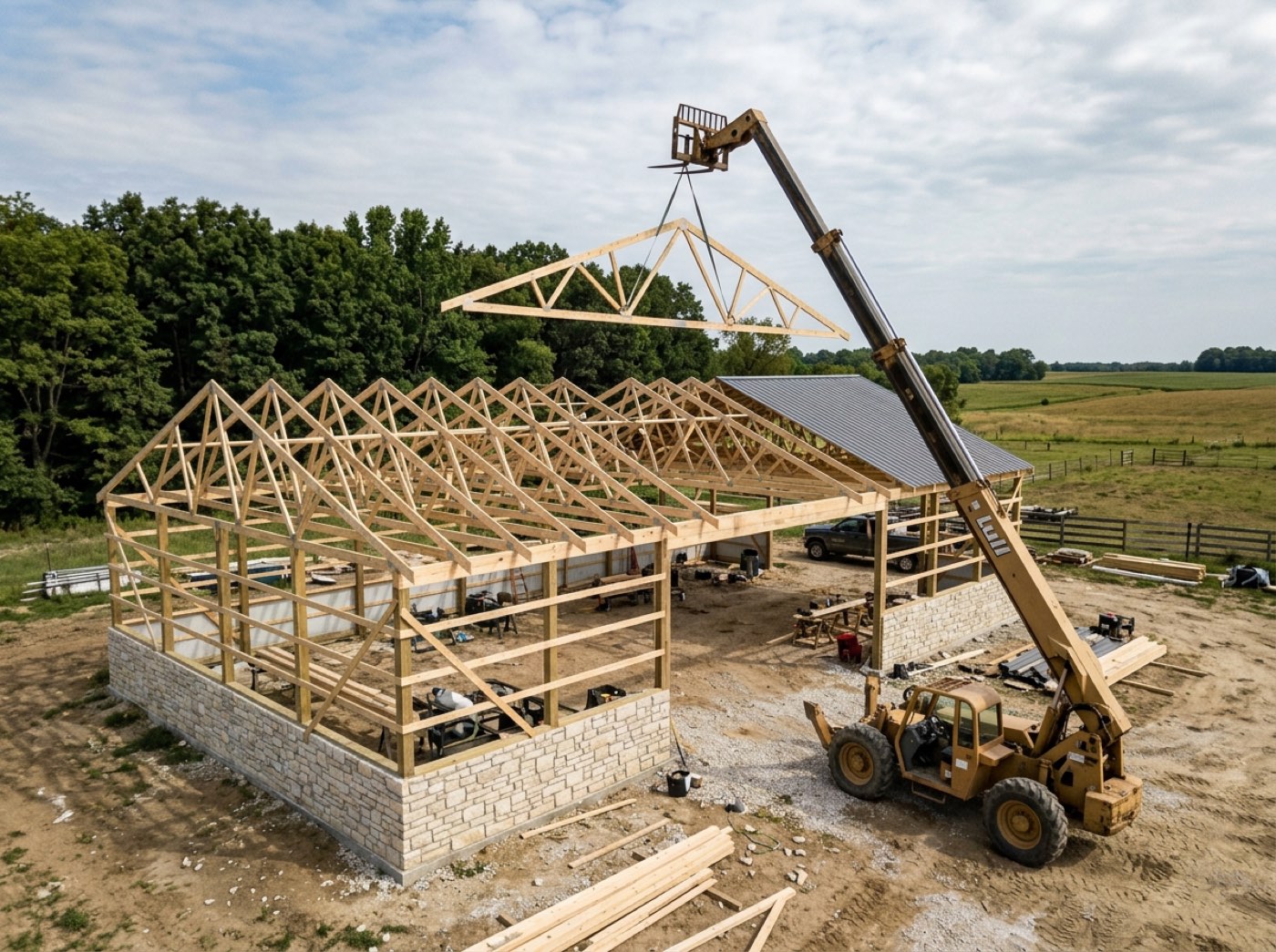
The office asks the crew to document the work, so the crew is told to download an app, make an account and remember a password. Two men manage it, the rest text photos to whoever asked, and six months later the job has four pictures — all of them in somebody's messages.
Because the photo you get is the one that was easy to take. Every step between the moment a crew leader thinks “someone should have a picture of this” and the shutter is a step where the thought dies, and an app store login kills it outright.
Two buttons, and no default
Try itThe camera never sends anything to the customer — every shot from it is saved to the job. A photo for the customer is its own path: from the Photos door, Add Photo, then Just a photo for the customer or a chosen checkpoint. The preview names the job and the stage it will land on, then makes him press one of two visibly different buttons — dark Save to job, or red Save + send to customer. There is no toggle and no remembered choice, and the server refuses any upload whose destination is not one of those two.
A toggle sits at the top of the upload screen, set to whatever it was last time. Somebody photographs a mess to show the office, the toggle is still on “share”, and a homeowner's phone lights up with a picture of their build looking like a disaster.
Because “which photos does the customer see” is a question with a wrong answer, and a switch that remembers last time will eventually give it. Two differently-coloured buttons with different words mean the destination is chosen every single time, by the man who can see what is in the frame.
It shrinks on the phone, not on your bill
Anything over 4 MB is scaled to a 3000px long edge at high quality; anything under is left completely alone. HEIC becomes JPEG on the way out, and the rotation is baked into the pixels so a portrait shot never arrives sideways.
The crew leader takes six photos, presses send, and stands next to the truck watching a progress bar. Two upload, four fail, and he stops bothering — which is the real cost, because the feature did not break, it just made itself not worth using.
Because one bar of signal is the normal condition on a jobsite, and a 12 MB photo on one bar is a photo that never arrives. Cutting resolution before quality means the picture that lands is still good enough to print — which is why nothing is squeezed that does not need to be.
Who, when, and roughly where — typed by nobody
The row records the man, the moment, and the coordinates, which are recorded and never enforced. He typed none of it: the job came off his shift (or the one job he is on), and the stage and the checkpoint are whatever was showing on the camera when he pressed the shutter.
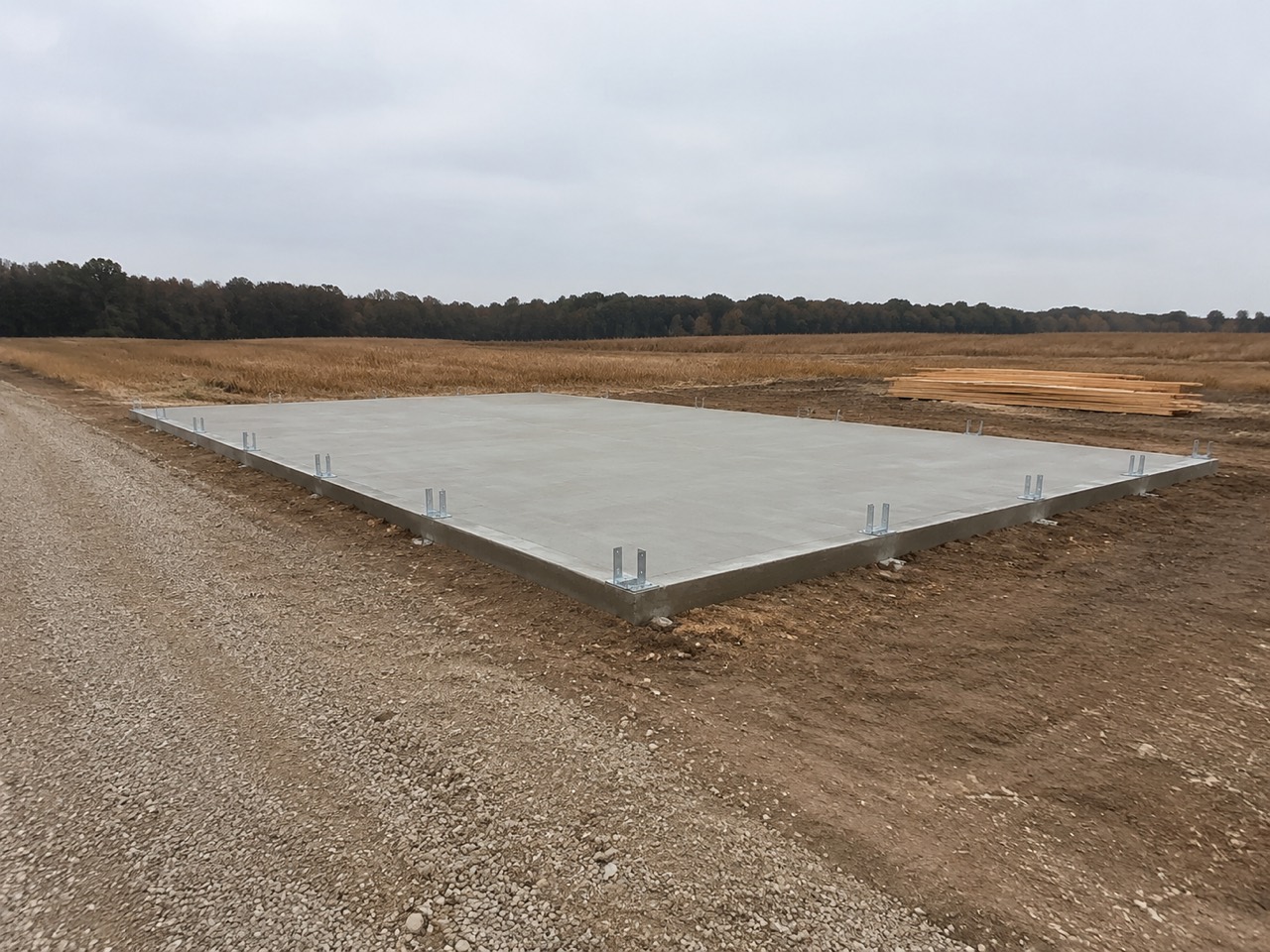
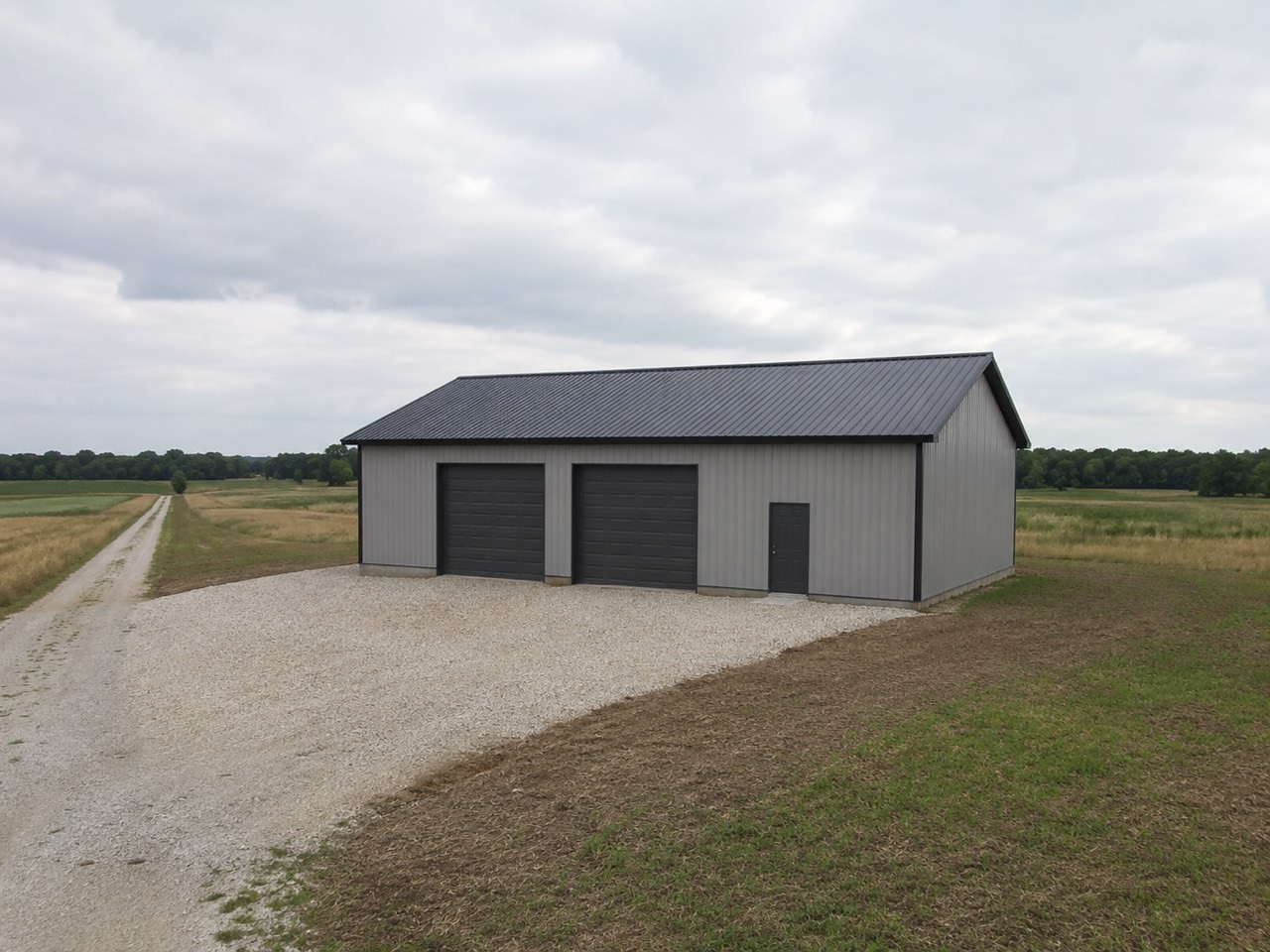
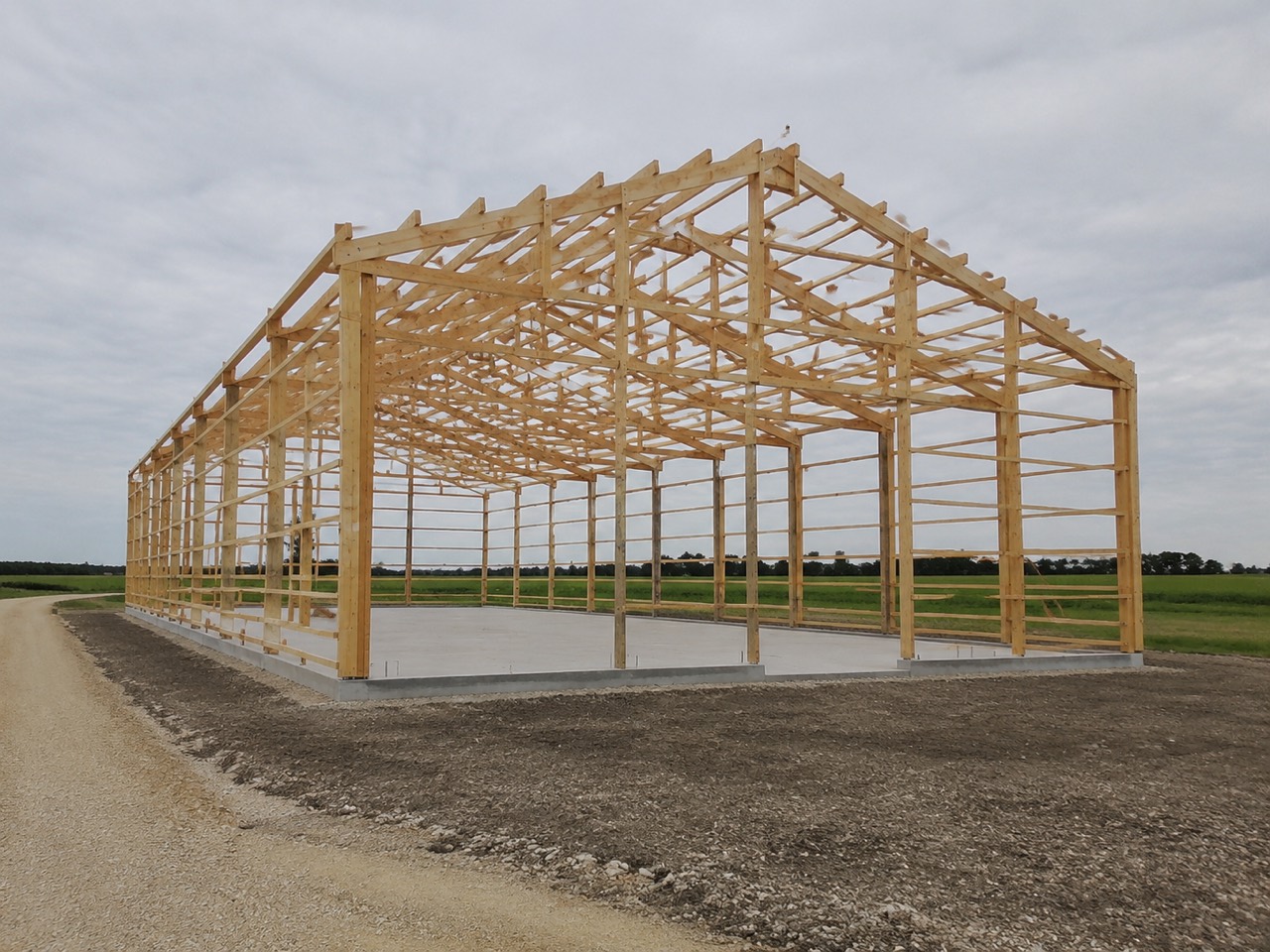
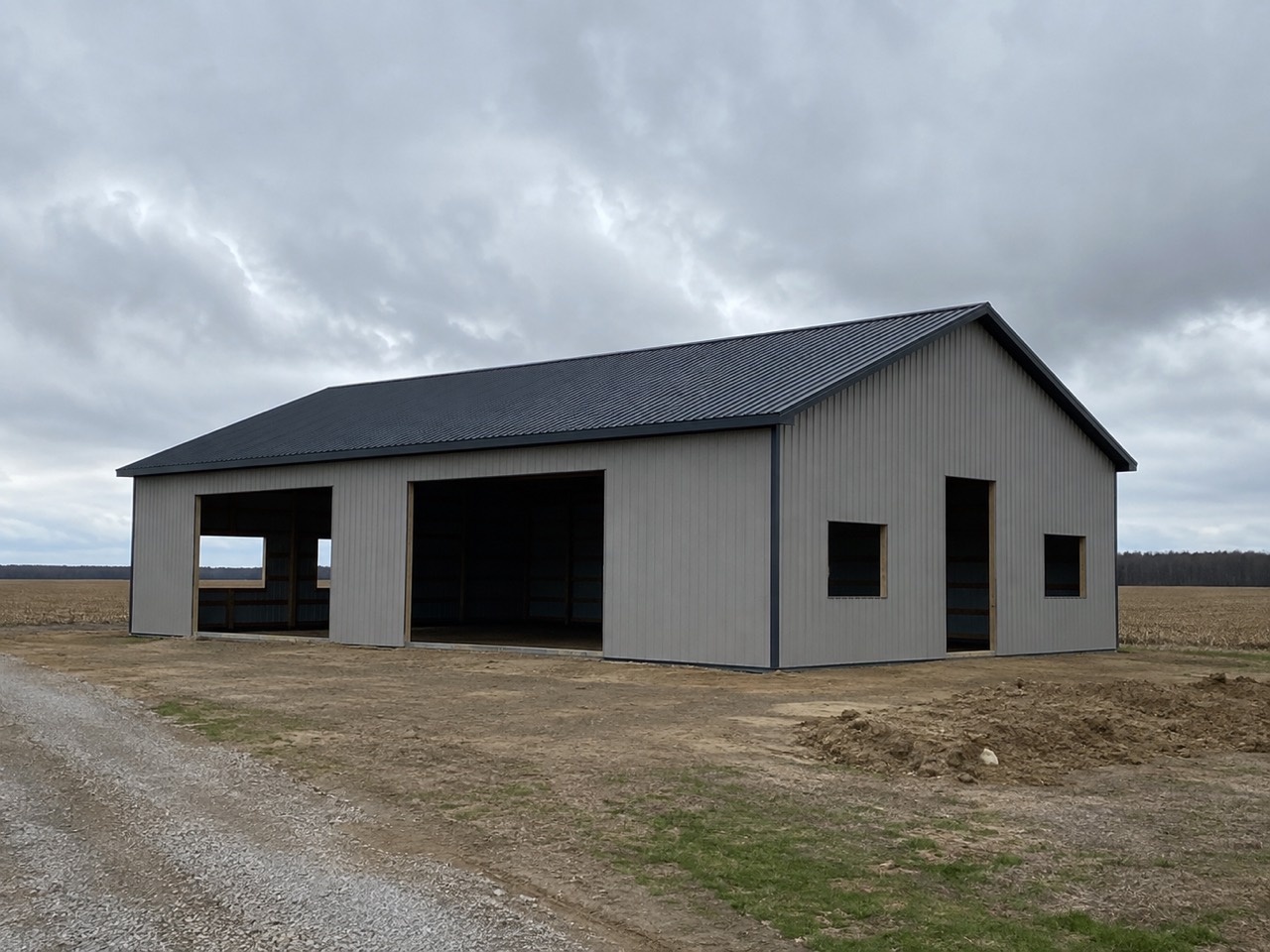
A folder of two hundred jobsite photos, none of them labelled. Somebody needs the one showing the anchor bolts before the pour, and the only way to find it is to scroll through all two hundred guessing at dates.
Because a photo with no context is a photo nobody can use in eight months, and asking a man on a ladder to type context is asking for it not to happen. Everything here is already known at the moment of the shutter, so none of it has to be asked for.
It lands on the stage it belongs to
Try itNot a folder called Photos. The shot attaches to the stage the job is actually on, so Concrete has the concrete pictures and Framing has the framing ones, and both are one tap from the job.
Every photo on every job goes into one gallery ordered by date. Finding anything means knowing roughly when it happened, and the person looking is usually the one person who was not there.
Because the question is never “show me the photos”, it is “what did the pad look like before the pour”. Filing by stage answers the question people actually ask, and it costs nothing at upload time because the stage is already known.
Some photos are proof, not progress
A checkpoint that requires a picture is not tickable without one. That shot is filed as proof against the checkpoint, which is a different thing from a photo the customer is shown.
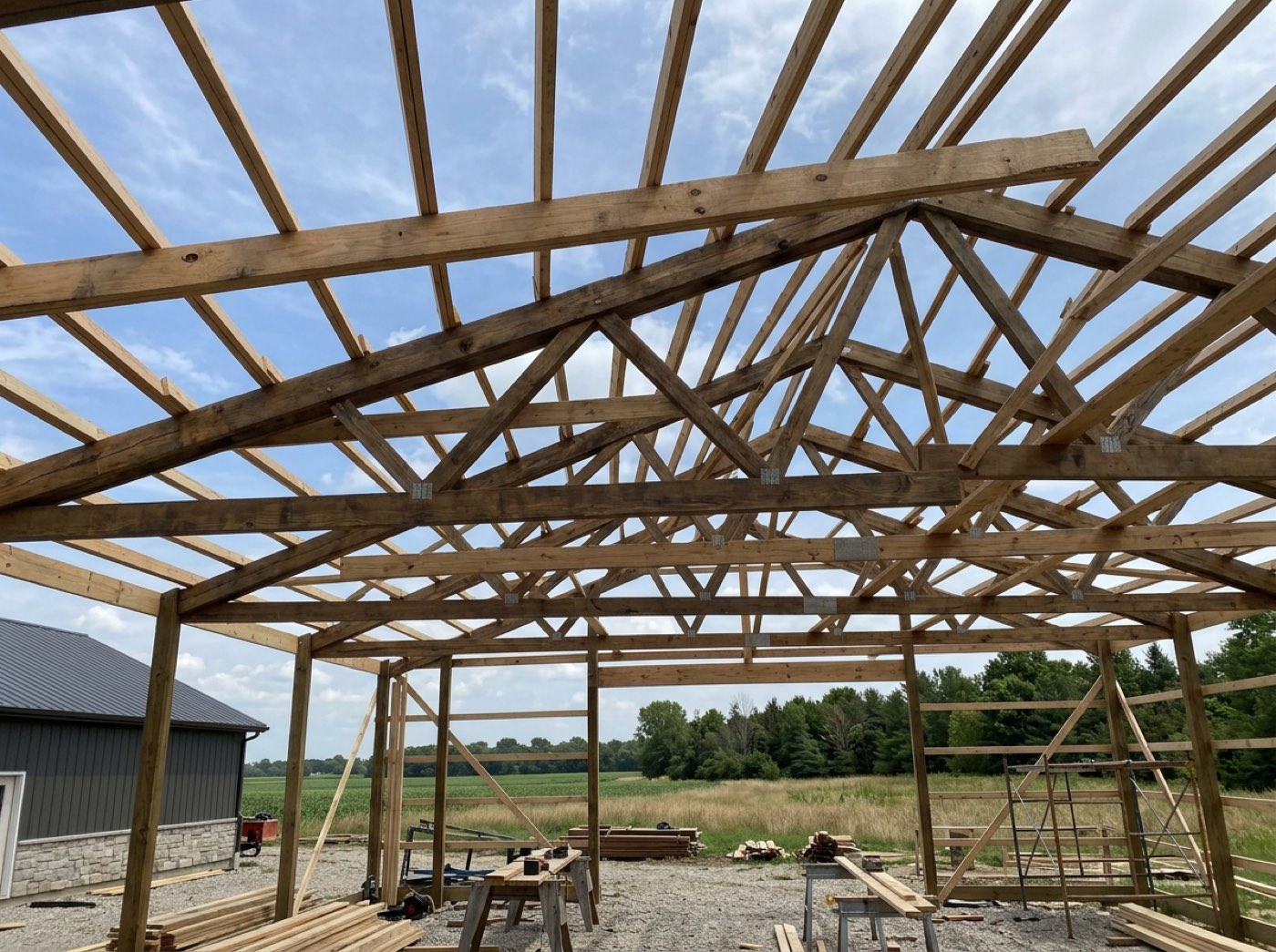
The checklist says the vapour barrier went down. Six weeks later the floor is poured, the customer asks, and there is nothing behind the tick except a name and a date — from a man who ticked eleven boxes that afternoon.
Because a tick is a claim and a photograph is evidence, and the two are worth very different amounts when a customer or an inspector asks. Requiring the picture at the moment of the tick is the only time it can be taken, because afterwards the thing is buried.
The proof stays together, per job
Every required shot on the job, in one place, still attached to the checkpoint it proves. Nobody assembles it — it assembled itself as the crew worked.
A claim comes in about the footings. The builder knows the work was right, and knows somebody photographed it, and spends a day going through phones and messages trying to prove something he was always sure of.
Because the moment you need this is the moment you cannot build it: a dispute, a warranty claim, an inspector with a question. Having it already collected turns an afternoon of searching into opening a page.
The job's own wall of photographs
Try itEverything filed against the job, most recent first, each one still carrying who took it and when. It is one of the blocks on the customer's page you can switch off if this job is not one you want to show.
Photos live in three places — the crew's phones, the office folder, and whatever was emailed to the customer — and no two of them agree. The set the customer has is the set somebody remembered to send.
Because the same set of photographs is the sales tool, the record and the reassurance, and which of those it is depends only on who is looking. Keeping one set and controlling the audience beats keeping three sets and reconciling them.
The customer watches it go up
Try itOn their own project page, the shared photos sit under the progress, in order. They stop ringing to ask how it is going, because they already looked this morning.
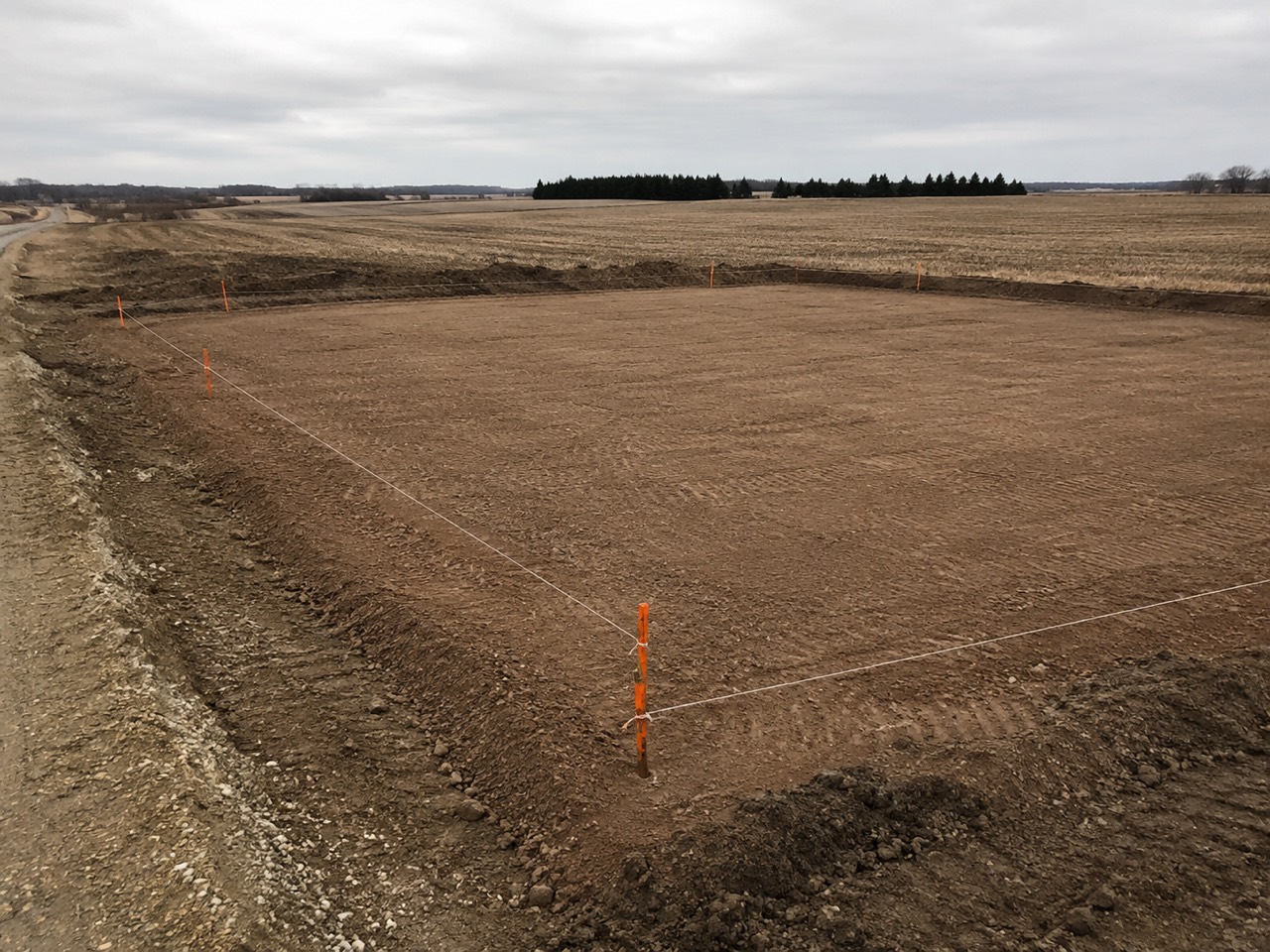
Every Friday the same three customers ring for an update, and the builder — who is on a roof — either takes the call and loses the afternoon or does not and loses the goodwill.
Because the update call is not really a request for information, it is a request for reassurance, and a photograph from yesterday gives more of it than a five-minute phone call ever did. The builder gets the afternoon back and the customer gets a better answer.
They can send you one back
Try itThe customer's page takes photos from their side too — the site access, the neighbour's fence, the thing they want you to look at. It lands on the job rather than in your messages.
The customer texts a photo of a drainage problem to the builder's personal phone on a Sunday. It is seen, meant to be dealt with, and buried under two hundred messages by Tuesday. Nobody involved did anything wrong and the problem still got missed.
Because the customer takes photographs of the job constantly and currently sends them to a mobile number, where they are one of four hundred images and attached to nothing. Giving them the same filing the crew has costs them nothing and puts their picture on the job.
- 1He taps Add Photo. If he isn't clocked in and has more than one job, it asks which job first.
- 2The camera stays open: swipe for the stage and the checkpoint, shoot, and tap Done for the whole walk-round.
- 3Any shot can be marked up on the phone — arrows, circles, a typed or spoken note — before it goes.
- 4Each shot is kept on the phone and sent from there, shrunk if it needs it, whenever there is a signal.
- 5For the customer, he takes or picks one photo, sees the job and the stage it lands on, and presses Save to job or Save and send to the customer — two buttons, no switch.
- 6It files itself with who took it, when and roughly where, with nothing typed.
A photo of a mess on site and a photo of finished work look identical in an upload queue, and sending the wrong one to a customer is not recoverable. So there is no default and no toggle: the crew names the destination, and anything that fails to say is refused rather than assumed. Two labelled buttons instead of a switch, because a switch has a state you can misread in sunlight and two buttons have no state at all. Photos live on the builder's own storage, so the screen works the same way for every company whatever else they run.
- Progress photos lost in personal message threads.
- Accidental customer-facing sends with no way to unsend.
- Photos with no job, stage, author or date attached.
Photos sized for one bar of signal
Resolution is cut before quality is. A photo already small enough is uploaded exactly as it was — nothing re-saved, nothing lost. An oversized one is scaled down to a size that still prints at ten by seven inches. The confirm screen says which happened.