
Once a man is clocked in, his screen shows the checklist for the stage he is on. Anything the office marked not-applicable is struck through and cannot be tapped. A tick in the field is the same tick as a tick at the desk, so the field and the office cannot end up holding two versions of what is done. A concrete crew's phone only ever shows the slab's boxes, on every job it is on. Built only for post-frame and barndominium builders, so the list is the trade's own stages — not a to-do app with your jobs typed into it.
Also called: tick off checkpoints on my phone · mark stage done from site · crew progress updates
The man who did the work ticks the same box the office would have
Once he is clocked in, his screen shows the current stage's checklist — the job's own checkpoints, with anything the office marked not-applicable struck through and untappable. The tick runs through the same save the office's schedule uses, so the field and the desk cannot hold two different versions of what is done. A concrete crew is always on the job's concrete stage, so its phones only show the slab's boxes — forms, rebar, the pour — never the framing list.
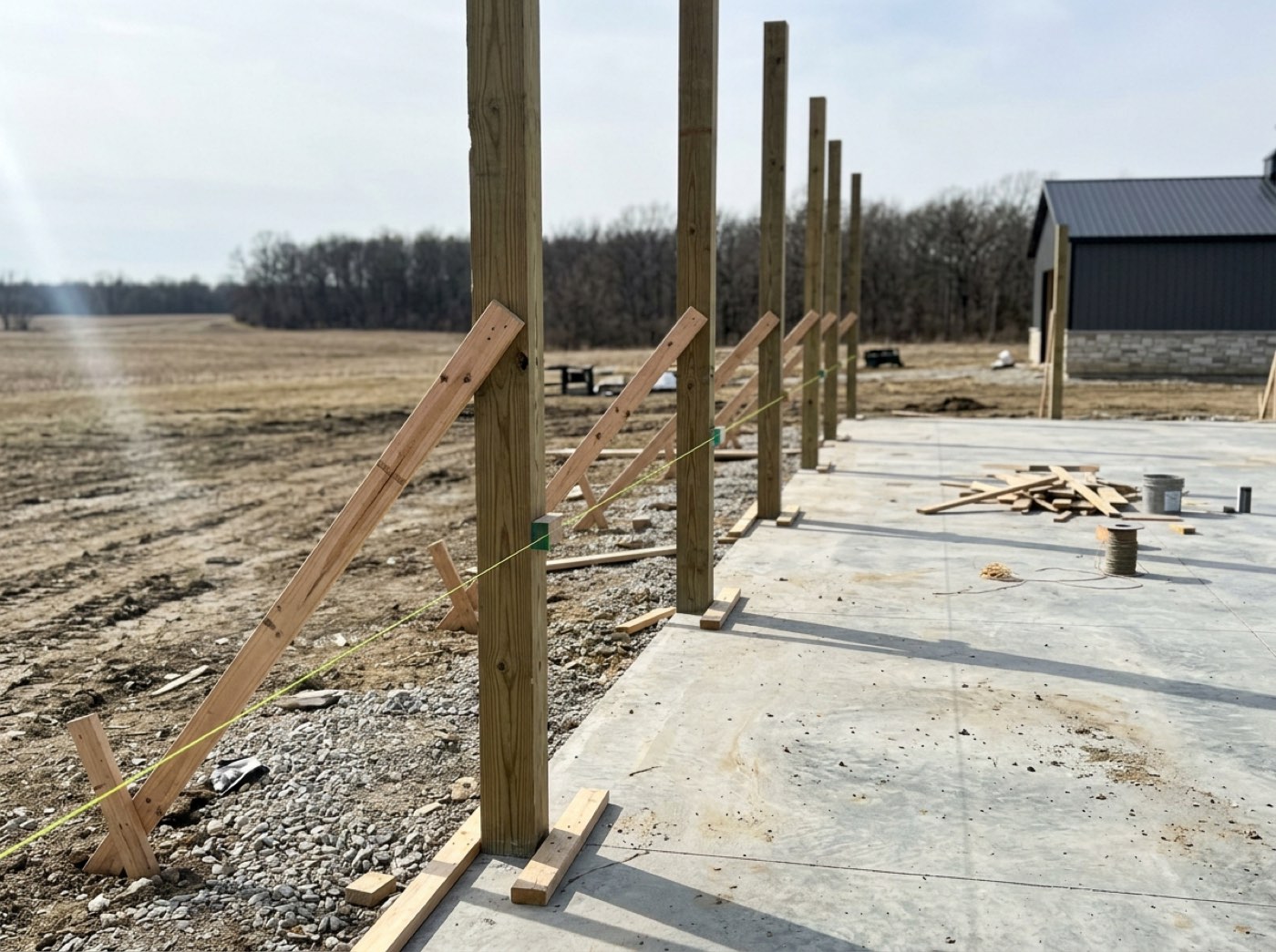
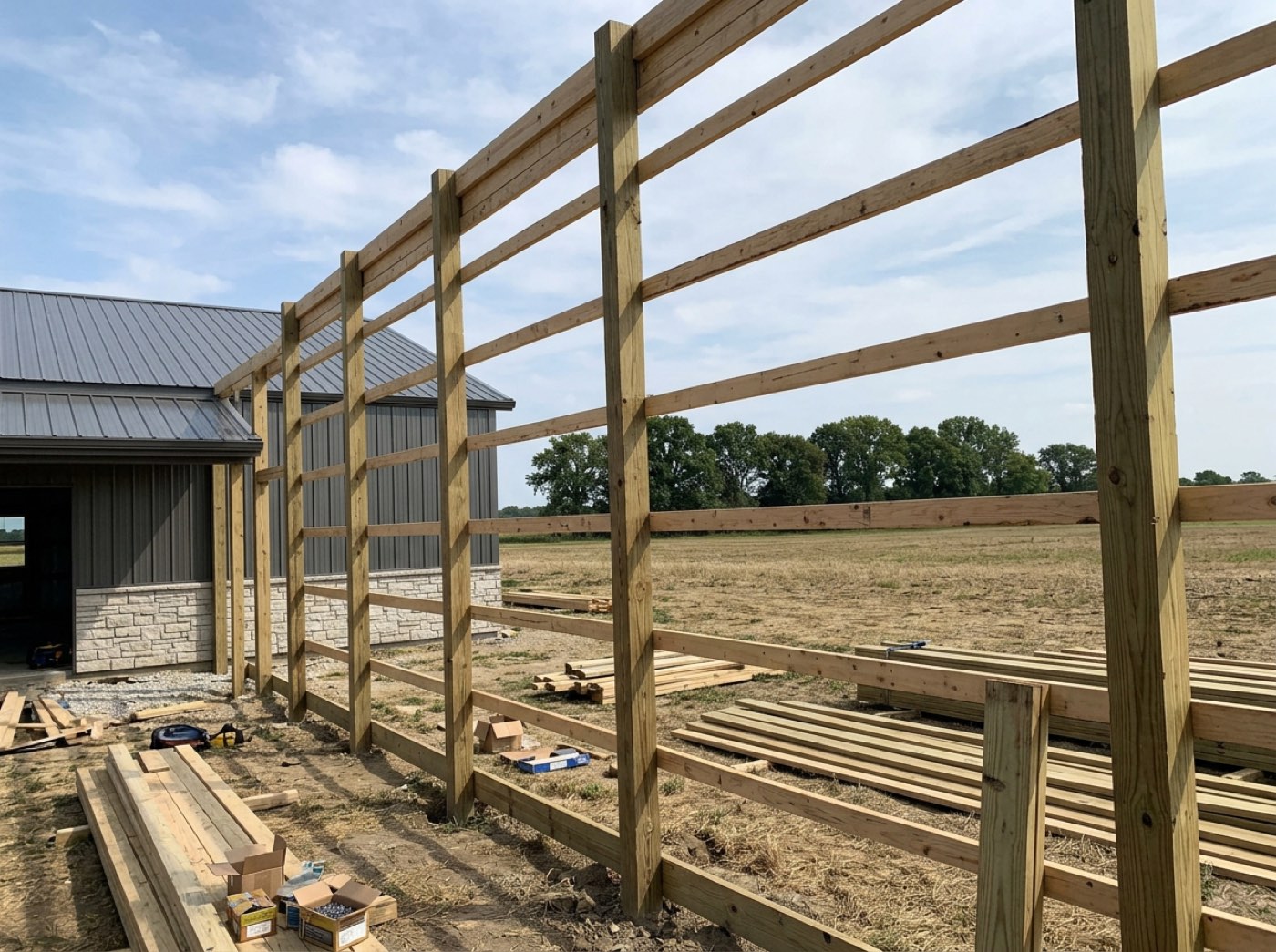
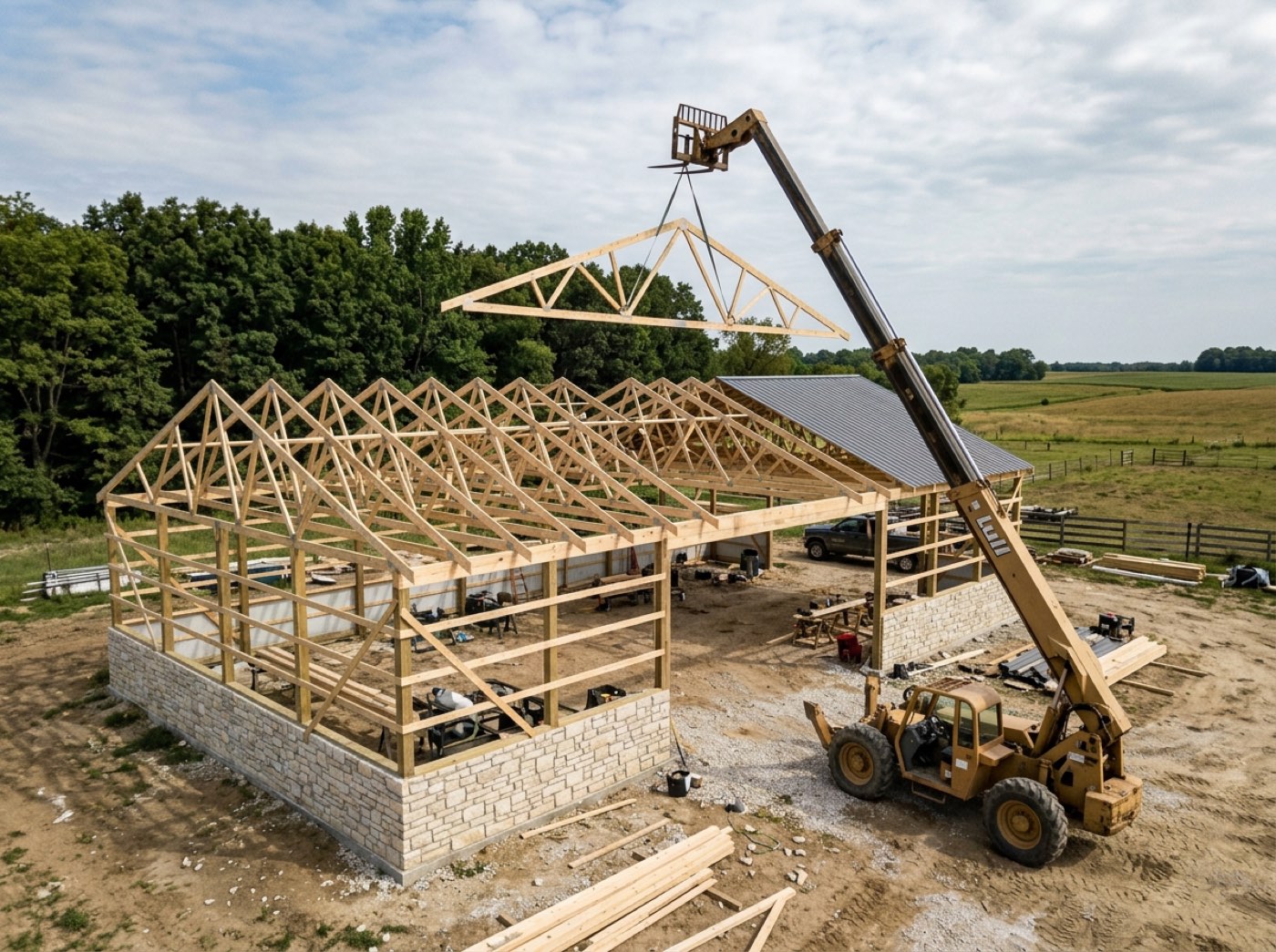
Thursday's real progress lives in the crew leader's head until you phone round at five, so the schedule you are reading is always a day behind the yard.
The man who did the work gets to say it's done — that feels like ownership, not paperwork. The list comes from the shift that is open, so nobody ticks the framing list against last week's job, and everything a tick at the desk sets off, a tick in the field sets off too.
No checklist until he is clocked in — so it is always this job's
Before he clocks in, his screen is the job, the clock and three big buttons. The checklist only appears once a shift is open, and it is the checklist for the stage that shift is on — never a list he picked from a menu. Clocking in is on the jobsite punch clock.
Someone ticks Trusses Up from the truck on the way to a different job, and the wrong building shows framing done.
A man should not have to think about which list he is on — he is standing on the job. Tying the list to the open shift means every tick lands on the right job and stage, with nothing to choose and nothing to get wrong.
The last box is a different kind of tap, and it says so out loud
Try itEvery checkpoint ticks silently except the final one. That one opens a screen naming the consequence — the office is told, and the customer sees the stage complete on their page — with a Not yet escape underneath. What that one send does is on stage complete — one send, once. A customer update cannot be unsent, so the tap that sends it should not look like the five before it.
A thumb catches the last box while the phone is in a pocket, and the customer has an email saying framing is finished before the trusses are up.
A man up a ladder wants one tap, not a form — and he never wants to be the one who told the customer too early. The stop sits on exactly one box out of six, so the list stays fast enough that men use it, and the only tap that leaves the yard is the only one that asks.
Photo proof files itself under the checkpoint it proves
Try itAdd Photo opens a camera that stays open: swipe left and right for the stage, up and down for the checkpoint, and every shot is filed under whatever is showing, with who took it and when. Those shots are saved to the job — never sent to the customer. A photo meant for the customer is its own deliberate path, with two visibly different buttons and no toggle to misread.
The shot that proves the posts went in at the right depth is buried in somebody's camera roll between a lunch photo and a screenshot, and the customer starts asking about it in March.
Nobody on a roof is going to type a caption, so the photo files itself where the office will look. The proof sits beside the tick, which ends the "did you actually do it" phone call before it starts.
You decide who is allowed to say a stage is finished
Try itMarking work complete from a field link is crew-leader-only out of the box. One switch opens it to everyone on the crew, with nothing to deploy and nobody to ask. A man who cannot use the checklist is not shown it. Not every builder wants a first-week labourer telling a customer the roof is on.
The lad in his first week taps the last box to be helpful, and your customer hears the roof is on from someone who has never been on that roof.
A leader who signs off the work stands behind it — that is pride, and it stops a first-week labourer speaking for the crew. It ships shut because the cautious default costs one switch while the loose one costs an awkward call, and the switch is yours to throw.
The field can say done; undoing it stays in the office
Try itThere is no un-tick on the phone. Finishing the last checkpoint sends whatever that stage's notify rule says — the office, the project manager, the customer — advances the job and starts the next stage's clock. A screen that could reverse that would be lying about what has already gone out. A mistake is a phone call to the office, which is what it was before any of this existed.
Someone fat-fingers a tick and quietly takes it back, so the office is looking at an open stage while the customer sits on an email saying it closed.
It protects the crew as much as the customer: nobody gets blamed for a box that quietly changed colour. An email already read cannot be recalled, so the fix has to be a person ringing the customer, not a tick disappearing.
- 1He clocks in, and the checklist for the stage he is on appears underneath.
- 2The stage comes from his open shift, never from a menu on the phone.
- 3He taps a box. The office's schedule updates, because it is the same box.
- 4Anything the office marked not applicable is struck through and untappable.
- 5The last box routes to a confirmation that says who is about to hear about it.
- 6A stage with no checklist at all gets a single Mark this stage done button instead.
- 7A concrete crew is always on the job's concrete stage, so its men only ever see the slab's boxes.
- 8Crew leaders tick by default; one switch opens it to the whole crew.
Job progress lived in two places: the schedule the office reads, and whatever the crew remembered to phone in. The crew's checklist is now the same checklist the schedule is built from, so the two cannot disagree — and ticking a box in the field runs the same rules as ticking it at a desk, including whether the customer gets told. Crews can say a thing is done. Undoing it stays with the office, because completing the last item messages the customer, and a field screen that could un-message them would be lying about what was sent. Fixing a mistake is a phone call, which is what it was before any of this existed.
- Progress known only by phoning the crew.
- Two versions of 'done' between the field and the office.
- Stage completion side effects being skipped when the field reports progress.
The tap that finishes a stage
When one box is left, tapping it opens a screen that says That's the last one on Framing and spells out what happens next: the office is told, and the customer sees the stage complete. A Not yet button sits underneath.
Who may say a stage is done
Only crew leaders can close a stage out of the box. A builder who trusts every man on his crew flips one switch and they all can. Anyone who cannot use the checklist is simply not shown it — but reading it stays open to everybody.