One routine handles everything that follows a stage finishing: the customer's progress email, the internal notification, your own stage rules, and the sign-off on the last build stage. The send is claimed once, so a second device finds it already taken. Reopening a checkpoint gives the claim back. It is built for post-frame and barndominium builders, so the customer hears about stages they recognise — post set, trusses, steel on — named the way your crew names them.
Also called: customer progress email · stage finished notification · got the same email twice
The customer gets one message per stage, from however many devices saw it finish
Two people in the office had the same job open, both ticked the last checkpoint, and the customer got the same progress email twice. Neither browser was wrong — each was correct about what it had seen, which is why no check inside a browser could ever fix it. The send is claimed once now, centrally: whoever gets there first owns it and everyone after finds it taken. A retried save that looked stuck behaves the same way.
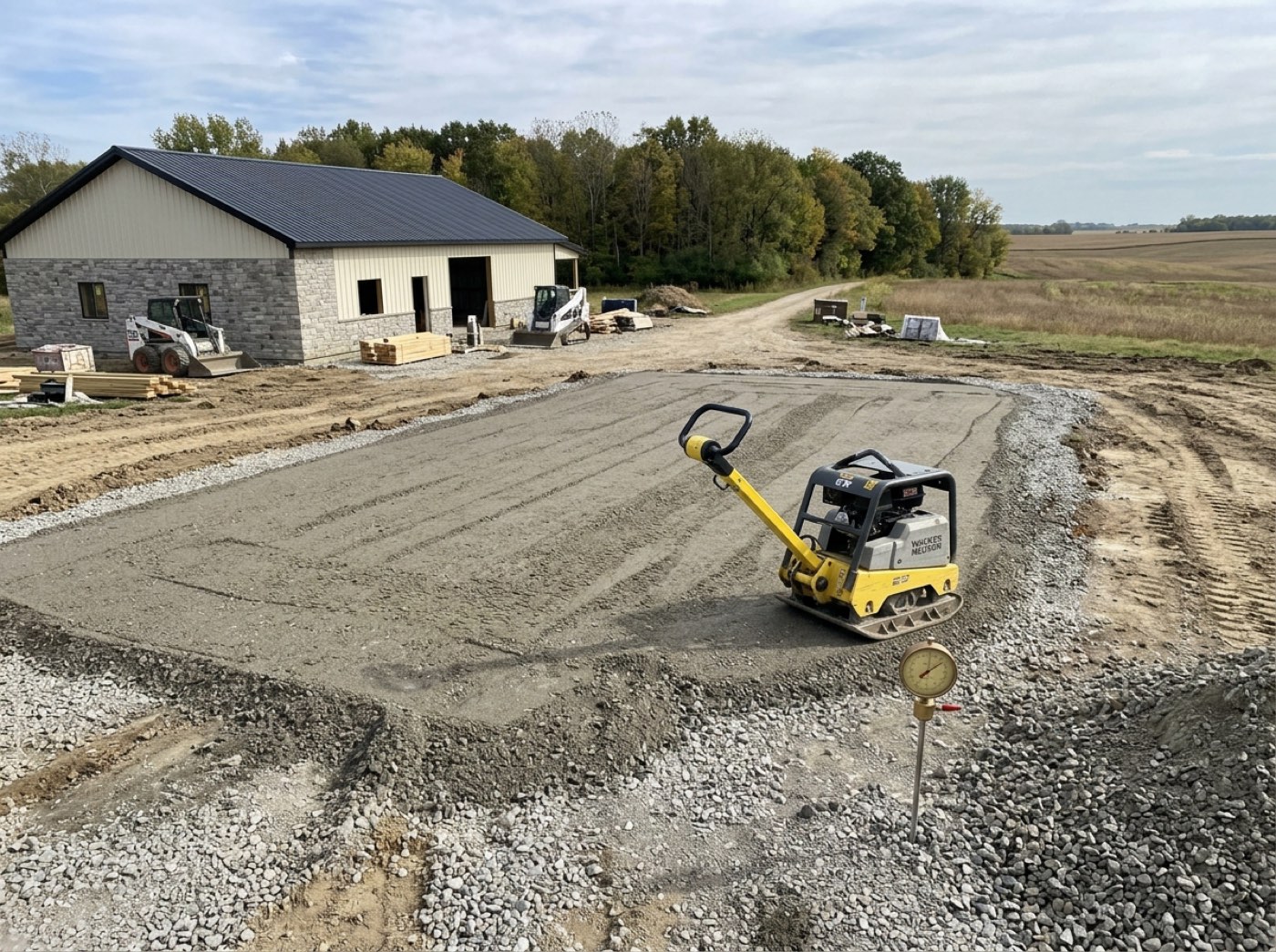
Two coordinators clear the framing checklist inside the same minute, the homeowner gets "Framing is complete" twice, and rings to ask whether something has gone wrong.
The customer trusts an update that arrives once; a doubled email makes them wonder what went wrong. The send is claimed in one central place before anything leaves, so whichever device gets there first owns it and every other one stands down — two people can tick the same box and the customer still hears once.
You can read the message before a stage ever finishes
The update is not written by whoever ticked the box. It is one stored message with your wording, your logo and their first name in it, and it sits in Email Studio beside every other email this software sends on your behalf, rendered the way the customer will receive it.
Nobody in the company has ever read the email that goes out in their name, so the first time the owner sees it is when a customer forwards it back asking what "dry-in" means.
The owner gets to read, once, the email that goes out in his company's name. One reviewed message per event beats free text typed by a project manager at six in the evening, so the customer always gets the version you were happy with.
It points at their page, not at a paragraph
Try itThe update carries a link into the job's live project dashboard — the same link they have had since the estimate, not a new one to lose. The message exists to send them somewhere; it is not trying to be the update itself.
The email says the siding is done, and the customer rings anyway to ask what happens next week, because two lines of text was everything they were given.
A customer who taps through finds the photos, the phase list and the payment schedule already there and current. So the email stays two lines and does one job — send them to the page — and the questions that would have been phone calls answer themselves.
Ticked in the field or ticked in the office, the same things follow
The crew's phone, the office computer and the job screen all run a completed stage through one routine: the customer's progress update, the internal notification, and whatever stage rules the company has set. There is no path where the work gets marked done and the follow-through quietly doesn't happen — which is how the office ends up phoning a customer who was already told. The phone end of that tick — who may make it, and what the man actually sees — is the crew's side of a finished stage.
The crew finishes the pour and taps done on the phone, the office hears about it on Thursday, and the customer is never told at all.
The crew lead's tap counts the same as the office's, so news doesn't wait for someone at a desk to pass it on. One routine runs every completed stage, so there is no path where the work is marked done and the customer quietly isn't told.
Reopen a stage, fix the work, and the customer hears about it again
A one-shot lock would mean the second finish is silent: the inspector fails it, the box gets unticked, the crew puts it right, ticks it again — and the customer never hears that it was done. Reopening a checkpoint gives the claim back, so finishing it properly the second time notifies properly. What sits on that list, who put it there and how a stage arrives at its last box is the checkpoint system.
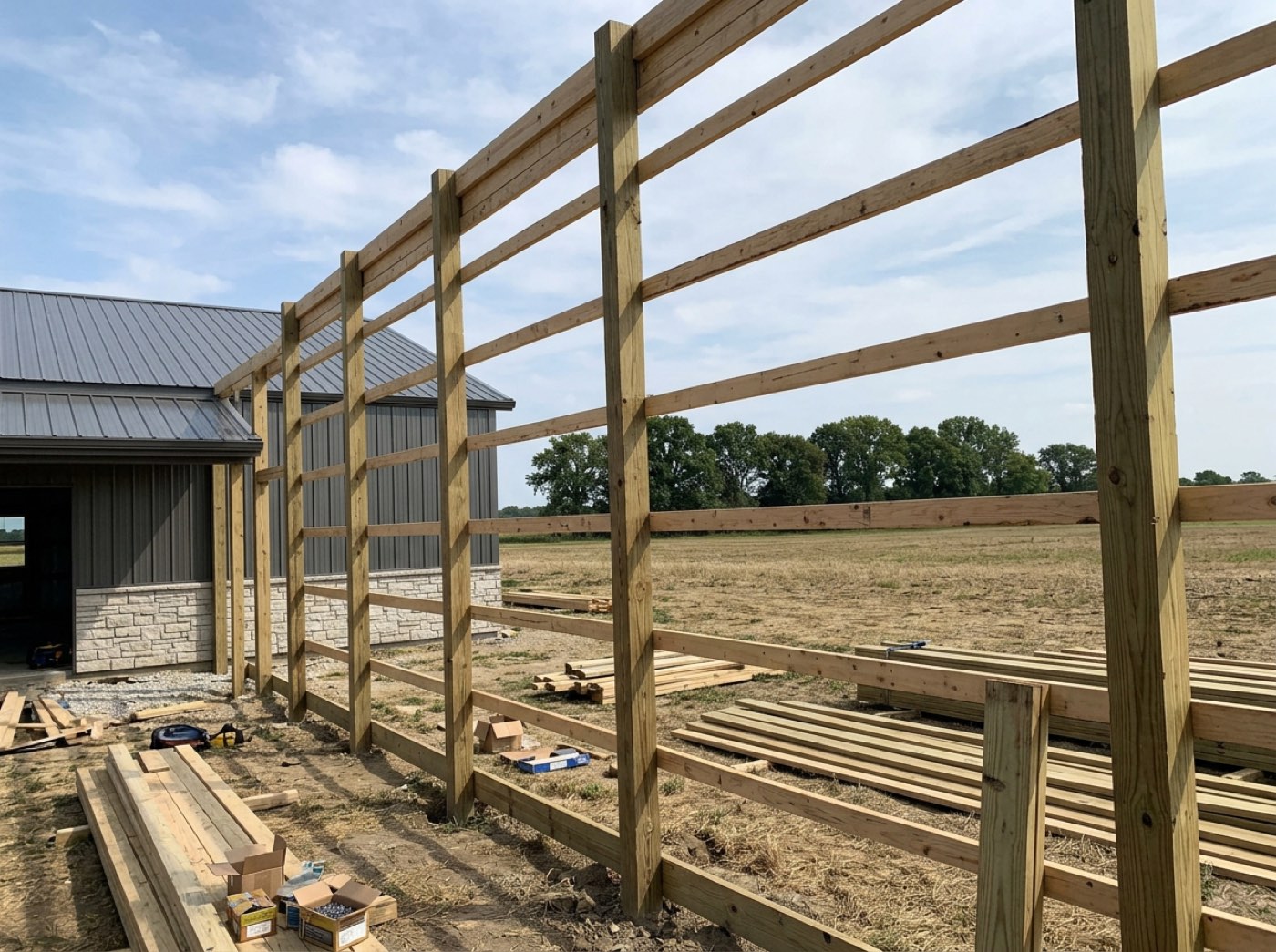
The inspector fails the footings, the crew fixes them the next morning and ticks it off again, and the customer is still looking at a job that says nothing has moved.
A customer whose failed inspection got put right should hear that it's put right. Reopening hands the claim back the moment the box is unticked, so the second finish sends properly — reopen and redo it four times and they hear four times, which is right for work that really was redone.
Sending twice is bad; never sending is worse
Try itIf the claim cannot be taken because something underneath failed, the message goes out anyway. Stopping duplicates is worth having, but not at the price of a customer never being told their building was finished. The tick itself is written before any of this runs, so if the whole notification path throws, the work is still on the record.
The notification path throws on a Tuesday afternoon, the guard decides to stay quiet about it, and nobody notices for a month that customers have stopped hearing from you.
An apology for a doubled email is cheap; a customer who heard nothing for three stages is not. So the guard fails open — if it can't tell whether the message went, it sends — and the tick itself is saved before any of this runs.
Your own men hear at the same moment, off the same event
Try itThe same completion raises an internal notification — the stage, the job, who reported it, and a link that opens the schedule at that project. Which of your men this reaches, and on which channel, comes off the event-by-role grid in notifications.
The homeowner reads that framing is complete, rings the project manager to ask what comes next, and the project manager has not been told either.
The project manager should never learn about a finished stage from the customer. The team alert and the customer's email come off the same event, so the office knows the moment the customer does.
A rule you wrote replaces the standard send — including when it says nobody
Try itSet a rule against a stage and it owns the dispatch: your recipients, your channels, your wording, and the standard notice stands down. A rule that is switched off means silence, not a fallback. Naming the people who should hear about one particular stage — the PM on framing, the owner on final — is per-stage notification rules.
A builder mutes the material-delivery stage, the standard notice fires anyway, and the setting stops being trusted for anything else.
A builder who says "keep this stage quiet" gets quiet, so he trusts the setting. A rule replaces the standard send instead of adding to it — once you write one, you own everything that stage sends, silence included.
Custom wording changes the words, never the letterhead
A per-stage rule can rewrite the heading and the body of the customer's update. It cannot touch the shell — the logo, the colours and the footer come from Brand Center, so no amount of customising can produce an off-brand email.
You write friendlier wording for one stage, and the customer gets an email in a colour your company has never used, with no logo on it.
The customer always gets an email that looks like your company, whatever wording you choose. Your words ride inside the branded template — less freedom over layout, and no way for a well-meant tweak to go out in somebody else's colours.
Turning down office noise does not cut the customer off
The internal notification sits behind your account-wide switch. The customer's progress update does not — it has its own toggle, beside the contract, intake and project-started messages in the customer message list. The companion text is a third switch again, and it stays off until you turn it on.
Somebody turns notifications down because the office is getting too many, and six weeks later nobody can work out why customers stopped hearing anything.
Turning down the office's alerts should quiet the office, not the job. The customer's update has its own switch beside the other customer messages, and the text is a third switch that stays off until you turn it on — a text lands on a personal phone and costs money.
The last stage of a build gets a proper sign-off, not another update
The final thing a customer heard on a finished building used to be a routine "siding is complete" notice, which reads as software that did not notice the job had ended. When the last build stage finishes — permitting, material delivery and the final payment are not build work — a completion message takes over, with a link to their project page. On the Hostetler Equipment Shed that is Siding / Roofing, not Final Payment. One action, one message, and a natural moment to ask for the review.
The building is finished, the crew has gone, and the last word the customer ever gets from you is a form notice about siding.
The last thing a customer hears should feel like an ending, and it is the natural moment to ask for a review. The rule reads the job's own stage list, so a builder who adds a custom stage at the end gets the sign-off on that one instead.
Their page has already moved by the time they open the email
The tick is written to the job before a single message leaves, and the live project page re-reads the job every few seconds — so a customer who already has it open watches the phase go green without touching anything. The email is for the ones who are not looking.
The customer has the dashboard open on their phone while the crew finishes the pour, sees nothing change, and rings the office to ask whether anything happened today.
A customer watching their page sees the phase go green on its own, so there is nothing to ring about. The page re-reads the whole job every few seconds — a short fixed beat rather than an instant push, which is plenty for a page a household opens twice a week.
- 1Tick the last checkpoint on a stage.
- 2The customer gets one progress update, however many screens saw it.
- 3Your team gets the notification you set for that stage.
- 4On the last build stage, a completion message takes over.
- 5Reopen the stage and finishing it again notifies again.
Customers were getting the same "your stage is complete" email twice: two tabs open on one job each decided the stage had just finished, and a builder retrying a save that looked stuck sent it again. No check inside a browser can fix that, because each browser is correct about what it saw. The send is claimed once, centrally, so the second attempt finds it already taken. Reopening a checkpoint releases the claim, because otherwise fixing the work and ticking it again would leave the customer never hearing that it finished the second time.
- Duplicate customer emails from multiple tabs or retries
- Progress emails silently dead behind an org switch nobody flipped
- One-shot notification after a reopen
Project complete congratulations
A separate, branded "Congratulations — your building is complete" email with a link to the customer's own page. It takes the place of the routine progress email on the final build stage. Permitting, material delivery and the final payment are not build work, so they don't trigger it.
A build is marked complete once
A once-only stamp on the job. Checkpoints marked not applicable don't count, and a stage with no checklist doesn't hold the job open. Re-saving the same stage can't fire it again.