
Every man on your crew gets his own link. It opens to the job he is on and three big buttons — Clock In, Add Photo, Blocked — with five doors along the bottom: Job chats, Photos, Today, Crew and Hours. Behind those doors he accepts new jobs, ticks the stage off, reports a hold-up, writes to the office in the job's chat, reports someone or says who did good work, and sees his own record: his hours, his personal bests, his best hourly rate and what finishing early has paid him. There is nothing to install, nothing to remember, and every button is big enough to hit with a glove on in full sun. It is built only for post-frame and barndominium builders, so what is on his screen is the trade's own work — Post Set, Girts Done, Trusses Up on a framing crew's checklist, and nothing but the slab for a concrete crew.
Also called: crew app · field link · field app · no-login crew screen · crew phone app · worker portal · construction crew app
Everything a man on site needs is the first screen he sees
His company, the job he is on, and three buttons the size of a hand: Clock In, Add Photo, Blocked. Along the bottom, five doors — Job chats, Photos, Today, Crew and Hours — with Today in the middle. The buttons are always there, in the same place, at the same size, even before he has a job, so the shape of the day never changes. When to be on site and the day's worst weather sit in the corner; the full forecast for his site is at the bottom of the screen, from the site weather.
The field app has eleven menus and a login. He uses it for a week, then goes back to texting you photos from a number you have to remember is his.
Nobody should feel stupid using the tool their boss handed them. A man who can't find the button stops pressing it, so the screen has its own rules: targets 64px and up, near-black on white because grey vanishes in the sun, and chips wherever a dropdown would be. Three buttons is a screen a new hand understands on day one.
One link per man, sent from his crew card — no password
Try itOn the crew's card, each man has a Field link menu: Text it, Email it, or Copy link. The card then tells you what happened — Sent Mon · Opened Mon 6:12am — and a row of lights says whether he is on a crew, has the link, has opened it, has an address and is on a job. Most field labour has no login and never will, and doesn't need one. A crew leader or worker who does sign in — on the web or in the phone app — lands in this same screen, and from the office you can open any man's app in a phone to see what he sees. A subcontractor gets a different link entirely: the subcontractor portal.
You set a new hire up in the app, he forgets the password by the second week, and you are on the phone at 6am resetting it while the crew waits in the truck.
There is no account to make and no password to forget on a Monday, so nobody has to admit they can't get in. Asking for the same man's link twice gives back the same link, and taking someone off the team stops his link working — nobody has to remember to revoke anything.
The first time he opens it, it says hello — then gets out of the way
Try itHis first open shows one card at a time: Josh, this is your work link. Keep it. Then This is your clock, with a ring around the real Clock In button; Where do you drive from?, so the app can tell him when to leave; and Keep it on your phone, with the steps for his kind of phone. Each card has Got it and Not now, and Show me around points at the real buttons one at a time. Skip the cards and they shrink to one line he can finish later; finish them and they're gone.
A new hire gets a link with no explanation, taps around, doesn't find the clock, and asks the leader in front of the whole crew how it works — or doesn't ask, and doesn't clock in.
A new man on a new crew is already being watched. A welcome that names him and shows him one thing at a time lets him find his feet without asking anyone. Every tap goes through the same on-phone queue as the clock, so a man setting up on one bar of signal never gets told to try again later.
One tap in, one tap out — and it counts the seconds
Try itTap Clock In and the button turns red and counts on itself: ON THE CLOCK · 3h 12m 08s · Clock Out. No spinner, no waiting: the shift starts on the phone the moment he taps, and the time recorded is the time on the phone when he tapped. In a steel building with no signal it says Saved on this phone — it'll send itself when you get a signal. How the hours are stamped, what happens to a shift nobody closed, and where the hours go next is all on the jobsite punch clock.
He taps clock in on one bar, nothing seems to happen, he taps twice more, and payroll finds three shifts for one morning two weeks later.
A number that only moves once a minute looks frozen, so the man taps again to check — and a second tap is how double shifts happen. A ticking second is his receipt. He can trust it took, so he stops worrying about his pay and gets on with the job.
His week, with approved and waiting kept apart
On the Crew door, You comes first: his own clock, then This week — 32h, 24h approved · 8h waiting, then a tile for each day with the hours on it. Approved days are green; a day the office hasn't passed yet says waiting. The approving itself happens in the office, in the job's labour panel.
Every other Thursday somebody stands at your elbow asking what he is owed, and you stop what you're doing to go and count it.
Approved and waiting are never added into one number that reads like a promise. A man who can see his own week doesn't have to wonder, or ask — and if a day is missing he chases it while the crew still remembers it, not on payday.
Every hour he has put in, on his own phone
Try itThe Hours door is his record. Your time: 812.5 hours since he started, 780 approved, 96 days on site, his longest run of days in a row, and his usual day. The jobs: how many he has worked, the average and the biggest. Each tile is a door to more. The crew flips to the crew's record, where a leader also sees each man's hours — and nobody ever sees another man's pay.
A man works two years for you and has nothing to show for it but a stack of pay stubs — so a dollar an hour somewhere else looks like the same job.
People want to see that they are getting somewhere. A pay stub tells a man what he earned this week; his record shows him how far he has come — 812 hours, 11 buildings. That is pride, and pride is why a good hand stays another season instead of going to the outfit down the road for a dollar more.
Personal bests he wants to beat
Try itFurther down: Your record — personal bests. His longest day, his biggest week, his best streak, and the best hour he has ever worked — $28.20 on Joel Nolt's horse barn, against $24.00 on the books. Tap the longest day to open his whole record book: busiest month, shortest day, average day.
Nobody on the crew knows their best week or their best rate, so there is nothing to aim at except getting through Friday.
Workers do better when they can see their own progress. A best week is something to beat, and a best hour of $28.20 tells him exactly what a good job is worth to him. It gives him a way to push himself that doesn't need a boss standing over him.
What he has made — and his highest hourly rate
Try itWhat you have made: everything paid to him since he started — $21,840 — split into wages and surplus, his highest hourly wage with the lift above his base, and his usual hour all in. Then Shared surplus: what finishing ahead has added up to, and his biggest single surplus. Only his own money, never anyone else's. How the surplus is worked out is on hourly pay with shared surplus and day rates with shared surplus.
You pay a bonus for finishing early, but the crew never sees the sum behind it, so to them it is a number that turns up some weeks and not others.
When a man can see that finishing ahead put $596 in his pocket on one job, the bonus stops being a rumour and starts being a reason. It makes him feel he is earning more and growing — because he is. For you, that is a crew that pushes to beat the days instead of filling them.
What an hour came to, worked out in front of him
Try itTap his highest hourly wage and the sheet does the sum out loud: 142 hours at $24 = $3,408, plus his share of the surplus, $596 — so the hour came to $28.20. Below it, every job and what the hour paid, best first, each a door to its own breakdown: hours, take-home, and whether it beat his average.
A man thinks he got shorted on the surplus, can't see how it was worked out, and stews about it for a month before he says anything.
A number you can check is a number you can trust. Nobody has to take the office's word for it — the hours, the rate and the surplus are right there, so payday stops being an argument and starts being a scoreboard.
Turning up gets counted too — and so do the days he carried the crew
Try itTurning up is the quiet record: attendance against the days the crew actually worked (93 of 96), his longest unbroken run, perfect months, and Days you held the line — the days he was there when the crew was short, and the hours that took. Clock-ins, clock-outs and how many times the office had to fix one sit underneath.
The guy who never misses a day watches the guy who misses Mondays get the same rate, and quietly starts looking.
The man who shows up every day usually gets the same thanks as the man who doesn't. This counts it, in the crew's own words, so it can be felt — and it is the record he can point to when he asks for a raise.
The crew's own scoreboard
Try itFlip the record to The crew: stages finished — 9 early, 12 on time, 2 late, the best run of stages at or ahead of plan, days saved, and how long each kind of stage usually takes this crew, from its fastest to its slowest. Then what stops them, by reason and by weather. It is the same stage history the office reads in its stage analytics.
The crew has no idea whether they are faster or slower than last year, so the only feedback they get is a complaint when a job runs long.
A crew that can see its own progress starts competing with itself. A framing that usually takes 7.2 days and once took 6 is a target the whole crew understands — no speech from the boss required.
The swipe camera: left and right for the stage, up and down for the checkpoint
Try itAdd Photo asks which job first — only if he isn't clocked in and has more than one — then opens a camera that stays open. Swipe left or right to change the stage, up or down to change the checkpoint; whatever is showing is where the shot is filed. One swipe moves one step, each step gives a short click — and a buzz in the phone app — and the checkpoint list fades a second after he stops so it never covers the shot. Tap the last photo to mark it up with a line, an arrow or a note. Done hands over the whole walk-round, every photo already filed. What happens to the photos after that is on jobsite photos from the crew's phone.
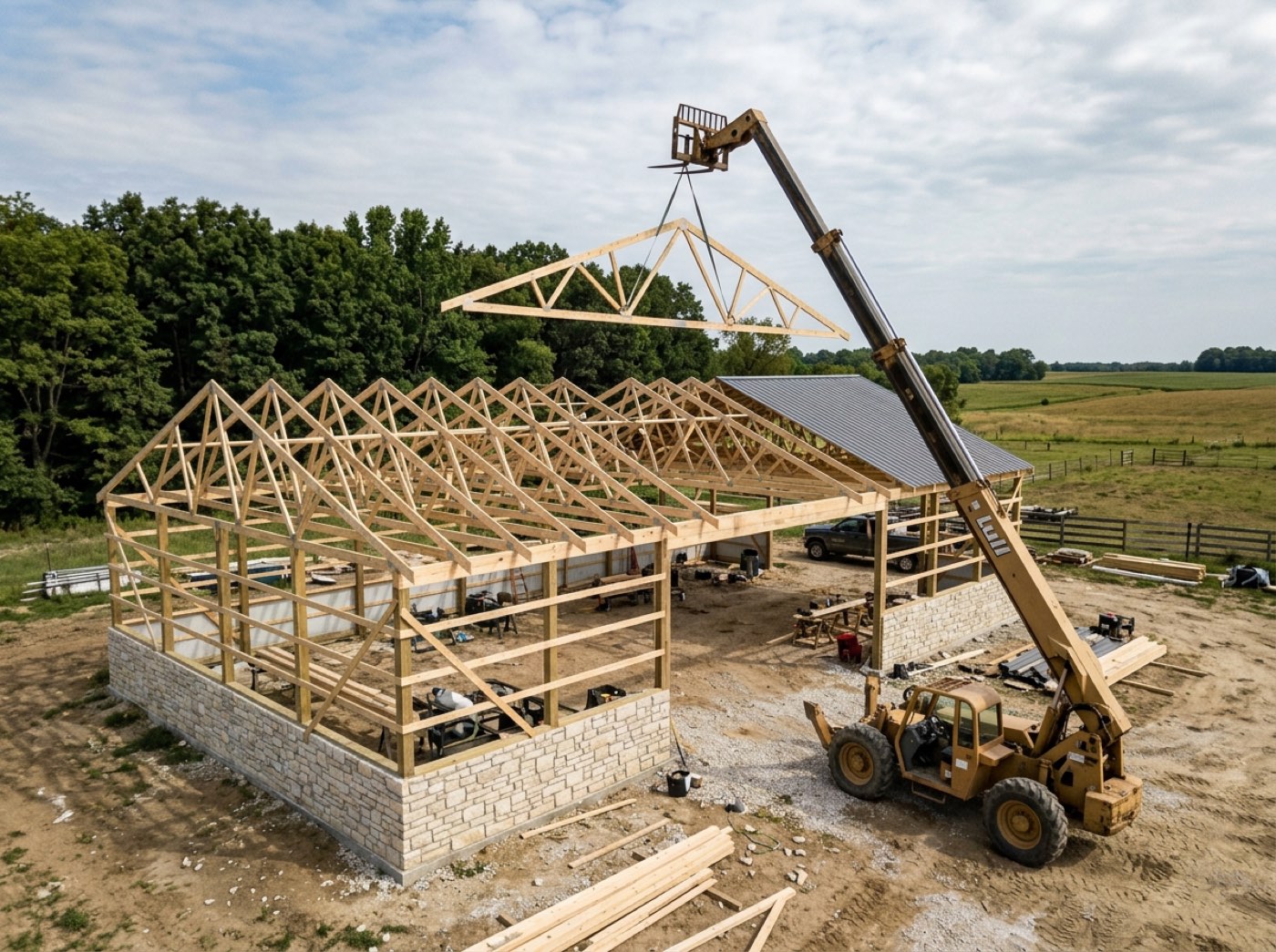
Three hundred pictures in a camera roll, and nobody can say which job or which stage that footing photo belongs to when the question comes up in March.
Crews take photos the way they walk a job: everything, fast. Asking them to pick a folder before every shot means they stop taking photos — or take them on their own phone, where nobody will ever find them. Here the filing is a flick of the thumb, so doing it right is the easy way.
No signal, no lost photos
Every shot goes into the phone first and is sent from there — straight away, when the signal comes back, when the app opens, and every half minute while anything is waiting. The Photos door shows it plainly: On phone on the ones still waiting, a tick on the ones saved to the job, and Sent on the ones the customer can see. The top of the screen carries the latest three.
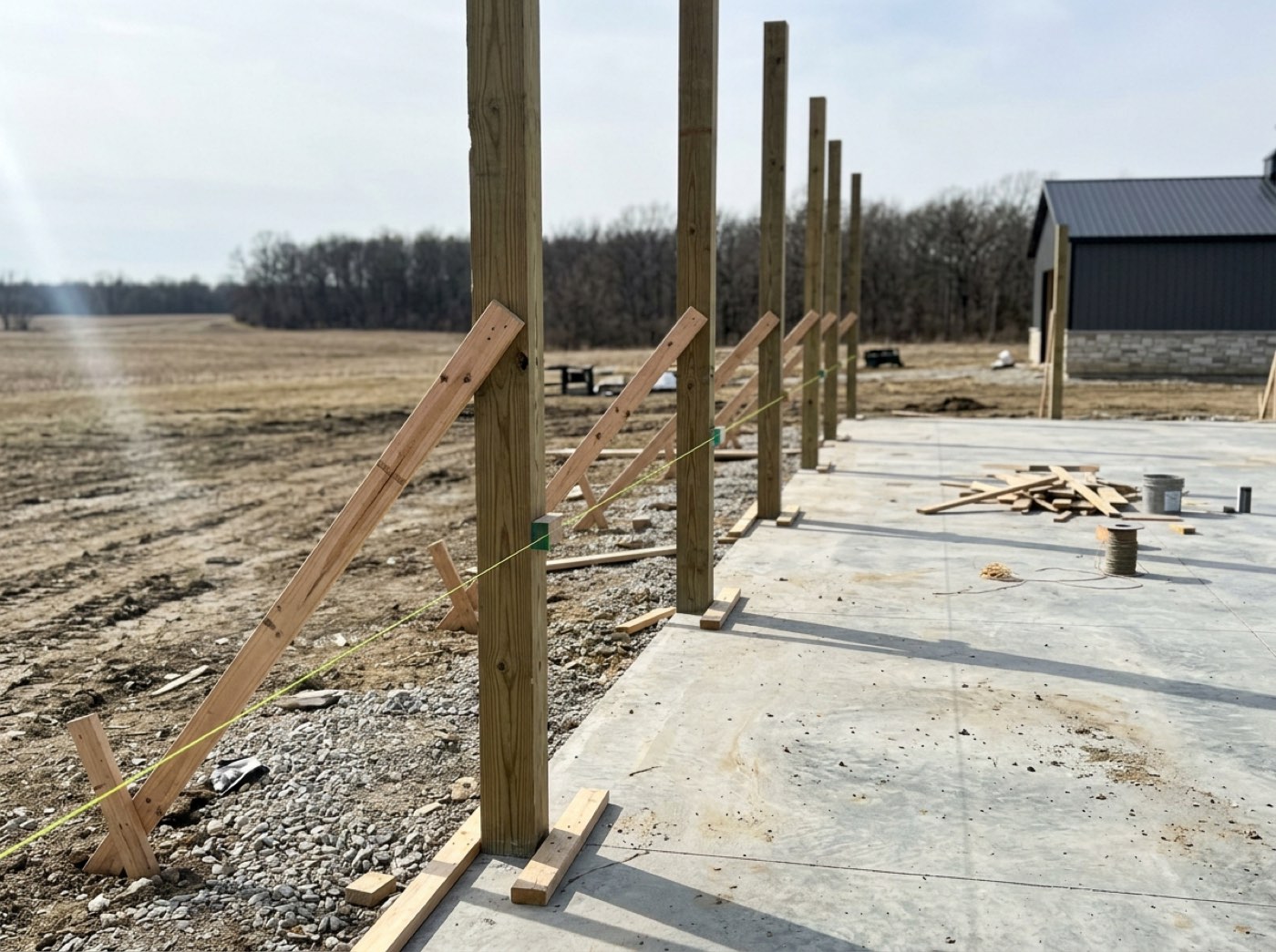
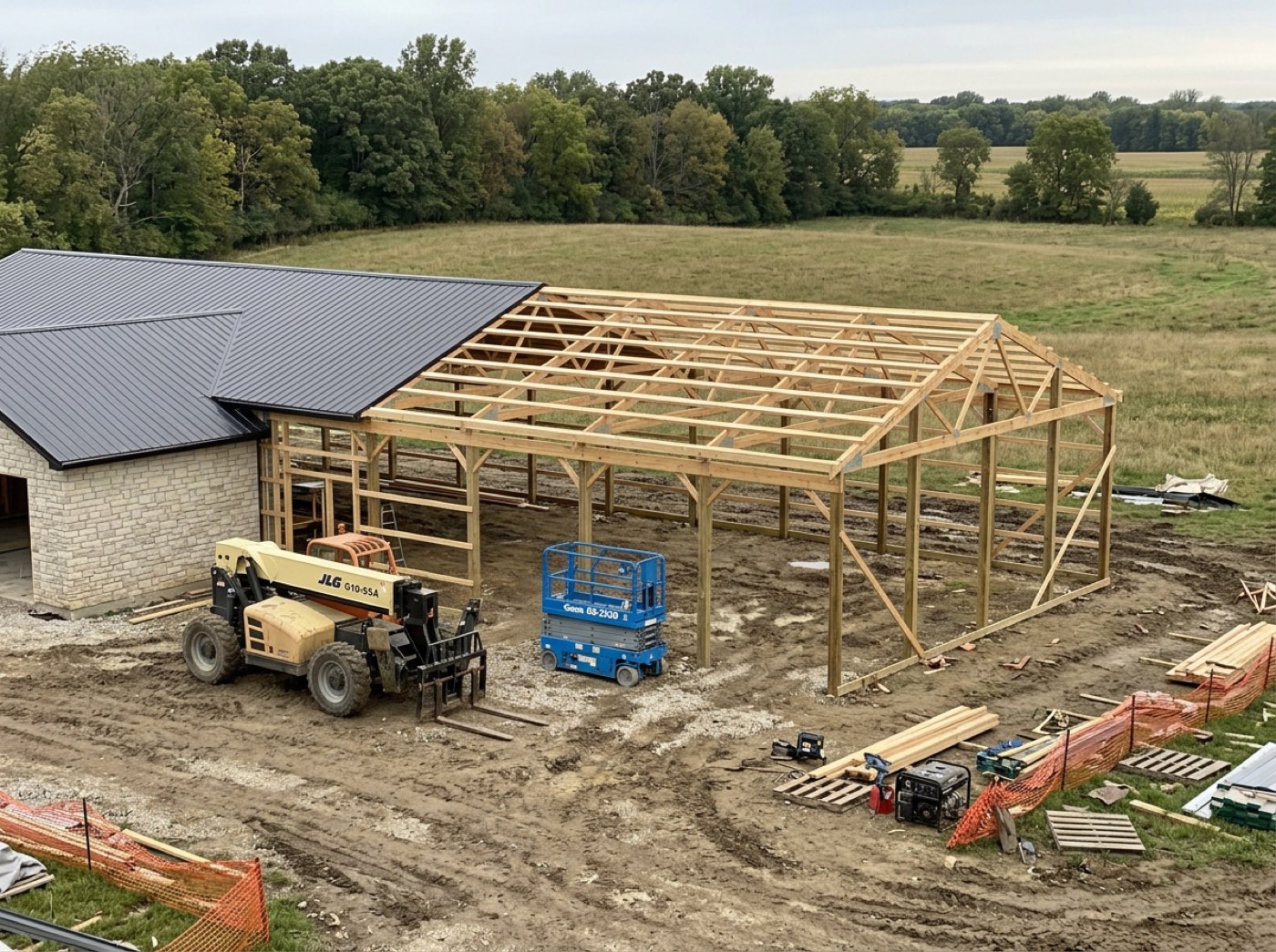
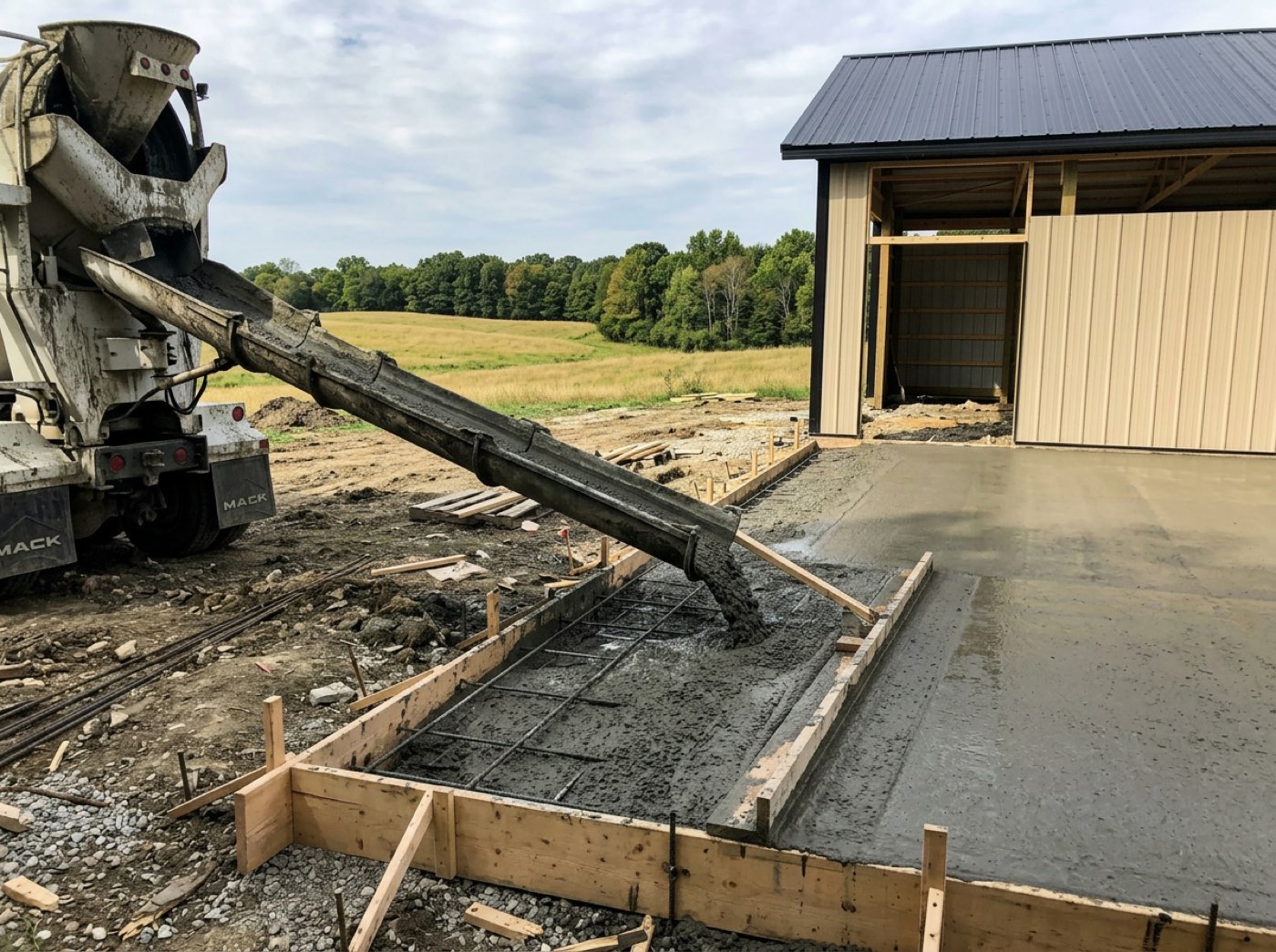
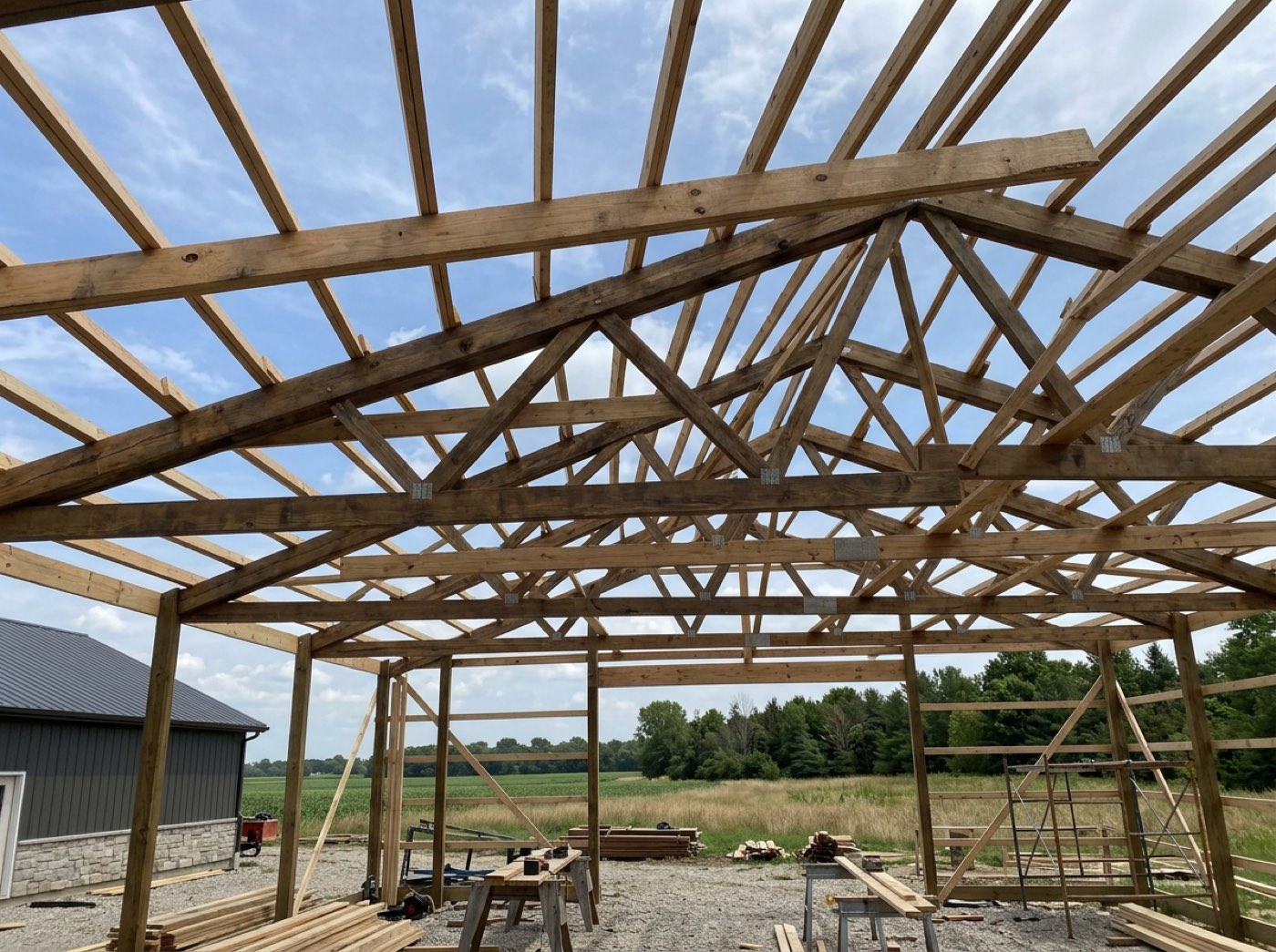
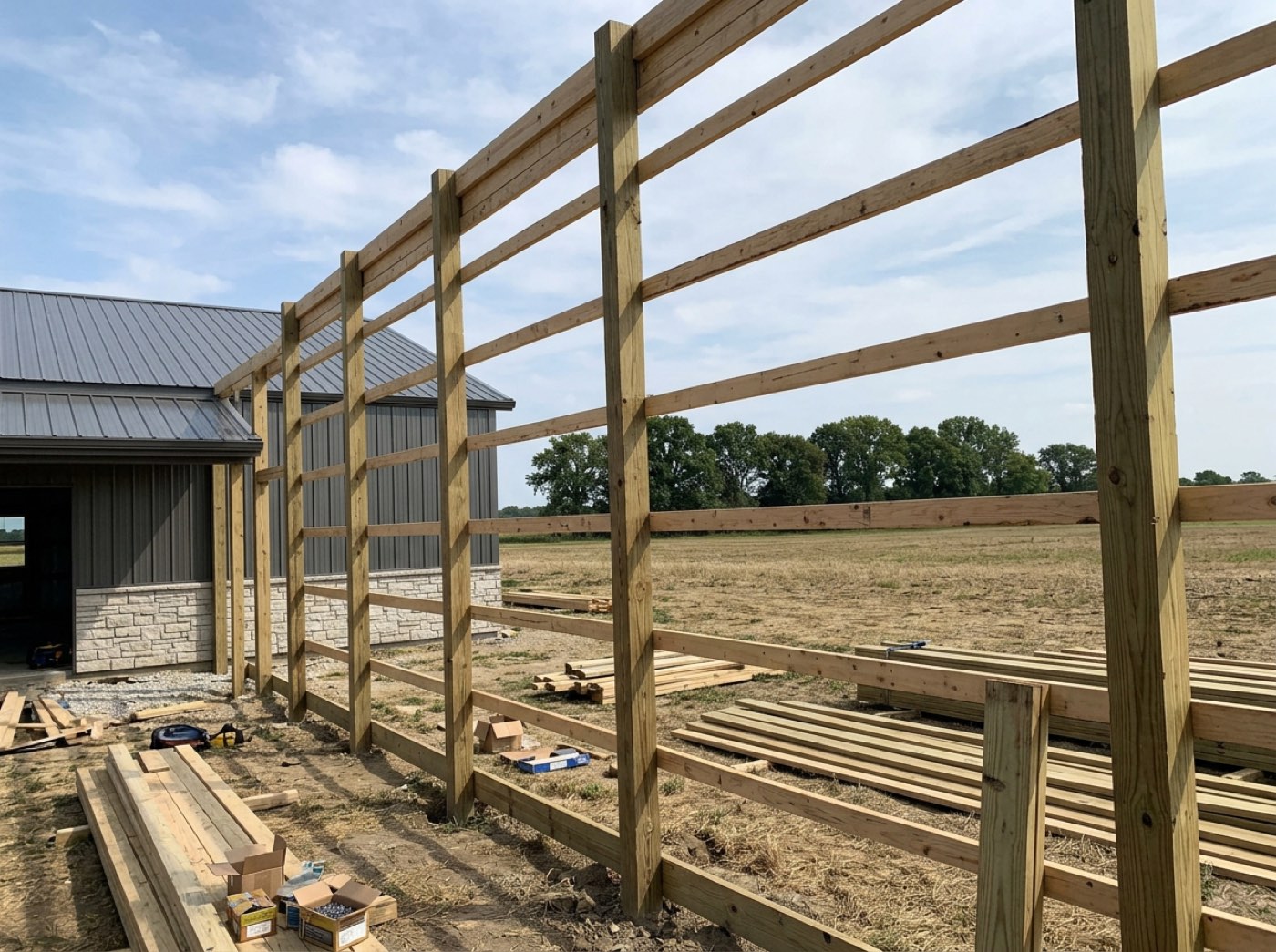
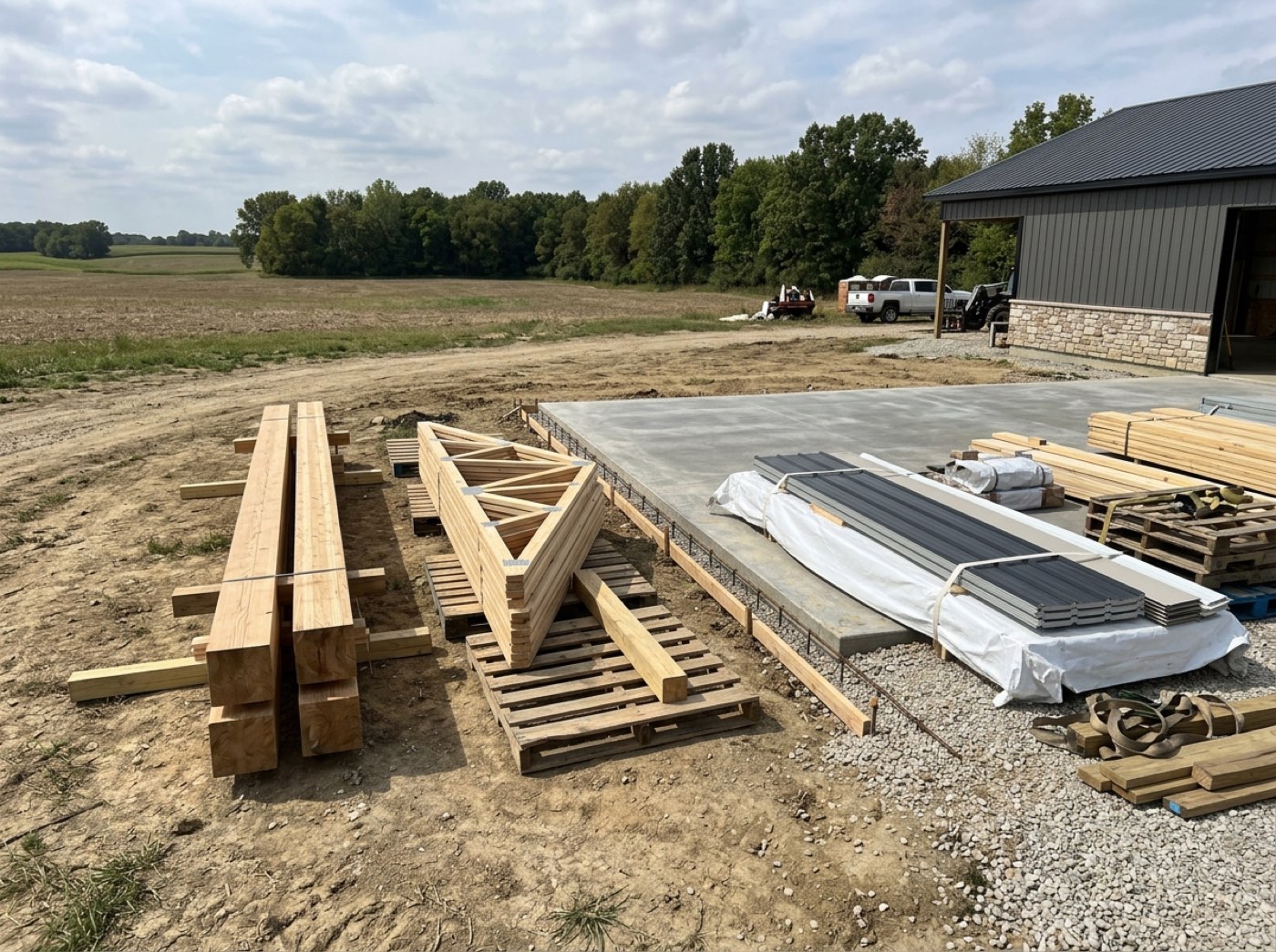
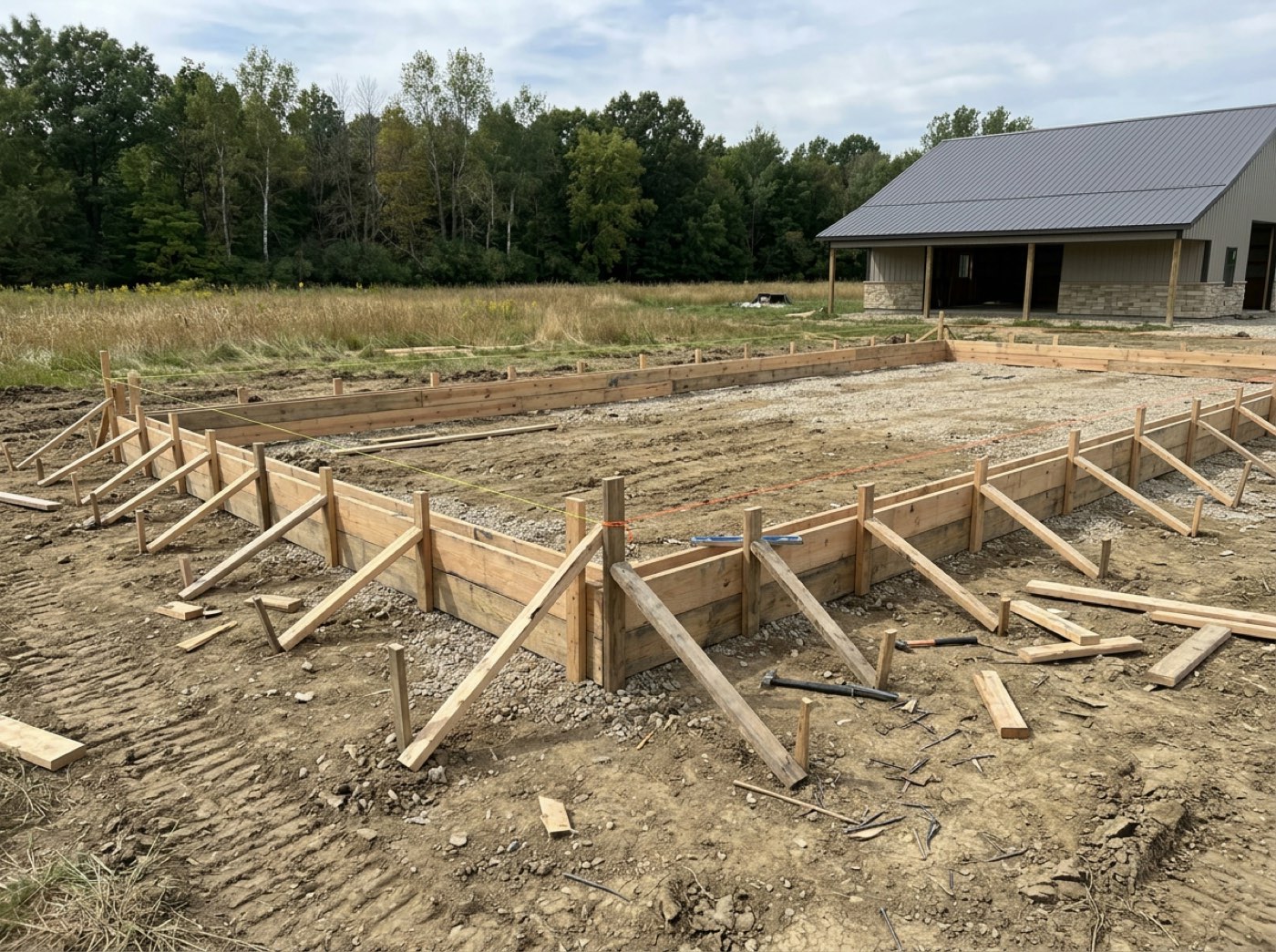
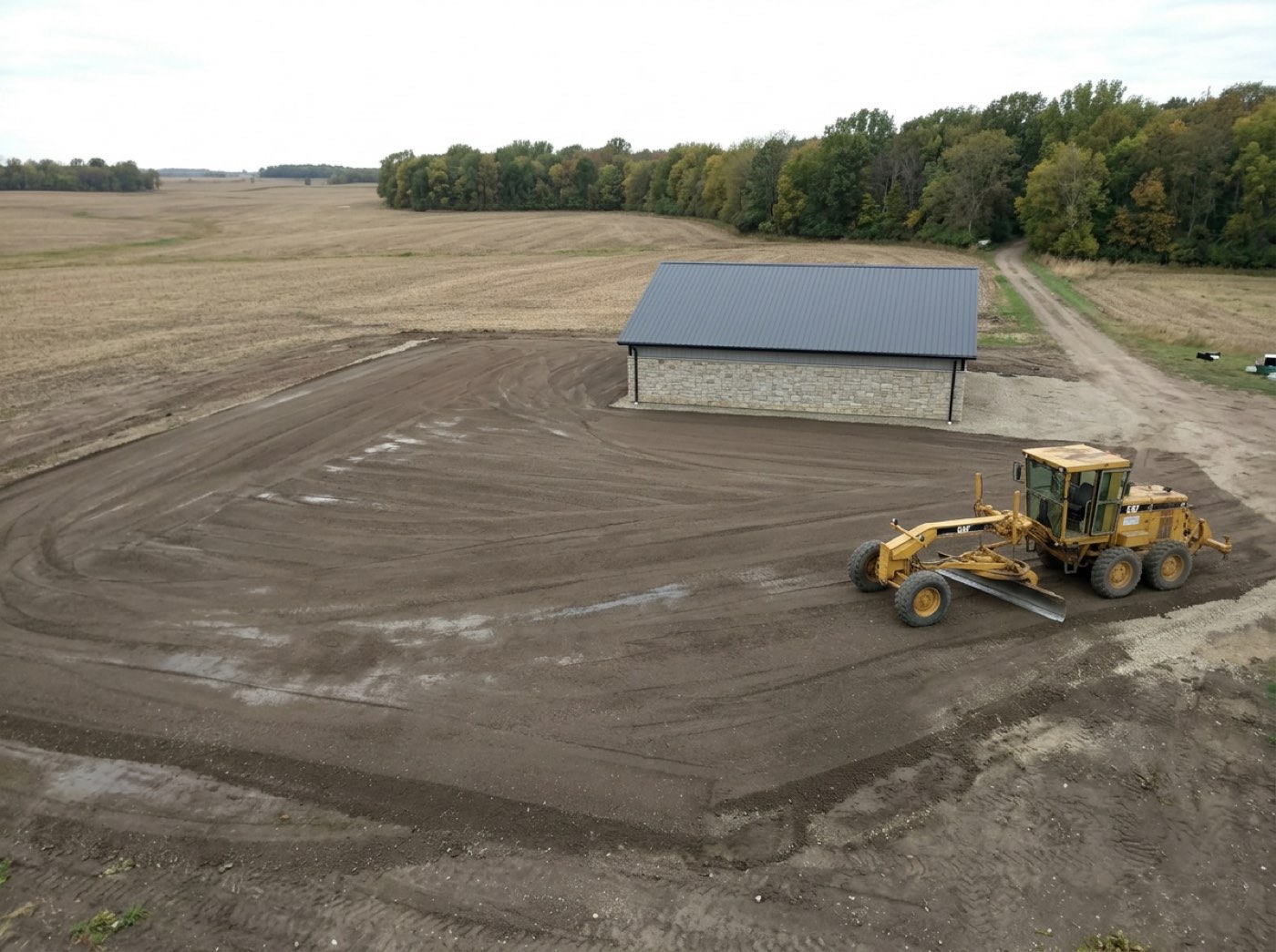
The back line of that property has no signal, the upload fails, the shots that proved the pad was right never leave the phone — and he stops bothering to take them.
Half the sites a post-frame crew works on have one bar at best. If a photo can be lost, the man who took it gets blamed — so nothing is dropped, and he can see for himself which ones have made it.
The checklist, and the one tick that gets a second look
Try itWhile he is on the clock, the stage he is on sits under the buttons as real boxes: Post Set, Girts Done, Equipment on Site, Trusses Up, Bracing Complete — and a box that doesn't apply to this job is crossed through, Not needed on this job. Ticks are one tap and silent. The tick that finishes the stage stops and says what happens next: the office is told and the customer sees the stage complete. There is no un-tick. Who gets the checklist, and why it only ever ticks forward, is on the crew ticking the work off.
A thumb lands on the wrong row in the sun, and the customer is told framing is finished while the trusses are still on the ground.
The man who did the work gets to say it's done — that is respect, and it is faster than phoning it in. The last tick gets a second look because it reaches the customer, and an honest screen never pretends it can take that back.
Blocked: one tap tells the office why
Try itWhat's stopping you? Eight reasons, no typing: no materials, weather, can't get on site, equipment down, permit or inspection, crew short, scope question, something else. Weather asks one more question — which kind, from rain to smoke, or just weather. The screen says The office has been told only when somebody actually was. What it does to the stage, and how the reasons add up, is on the blocked report.
The concrete truck never turns up. Four men sit in the pickup until noon, and you find out from the hours on Friday.
A crew standing around waiting on a delivery looks lazy to anyone driving past. One tap puts the reason on the record, so the crew isn't blamed for a truck that didn't come — and the office hears while the day can still be saved.
A new job waits on his phone until he taps Accept
Try itWhen the office puts a crew on a job and ticks who's going, each of those people gets a new card: New project, with his part of it, the dates, the address and a map link, the slab, the plans, who else is going and the office's number — and one big Accept job. Until he taps it, the job isn't on his screen to clock into, and a banner and a count on the Today door keep it in front of him. A concrete crew works only the slab: its app shows the jobs it's on — no stage names, just the slab's own checkpoints — and swipes left and right between them.
The job goes out on a group text, half the crew says they never saw it, and three men turn up at the wrong farm on Monday morning.
Taking a job on his own phone means he chose it — nobody can say it was sent to the wrong number or lost in a group text. And everything he needs to turn up in the right place, with the right plans, is on the card he accepted.
The office sees who has accepted — and can remind the rest
Try itIn the office, the crew's list for that job says it plainly: Accepted Oct 8, 6:42 PM beside each man who has, and Waiting to accept · told by text and email beside the one who hasn't, with a Remind button that sends it again. Whoever put the crew on the job is told each time somebody accepts. A subcontractor crew is handled differently — its lead signs the crew acceptance contract.
Sunday night you are texting six men one by one to check they know where they are going in the morning.
You know exactly who has seen the job, so nobody has to chase anyone by phone — and nothing goes out to a worker on a timer; every message is a person in your office pressing a button.
Today's crew: the leader can clock a man in — and it says he did
Try itA crew leader's Crew door has The crew: a Needs you box only when something is wrong — Josh is not on the clock — then Today's crew, each man with two facts, on the clock since when or not clocked in, and a Clock in or Clock out button. The line under it says it straight: Anything you do here is recorded as entered by you. The man's hours land on the job the leader is standing on. What else a leader can and can't do is on roles and permissions.
One man forgets his phone, the leader writes 'Josh 8h' on a scrap of paper, and three weeks later nobody can say who wrote it or when.
Nobody loses a day's pay because a phone died. And because every entry says who made it, the leader can help without anyone wondering later who typed what.
The job's chat, from the field
Try itJob chats lists every job he is on, with the last line and an unread count — and the count shows on the door wherever he is in the app. Open one and it is the same conversation the office writes in from the project: everyone on the job and the office, big type, and a Send you can hit with a glove. New lines arrive by themselves.
The office tells one man, he forgets to tell the others, and the truck sits at the gate for forty minutes.
Nobody likes being the last to know the trusses are coming at ten. A crew that hears it from the job's own chat feels part of the job, not someone who gets told after the fact — and the message is on the job, not lost in somebody's personal texts.
Anyone can report anyone — and only the office reads it
Try itReport someone is on the Crew door for everyone, not just leaders, and it can be about anyone on the team — his own crew, the office and managers, or another crew. Three decisions: who, why and what happened. Nothing comes back to the phone: the sheet files the report and never shows one, and the person it is about never sees it.
A problem on the crew goes unspoken for months because the only way to raise it is in front of everyone, and by the time you hear about it, a good man has already quit.
People need to feel heard without picking a fight. A worker who can raise something quietly — with the facts, to the office — doesn't have to stew on it or have it out on the jobsite.
Good work goes in the same box
Try itThe reasons are short chips with an ⓘ that explains each one — late, not keeping up, same mistake, unsafe, rough on equipment, won't listen, had to redo, poor attitude — and Good work, in green. Pick it and the button turns green and says Send it in. A note is required either way: what happened, and when. This goes to the office only. They are never shown it.
The only time the office hears about a worker is when something goes wrong, so the man who quietly saves the day never gets noticed.
If the only button is a complaint, it becomes a grievance box nobody trusts. With a way to say someone did well, it becomes a record of who carries the job — and a man's file has something in it besides his worst week.
- 1You send each man his own link from his crew card — text it, email it or copy it. The card then says when he opened it.
- 2He opens it and lands on today's job with three buttons: Clock In, Add Photo, Blocked. A short set-up walks him through once, then gets out of the way.
- 3One tap in, one tap out. The count runs on the button, to the second, and a tap with no signal is saved on the phone and sent later.
- 4Add Photo opens a camera that never closes: swipe left and right for the stage, up and down for the checkpoint, and every shot files itself.
- 5A new job waits on his phone until he taps Accept, and the office sees who has and who hasn't.
- 6Hours shows his own record — time, jobs, personal bests, attendance, and on surplus pay what each hour came to.
- 7Crew leaders also get Today's crew: who is on the clock, and a button to clock in a man whose phone is dead.
- 8Crew leaders and workers who sign in — on the web or in the phone app — land in this same screen, never the office dashboard.
Every field tool assumes the crew will download something, make an account and remember a password. They will not. They will do it for a week to keep you happy and then go back to texting you photos and guessing their hours on Friday. So the rule was turned around: whatever the crew has to do must work from a link on a phone, with one bar of signal, wearing gloves. Big buttons, black on white, chips instead of dropdowns, nothing typed that can be tapped. Nobody should ever feel stupid using it. Then the second half. A crew that only ever gives the office data stops caring what happens to it. So the app gives something back: every man can see his own record — the hours he has put in, his longest day, his best week, his best hourly rate, the surplus his crew earned by finishing early. People work harder at what they can see themselves getting better at, and a man who can watch his own numbers climb is a man who stays.
- Field software nobody adopts because of the sign-in
- Hours rebuilt from memory on a Friday
- Jobsite photos with no job, stage or checkpoint on them
- Blockers that reach the office days late
- Job assignments nobody can prove were seen
- Crews with no way to see their own progress or what they have earned
Built for gloves and sunlight
A phone in direct sun loses most of its contrast, and grey text disappears. Everything on the crew screen is oversized and near-black on white. Choices are full-width chips or cards, never dropdowns. The button that leaves a job is filled rather than outlined, so it reads as not one of these before you have read a word.
One field link per person
Admins, project managers and crew leads can hand a field link to anyone on the roster — including the framers and labourers who have no account at all. Ask for the same man's link twice and you get the one he already holds. Turning it off is a single click.