
Two views. Connected services holds your CRM, your estimating system, card payments and accounting, plus the danger zone. Lead Sources holds Facebook, Google, your website forms and any custom feed. Keys are stored against your company, shown masked, and revealed one field at a time. Leads 2 Build is one system for the whole post-frame business instead of five tools taped together, so this tab stays short: the books, card payments, an estimating engine you may already use, and the doors your leads come through.
Also called: connect my accounts · api keys · connected services · hook up quickbooks · integrations tab
One screen answers what this software is plugged into
Your CRM, your estimating engine, card payments, accounting and every lead source feeding the pipeline — one tab inside Settings, with a status on each. Connections spread across four settings pages is how a builder ends up not knowing which one broke when the invoices stop arriving in the accounting file.
The bookkeeper says nothing has come across since the 3rd, and you open four different settings pages before finding out it was the accounting link and not the card processor.
The owner answers 'what is this plugged into, and is it working?' by scrolling one tab, instead of finding out from the bookkeeper three weeks late. Two sub-tabs rather than five pages: the things you log into, and the doors leads walk through.
Each connection says whether it is live and when it last moved
Try itConnected or not, what it is pointed at, when it was linked and when it last synced. When the bookkeeper says the invoices stopped three weeks ago, that last-synced line is the entire diagnosis — ten seconds instead of a support ticket. What it pushes, and how to send again a job that did not land, is on QuickBooks Online.
The invoices stopped on the 3rd, nobody noticed until the 24th, and the only way to get that date was to ring somebody and wait two days for an answer.
The bookkeeper's 'the invoices stopped' becomes a ten-second check instead of a support ticket, because the last-synced line is the diagnosis. Every card carries the same facts in the same order, so reading this tab is one habit instead of four — and a card that says Connected is a line status, not a receipt for every job.
Hiding the tab would not have been enough
Integrations is admin-only, and so is the route behind it — anyone else gets refused by the server, not shown a missing menu item. That route hands back your saved keys, so what a role is allowed to do has to be settled there rather than in the browser.
A sales rep with a login and ten minutes finds the address the tab was calling and reads the payment key straight out of the response.
The owner's payment and accounting keys stay with the people meant to hold them, even when a link gets forwarded. The check sits on the route that hands the keys back, so it survives a bookmark, a copied address and a curious browser.
Put a PIN on the tab so a signed-in admin still cannot walk into your keys
The whole tab can sit behind a PIN, entered once and good for thirty minutes. That matters because the admin login is usually shared with an office manager or a bookkeeper — everyone who works here — and access to the app and access to your payment processor are not the same grant.
The laptop is left open on the desk while you walk out to the yard, and every service the business is connected to is two clicks away from anybody in the office.
The office manager or bookkeeper who shares the admin login can do the books without walking into the payment processor's keys. The PIN is asked at the moment of access rather than at login; wrong tries back off and lock out, and the reset goes only to the requesting admin's own mailbox.
The card tells you what your accounting plan cannot do
It names the plan the connected account is on and what that plan will not give you — per-job profitability and native change orders need the tier above it. The usual way to learn that is three months in, when the numbers refuse to split by job and nobody can say why. What each tier carries is set out on the QuickBooks page.
You close out the year, go to split labour and material job by job, and find the plan you have paid for since March was never able to do it.
The owner learns what his accounting plan cannot do the minute he connects it, not three months in when the numbers refuse to split by job. The limit is printed under the plan name because the person connecting is the person who can change the subscription.
A green badge is not a receipt
The card here tells you the line to your accounting file is up. Whether one particular invoice actually landed in it is shown on the invoice itself — synced, syncing, or failed with a Retry beside it — and that trail is on QuickBooks Online.
The connection card is green all week, and the one invoice that mattered failed on Tuesday with nobody looking for it.
The bookkeeper checks the one invoice he cares about on the invoice itself, so a green badge never hides a failed sync. A connection is a standing state and a sync is a per-document event, kept on two screens so neither one quietly contradicts the other.
Which designer opens when you start an estimate
The picker sits directly above the estimating credentials: keep pulling jobs from SmartBuild, or start them in the in-house 3D builder. Flipping it does not delete a single SmartBuild job, and the login stays exactly where it is.
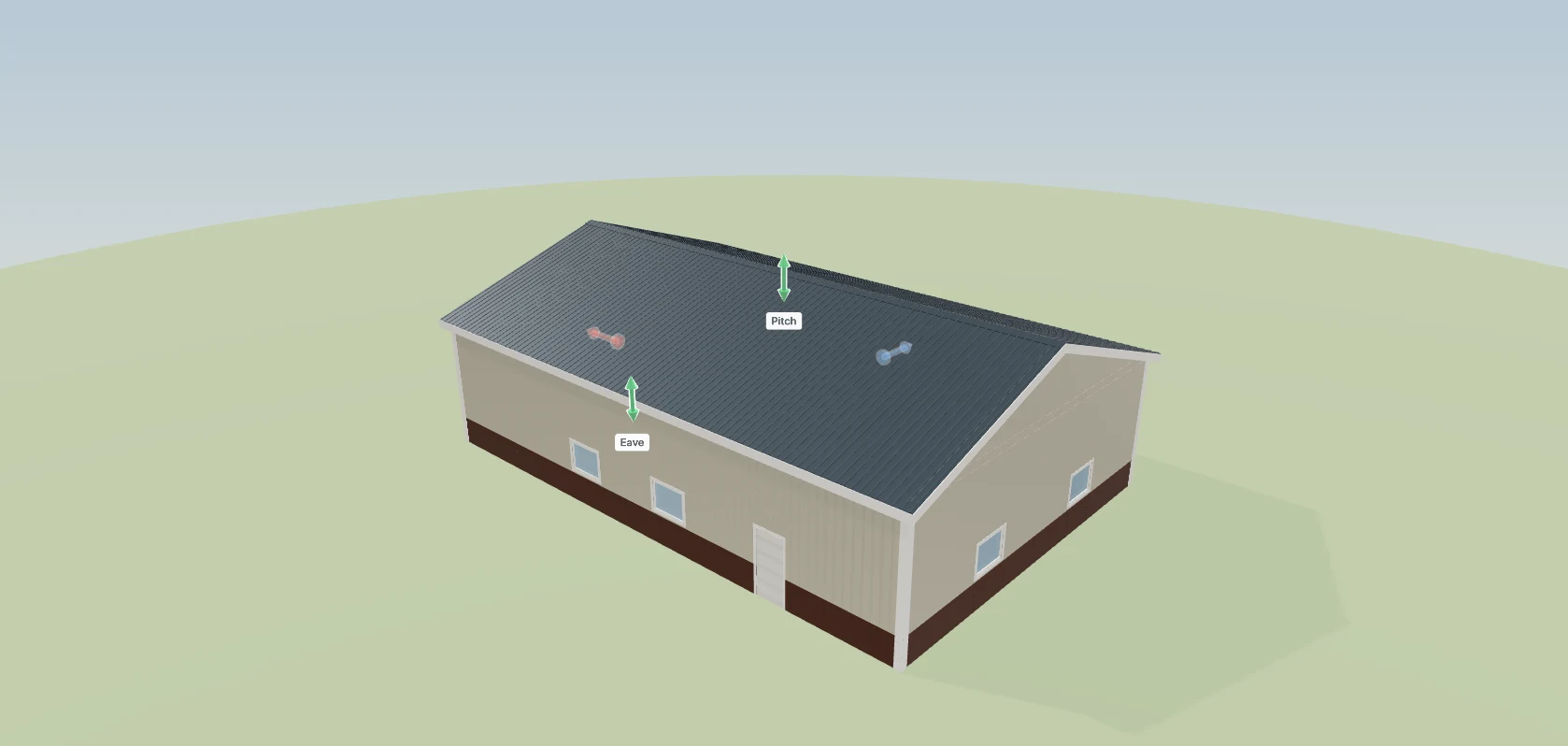
You want to try the new designer on one job, and the only way to learn what happens to the fifty estimates already in the old one is to switch and hope.
The estimator starts every job in the designer he chose, without losing a single old job from the other system. The picker sits beside the estimating login because that is where a builder looks, and it only appears for an account that has the in-house builder.
A lead source is an integration too
The second sub-tab holds Facebook Lead Ads, Google, your website forms, Zapier and any custom feed — each one an entry with its own status and the date of its last lead. What arrives goes onto the board and out to whichever rep covers that area.
The website form quietly stopped posting in February and nobody noticed, because the pipeline still had ad leads in it and nothing anywhere said which door had gone quiet.
The owner sees every door his leads come through, with the date of each one's last lead, so a dead Facebook form is spotted in days instead of after a quiet month. Facebook and Google are connections in exactly the sense the accounting link is, so they live on the same tab.
For the website you cannot get into
Try itEvery website-form source also comes with a ready-made branded form at its own link, plus an embed snippet — so it works on Wix and Squarespace, where webhooks do not. Submissions land exactly like the webhook's. It is the same machinery as the hosted quote form.

The man who built the site left in 2019, nobody has the login, and adding one form means a quote from an agency and a three-week wait.
The builder whose website somebody else built still gets leads straight onto the board — copy a link, paste it behind a button. The hosted form carries his logo, colours and wording, so it reads as his page rather than ours.
Map the fields by the names you already recognise
Every field a source has ever sent is listed — pulled off real deliveries, and for Facebook off the form's own questions — and each one is pointed at a card field or left as an answer that shows on the card. Unmapped fields become answers by default, because the context is the point.
The rep opens a card with a phone number and nothing else, rings a man who answered eight questions about a barndominium, and asks him what he is looking to build.
The office maps fields by names they recognise, so a lead's answers land where they belong the first time. The list is built from what actually arrived rather than a field list somebody typed once, and on a merge the existing values win.
Nothing is silently dropped
Every delivery writes a row — created, merged, duplicate, rejected, error — with the raw delivery kept beside it. There is a dry-run button that proves the mapping without creating a card, and the recent deliveries sit under the source with their verdicts.
The form on the site posts into nowhere for eleven days, and the only evidence is a quiet fortnight you put down to the weather.
The owner never has to wonder whether a lead got lost between the ad and the board — every delivery leaves a row with its verdict and exactly what was sent kept beside it. One lead is worth tens of thousands of dollars, so the intake keeps a black box, not a success counter.
The same person filling in two forms is still one card
Intake matches on phone and email before it creates anything. A second submission adds to the card that already exists instead of growing a second one, and the delivery log says merged rather than created.
He fills in the website form on Monday and the Facebook ad on Thursday, two of your reps ring the same man about the same shop, and he books with the third builder.
The rep sees one card per person, so he never calls the same customer twice from two cards — and he keeps trusting the board instead of his own notes. The provider's event id stops a redelivery, and phone and email stop a second fill-in.
The reset asks for your signature
The danger zone at the bottom wipes every dashboard record for this account — contacts, projects, estimates, invoices, contracts, change orders. You type the phrase, confirm it again, then sign your name, and the name and signature go into the audit log. SmartBuild data and your CRM connection are left alone.
Somebody clears what they think is demo data on a Friday afternoon, and on Monday the contracts, invoices and photos for four live jobs are gone with nothing to restore from.
Nobody wipes the company's records by accident or on a bad day, because the last gate is putting your own name to it. Three gates, each heavier than the last, and the server checks all three again.
- 1Open Integrations and every connection is on one screen with its status.
- 2Each card says connected or not, what it is pointed at, and when it last synced.
- 3Update or disconnect from the card itself.
- 4Reveal one key at a time to check it, and copy it without leaving the app.
- 5Put a PIN in front of the whole tab if you want one.
Connections spread across four settings pages is how a builder ends up not knowing which one broke when the invoices stop arriving in the accounting file. Putting them on one screen means the answer to 'what is this software plugged into' is one look — and the last-synced line is the whole diagnosis when your bookkeeper says it stopped three weeks ago.
- Connections were configured in different places with different conventions.
- There was no single view of what a company had connected.
GoHighLevel connection
One card holding the location ID and integration token, the pipeline setup, and the first-sync button. It lists the exact permissions the token needs right on the card, and offers Disconnect only when the credentials belong to your company rather than to the old shared setup.
Pipeline and stage mapping
Your pipelines are pulled live to fill the dropdowns and the stage table. Both the credentials and the pipeline choice are required before the connection counts as live. If the dropdown cannot see a pipeline, you can paste its ID straight in.
Run first sync
It appears once the connection has credentials and pipelines set. Press it and you get three counts and the time it took — contacts, sales opportunities, project opportunities. Then it tells you cards land on the normal sync from here.
SmartBuild login
A card with masked values, a reveal control and an Update flow, plus a connected badge that reflects what the server actually reports — not what is typed in the form.
Card payments setup
A card for your own Stripe account, with a currency choice of CAD or USD. Once it is connected, customers pay by card and invoices mark themselves paid. The card recommends a restricted key as the safest option, and there is nothing else for you to set up.
QuickBooks connection
A separate section, because the flow is different: you are sent to Intuit and come back connected. It brings item mapping — tying your line items to QuickBooks items — and its own sync status with it.
Reveal and copy a stored key
The same row on every connection: label, masked value, reveal, copy. The tab states plainly that keys are handed back so you can check and copy them, and that anyone with admin access can see them.