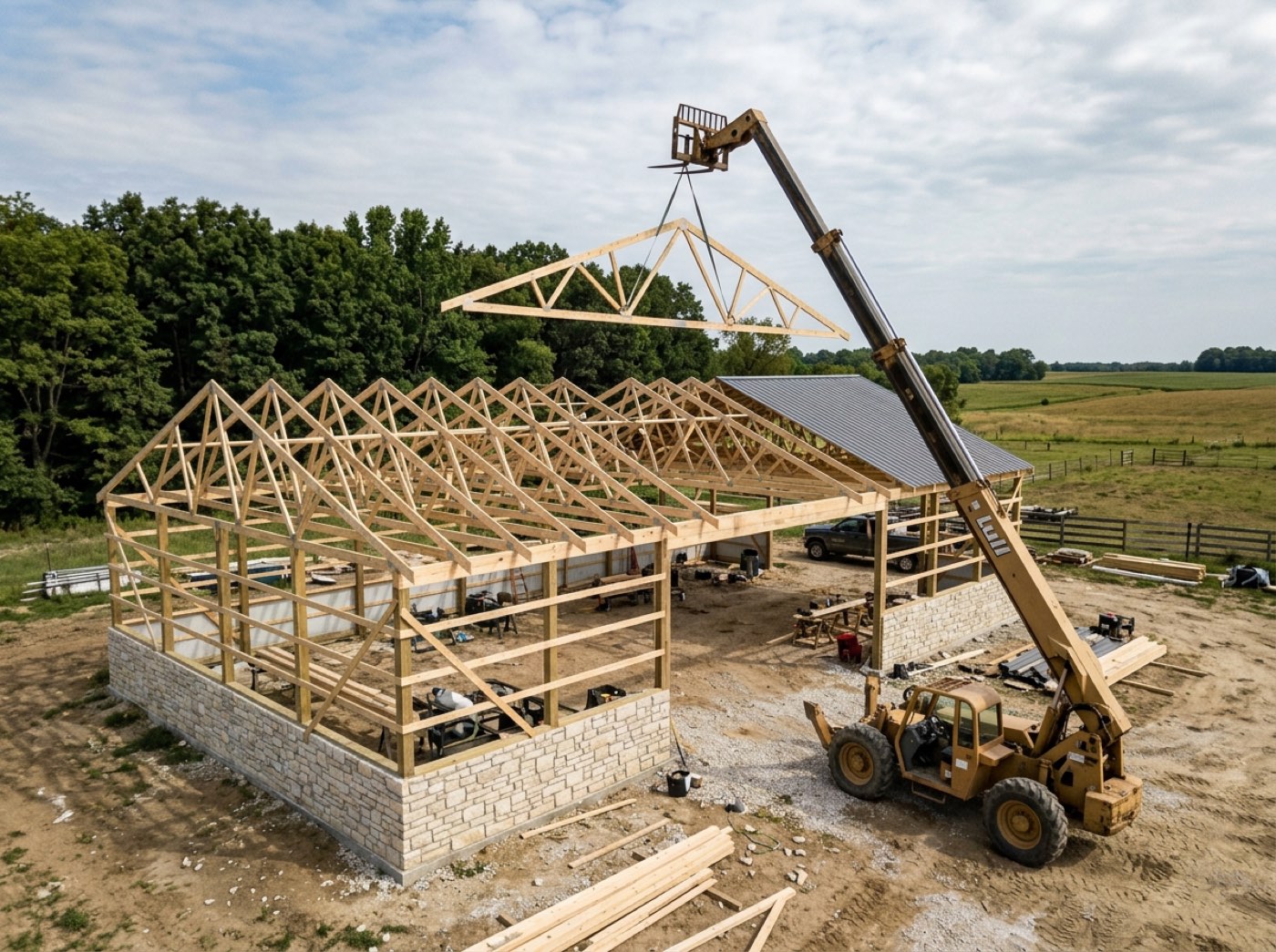
The job screen checks that the stages still follow their own running order. When one starts before the stage above it, the warning names that stage, says why the job now reads so long, and why fixing one end keeps throwing the other. One button puts the plan back in order, showing the dates you would get first — or press That's intentional and that job is left alone. A long gap on its own is never flagged: a permit pulled two months early is a plan. Post-frame and barndominiums, nobody else — so the order it checks is your build order: permits, dirt work, concrete, post set, steel.
Also called: my schedule went crazy · end date jumped to February · stages out of order · project says 165 days
The schedule names the stage that broke it, and says how far out it is
A builder wrote in about a three-week pole barn his schedule insisted was 165 days long. Correct the start and the end shot out to February; pull the end back to September and the start jumped to May. He assumed he was doing something wrong. He wasn't — a one-day permitting stage, first in the plan, had been placed five months after the build finished, with the final payment stranded in the middle of framing. The project window now names the stage that broke the running order, says that is why the job reads 165 days, and warns how far a start or end date change will throw the other end.
Every correction to the start date throws the end out to February, and the builder spends an evening convinced he is using the software wrong.
A builder fighting his own dates assumes the mistake is his. Naming the stage that broke the order — and what it is doing to the dates — turns an evening of frustration into one fix. It says what it costs and leaves the call with you.
It blames one stage, not the five that look wrong because of it
When a single stage is stranded, every stage after it also fails the running order, so the obvious answer is a list of five names and no idea which one to touch. Where one of the out-of-order stages also sits far from where the rest of the work is clustered, only that one is named. Naming one stage is something a builder can act on; naming five is a shrug.
The warning lists five stages, the office re-dates all five, and the one that was actually wrong is still wrong.
An office manager can act on one name; five names is a shrug. Narrowing the blame to the stranded stage means the fix takes a minute, not a morning of re-dating everything after it.
It squashes the gaps rather than inventing a plan nobody wrote
Once the order is broken there is no way to tell a deliberate two-week wait for a sub from an accident, so the repair runs the stages back to back from the job's own start date — and tells you so before you press it. That is the one reconstruction that is honest about being a reconstruction. Guessing at the original intent would put wrong dates back with more confidence than they deserve.
A clever repair invents a two-week gap nobody planned, and the customer is given a finish date nobody chose.
An owner would rather have dates he knows are rebuilt than a guess dressed up as the original plan. Back to back from the job's start is the one rebuild that is honest about being a rebuild; the deliberate waits are yours to put back.
Moving one stage on its own is still allowed
The stage editor moves one stage and reflows nothing, which is exactly how a single mis-picked year does this much damage — and it is also what you need when the concrete sub can only come on the 14th. The freedom stays. The schedule simply notices when the result stops following its own order, and says so.
A tool that reflows everything on every edit punishes one deliberate change by moving six stages nobody asked to move.
The concrete sub can only come on the 14th, and the office needs to move that one stage without dragging the build behind it. The editor keeps that freedom; the schedule simply notices afterwards if the result breaks its own order.
A permit pulled two months early is a plan, not a mistake
Plenty of builders pull the permit 30 to 60 days before the build and sit on it, leave a slab to cure, or wait on trusses. Distance on its own is never flagged. Only a stage that starts before the one above it in the running order is called out — and even then, That's intentional puts the warning away for that job, and it stays away.
The schedule nags about every early permit, so the office learns to click past the red box — including the one time it was right.
A builder stops reading warnings that argue with how he runs his jobs. Flagging only a real inversion — and taking "that's intentional" as the answer, once, for that job — keeps the warning rare enough that it still means something when it fires.
- 1Open a job whose dates have stopped making sense.
- 2The warning names the stage that runs before the one above it.
- 3It says why the job reads so long and how far a date change will throw the other end.
- 4Press Put the stages back in order to re-lay them back to back from the job's start.
- 5The button prints the dates and the length you will get before you take it.
- 6Or press That's intentional — the job keeps its order and the warning stays away.
A builder wrote in about a three-week pole barn that the schedule insisted was 165 days long: every time he corrected the start date the end date shot out to February, and every time he pulled the end date back to September the start date jumped back to May. He assumed he was doing something wrong. He was not — a one-day permitting stage, first in the plan, had been placed five months after the build itself finished, with the final payment stranded in the middle of framing. The controls were faithfully preserving a length that was itself nonsense, and nothing on screen would tell him why. The next lesson came from a builder who pulls permits 30 to 60 days before the build and sits on them. A warning that treats every gap as a mistake argues with the builder about his own job, so the check was narrowed: only a stage that starts before the one above it is out of order, and even that can be marked intentional.
- A single mis-picked year silently poisoning every later date change
- The builder having no way to see WHY corrections were failing
- Project duration reading as nonsense with no explanation
- Deliberate gaps — early permits, curing time, a wait on trusses — mistaken for errors
Put the stages back in order
One button. Every stage keeps the length it already had, and only where it sits changes. Starts land on days the crew works. The button prints the start, the end and the total length before you commit.