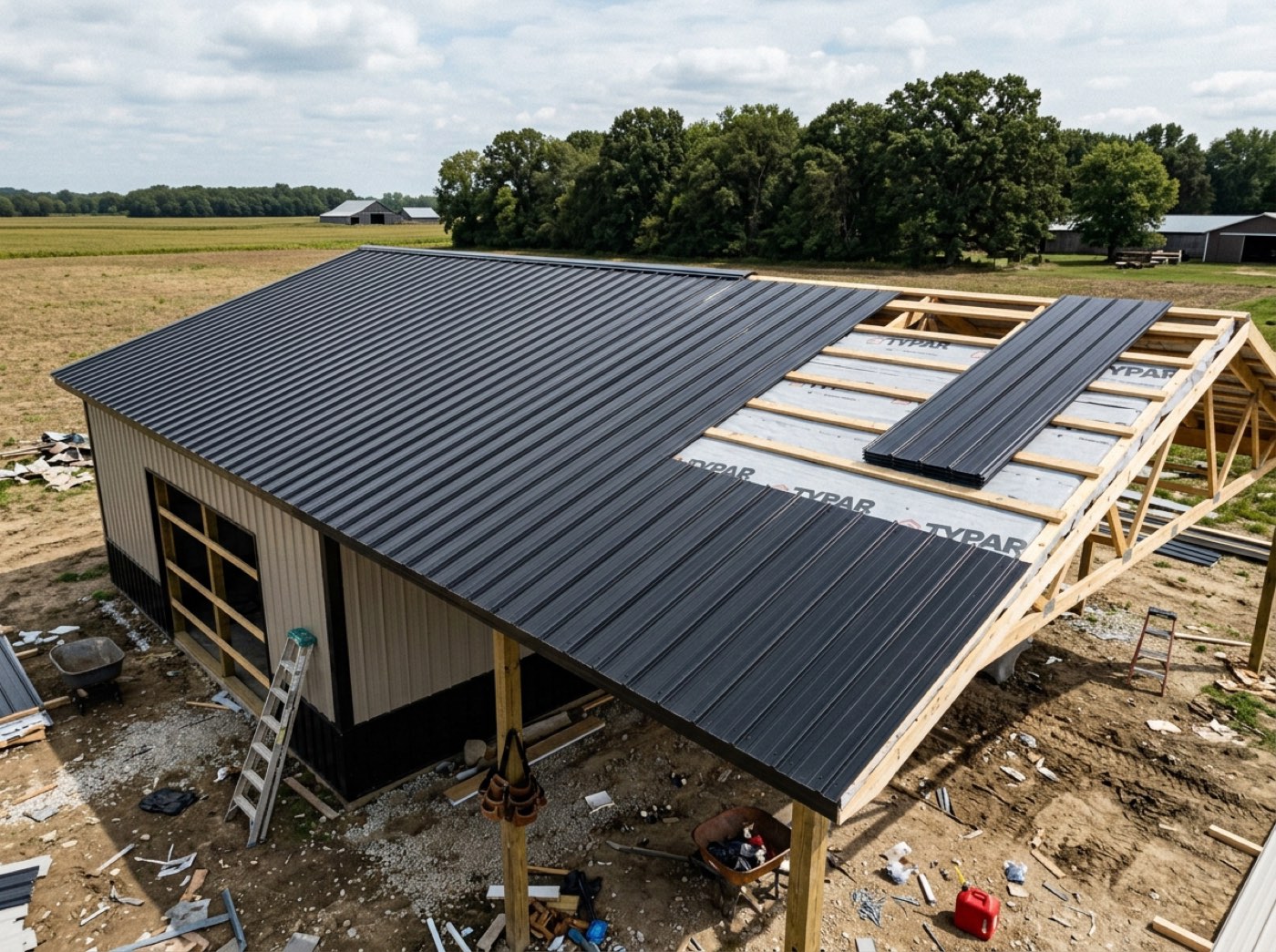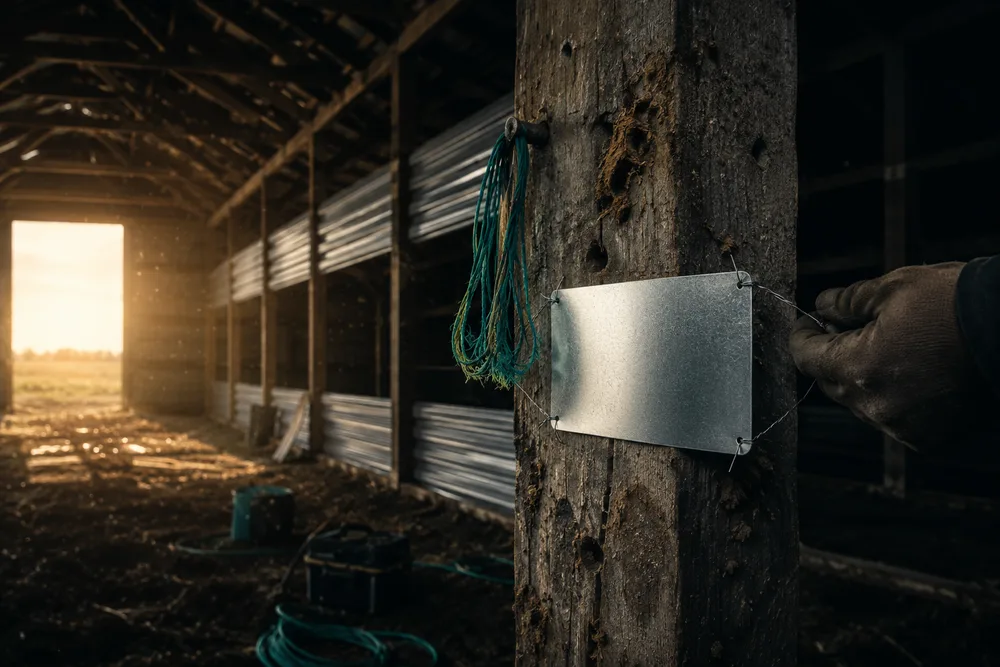
It asks only what is true right now: name, customer, contact details, building type, crew, which stages are already finished, the contract value, how much you have already collected, whether there's a signed contract sitting in a filing cabinet, and any note. Nothing is invented to make the record look complete. Because the stages are a pole barn's stages — permitting, dirt work, concrete, post set, siding and roofing — a half-built shed drops straight into them.
Also called: migrate my current jobs · job started before I signed up · half built already · import existing projects
You don't have to finish your current builds before you switch
Every builder has jobs that began before they found the software: contract signed on paper, framing half up, crew on site tomorrow. Adding a job that's already going takes only what is true right now — customer, building type, crew, which stages are finished, the contract value, what you have already collected — and puts it on the board with everything else. Adopting the system does not mean abandoning the work you are in the middle of.
You keep the old spreadsheet alive for the jobs already running, the team works in two places, and six months later nobody uses either properly.
The owner can switch on a Monday without abandoning the six jobs already in the ground. One system from day one beats running two until the old jobs finish — which is how a switch quietly dies.
Tick the last finished stage and everything before it ticks
Try itEntering a half-built job should take two clicks, not eight. Marking dirt work done marks permitting done with it, because a build does not skip backwards. Those stages are recorded as finished before tracking started, and carry no completion date.
Bringing in ten running jobs means ticking forty stages by hand, so it gets put off and the old system lives on.
The office enters a half-built job in a couple of clicks, not a stage-by-stage chore, so the migration actually gets finished. A build doesn't skip backwards, so neither does the form.
Nothing is faked to make the record look complete
Money already collected becomes an opening balance rather than a paid invoice, because an invoice implies a document you could produce. A contract signed on paper is recorded as a statement with a note of where it is, never as a signature — a signature record for a document nobody signed here would be indistinguishable from a real one in a dispute. And the finished stages carry no dates, because invented lengths would sit in your stage averages for years.
A made-up start date and a fake paid invoice look real in the record, and the first time anyone relies on them in an argument, they fall apart.
The owner can stand behind every record if a job ends in a dispute, because nothing in it pretends to be something it isn't. Clean history also keeps your stage averages honest for years.
An adopted job behaves like every other job
It is set up through the same stage set-up Start Project uses, so its stages and checkpoints are frozen and automated exactly like any other job's, and the crew ticks the rest off the same way. It is marked as a job that came in mid-build, with the note of where the contract is and what was already collected, so anyone can see where its history starts. Any other approach would create a second kind of job that every later feature has to work around.
Imported jobs behave differently from new ones, so reminders, checklists and reports quietly skip them and someone has to remember which is which.
The crew and the office work an adopted job exactly like any other, with no special rules to remember. One kind of job means nothing breaks later because a job came in sideways.
- 1Press Add a job that's already going.
- 2Enter the customer, the building type and the crew.
- 3Tick the last finished stage — everything before it ticks with it.
- 4Enter the contract value and what you've already collected.
- 5Note where the paper contract is, if there is one.
- 6The job lands on the board like any other.
Every builder who signs up already has jobs running: contract signed offline months ago, framing half up, a crew on site tomorrow. None of them could be entered, so adopting the platform meant either abandoning current work or running two systems until those builds finished — which is how a rollout dies. Jobs can be brought in mid-flight now, and the things that did not happen here are left deliberately empty.
- Adoption requiring you to abandon in-flight work
- No honest way to represent pre-existing state
- Fabricated dates and signatures polluting records