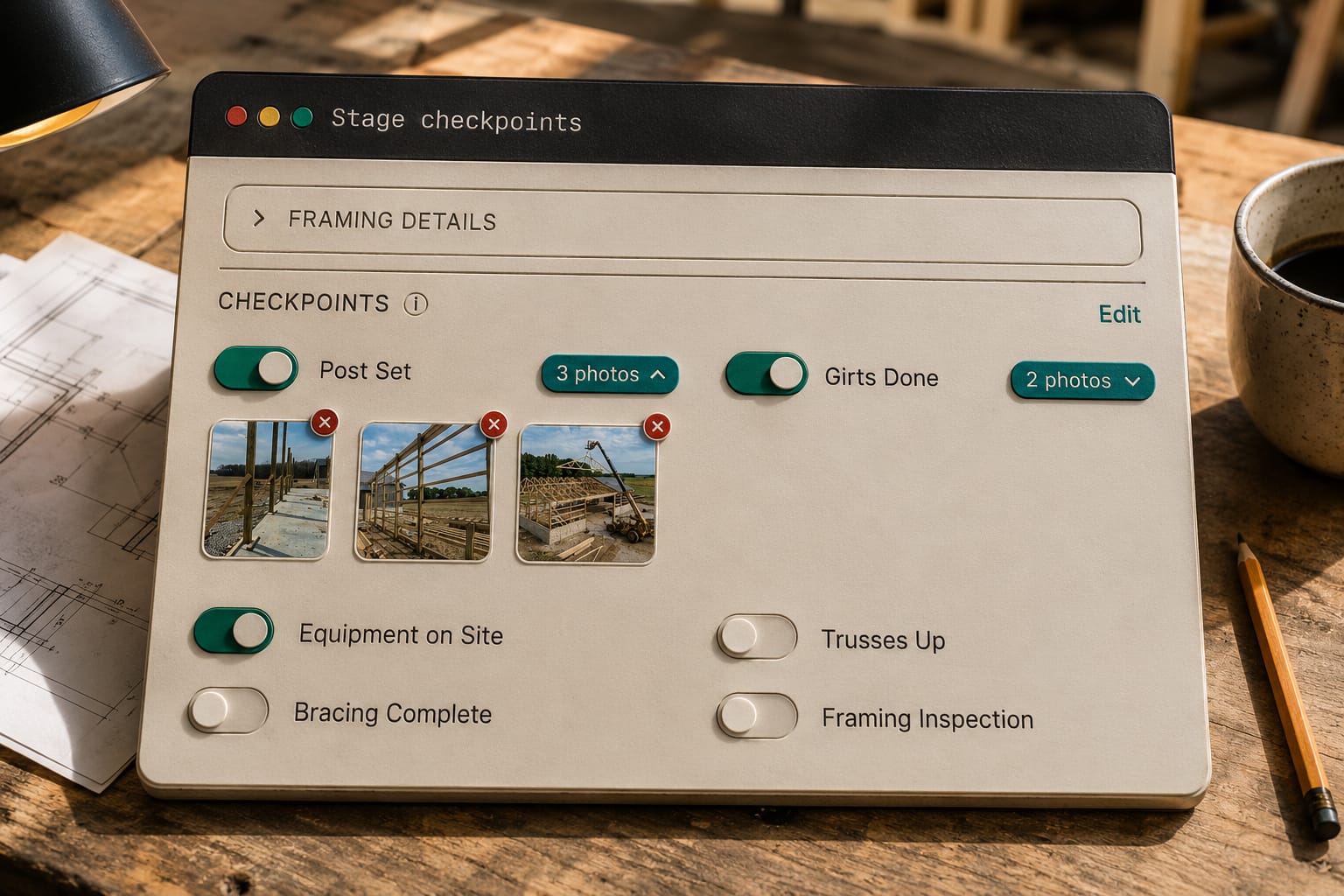
A checkpoint on a construction quality control checklist is one step inside a stage that somebody ticks when the work is done, usually the person who did it, often with a photo attached as proof. It is not a to-do. A to-do is a reminder to a person; a checkpoint is a fact about the building, and the last one in a stage closes the stage.
What a checkpoint is, and what it is not
A checkpoint has five properties: the stage it belongs to, the work it names ("posts set and braced", "purlins screwed off", "ridge cap on"), who ticked it, when, and whether a photo is required to tick it. That last property is what separates it from a task list. A task is done when someone says so. A checkpoint with a required photo is done when there is a picture of the posts in the ground, stamped with the job, the stage, the person and the time.
Two consequences follow. First, a checkpoint cannot be unticked from the field; the office can reverse one, the crew cannot, so "done" only ever moves forward on site. Second, the checklist is per building type and per job. A hay barn's Post Set stage does not carry a "slab edge form set" checkpoint, and a job that skips insulation marks that checkpoint not-applicable rather than leaving it hanging as skipped forever. Stages themselves are the containers; checkpoints are what makes a stage's "done" mean something.
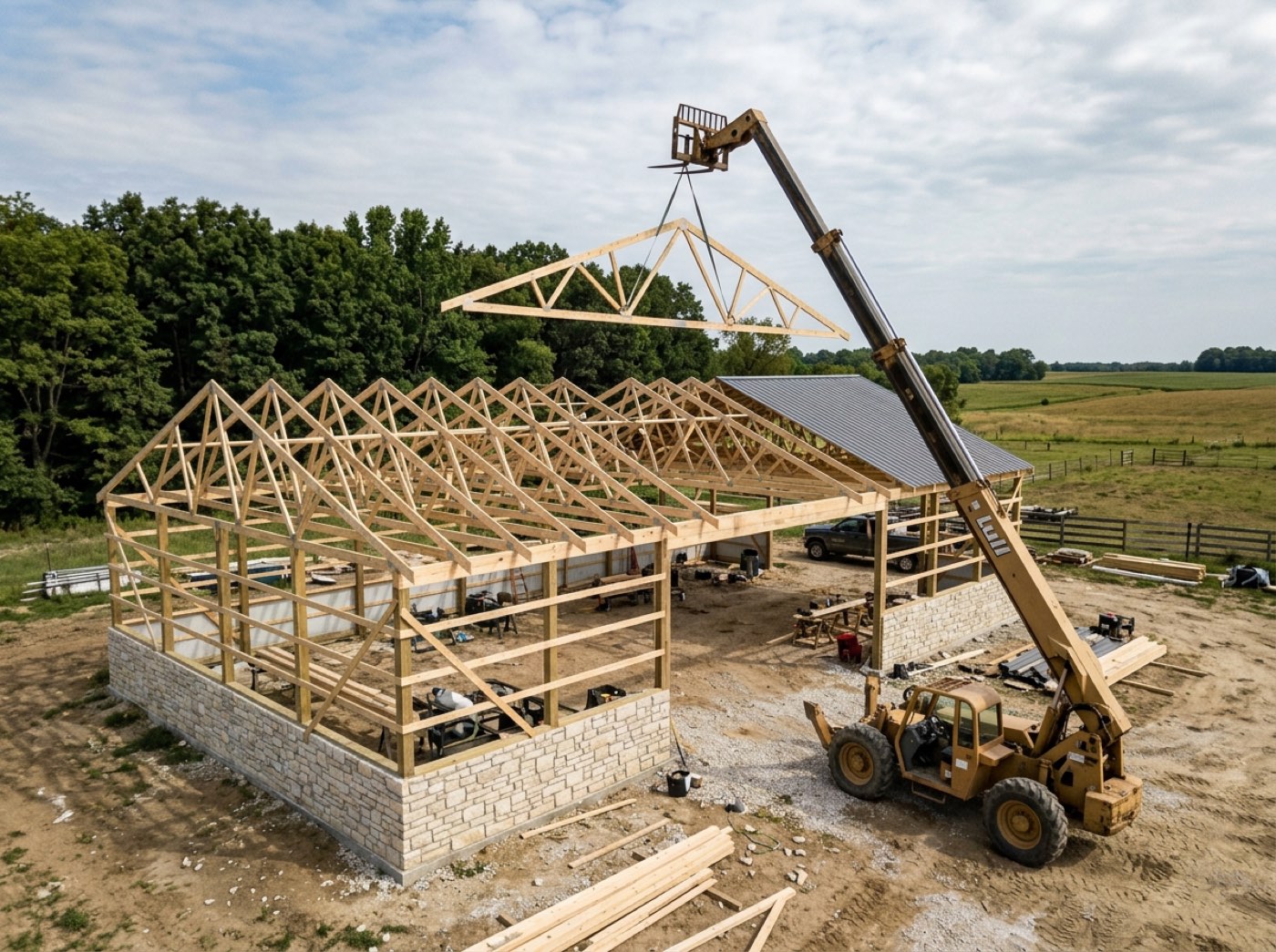
The man who screwed off the last run of roof steel is standing on the site; the office is forty minutes away and finds out when someone remembers to call. His screen shows the current stage's checkpoints and his tick runs through the same save the office's schedule uses, so there is one version of what is done, not a field version and a desk version. The struck-through item is a checkpoint the office marked not-applicable, which is why the stage can finish without it.
Why the person who ticks it matters
A checkpoint ticked by the office is a report. A checkpoint ticked by the crew lead who did the work is a record. The difference shows up three weeks later when a customer asks why the overhead door was framed 2 inches off and you need to know who set the header and when. It also shows up in the payroll, because every hour clocked carries the stage it was clocked on, and the stage's real start and finish come from the ticks, not from a date somebody typed on Friday.
That is why the field portal gives the crew lead the checklist by default and everyone else only when you switch it on. Ticking is a responsibility, and the software treats it as one. How the crew lead ticks from a link on his phone, why the field only ticks forward, and what happens if the office edited the list while his screen was open is the crew ticking the work off from a phone.
What the photo is for
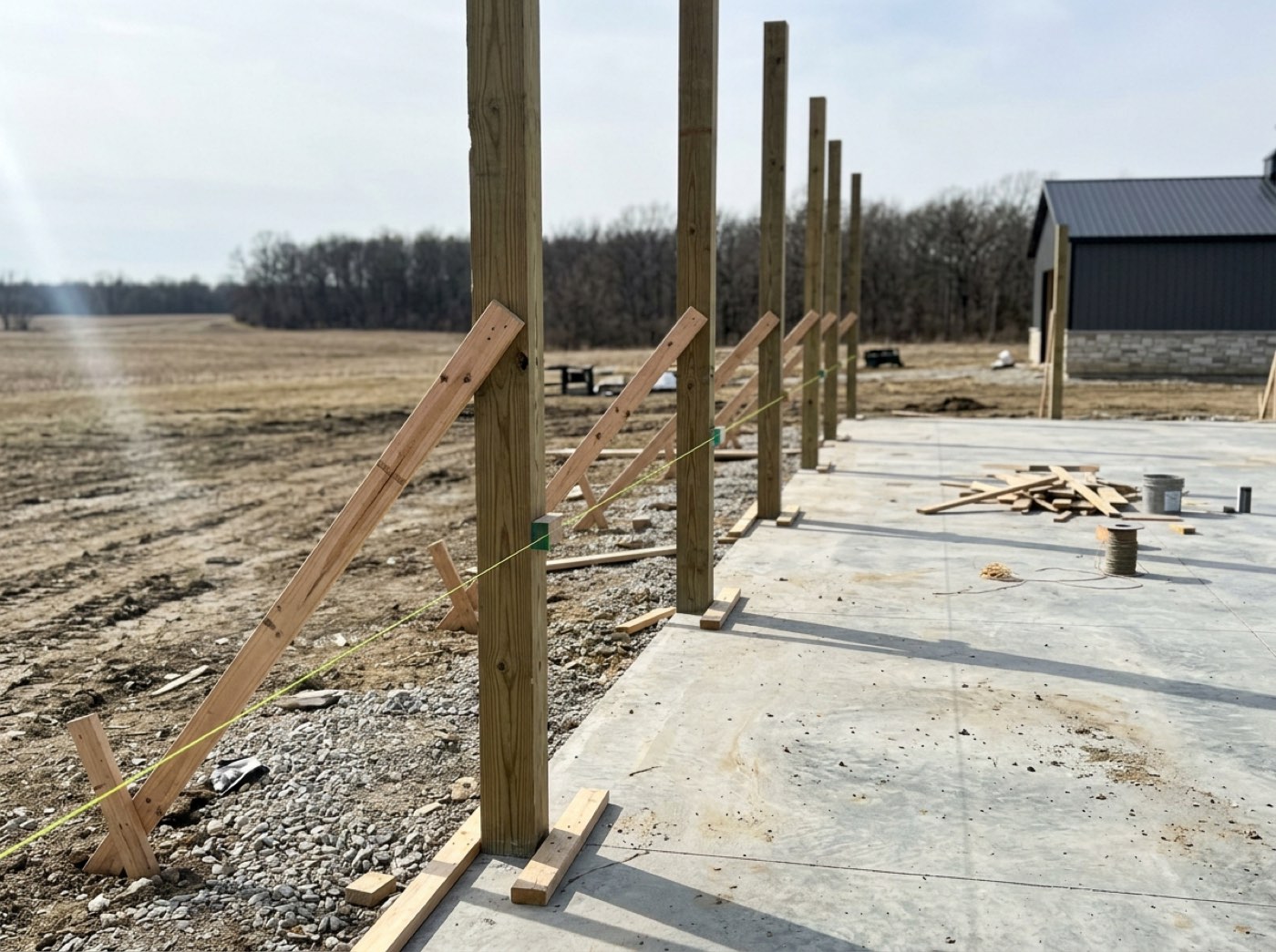
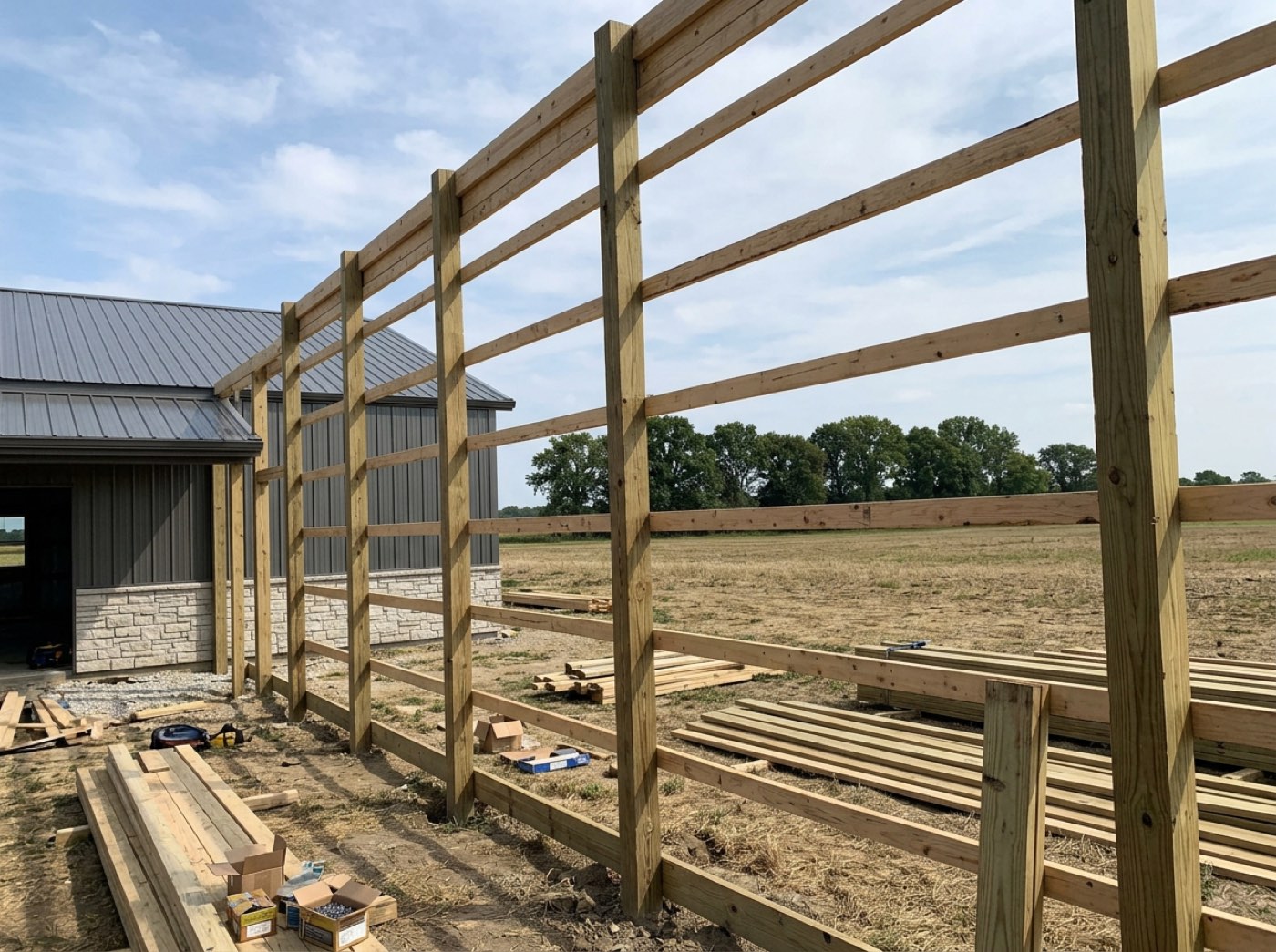
A photo on a checkpoint is proof, not progress. Progress photos go to the customer's live page to show the building going up. Proof photos hang off the checkpoint they prove and stay in the job file: the augered hole with the tape in it showing embedment depth before backfill, the uplift cleats on the posts before the girts hide them, the vapour barrier before the liner goes on. Every one of those is evidence that exists for about an hour and then gets buried by the next stage.
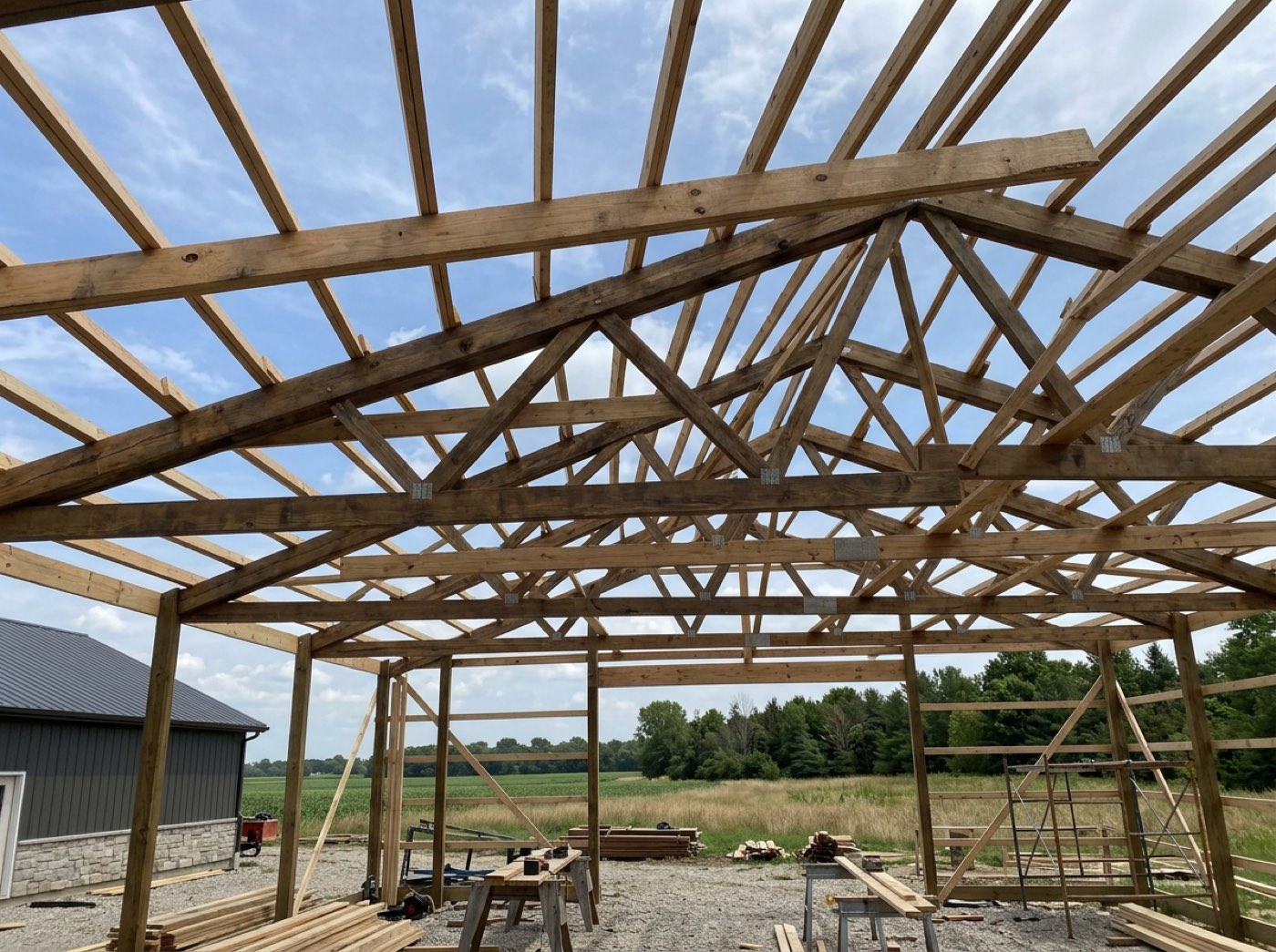
The crew lead used to text the embedment photo to whoever was awake, and by the time the inspector or the customer asked, it was somewhere in a phone that had since been replaced. Taken from the field, the photo carries the job, the stage and the checkpoint it proves, with two visibly different buttons deciding whether it stays internal or goes to the customer. It works because the destination is decided at the moment of taking, not sorted later by someone who was not there. The two-button rule and where each stream lands is Jobsite photos.
Post-frame has more of these buried moments than most methods, because the structure is the posts and the connections, and both are covered within days. The National Frame Building Association publishes the design and construction practice behind embedment, uplift and bracing details; the checkpoint photo is how you prove on a specific job that the practice was followed.
What checkpoints add up to
Across one job, the required photos assemble themselves into the proof file: every embedment, every connection, every stage boundary, in build order, without anyone collecting them. Across twenty jobs, the tick times are the only honest record of how long each stage took, on which building type, with which crew, and that record is what the next barndominium's schedule should be figured from. The build schedule contractor management software owes you reads its progress off ticked checkpoints for exactly that reason: a percentage that counts boxes is a percentage nobody guessed.
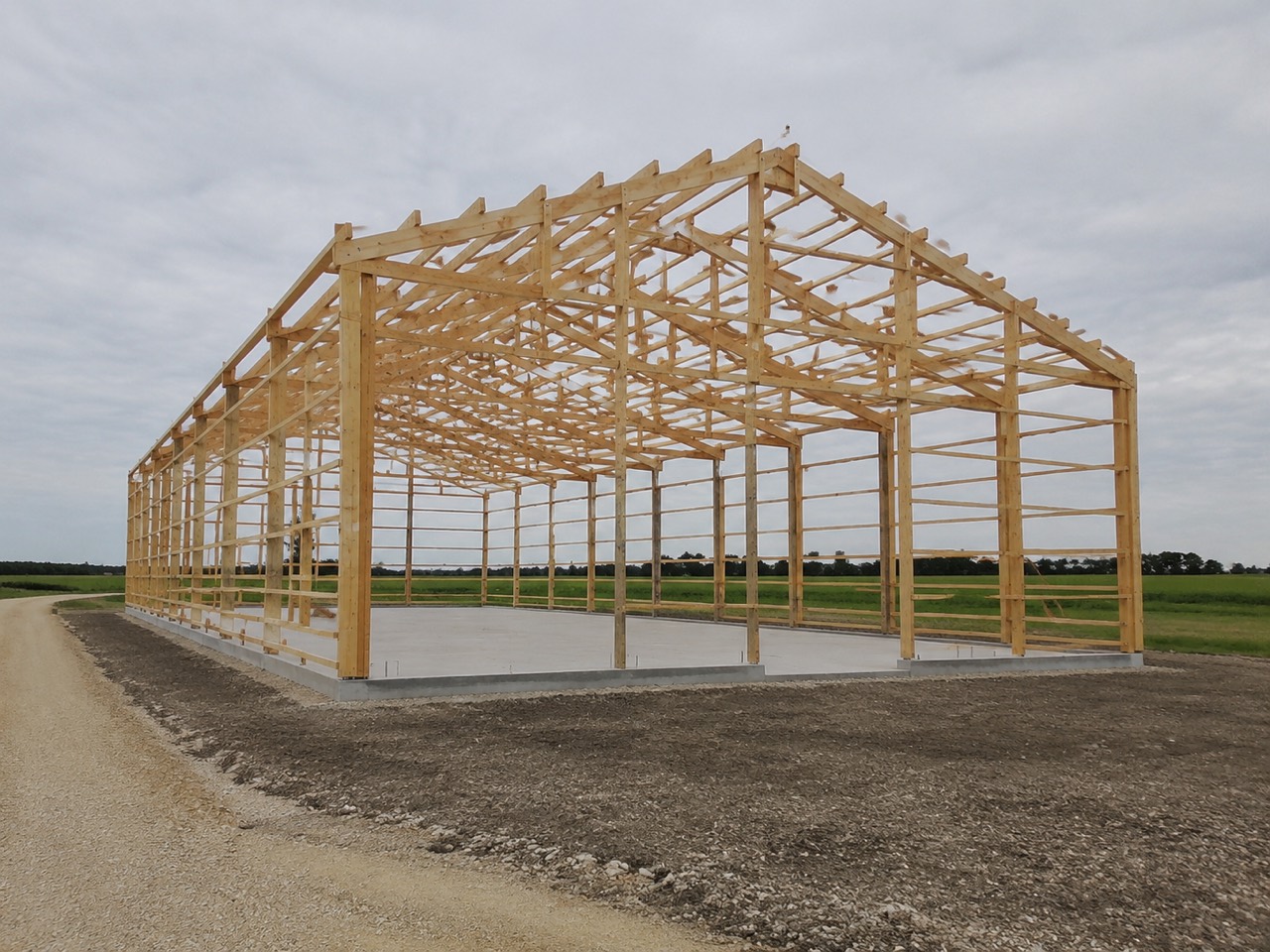
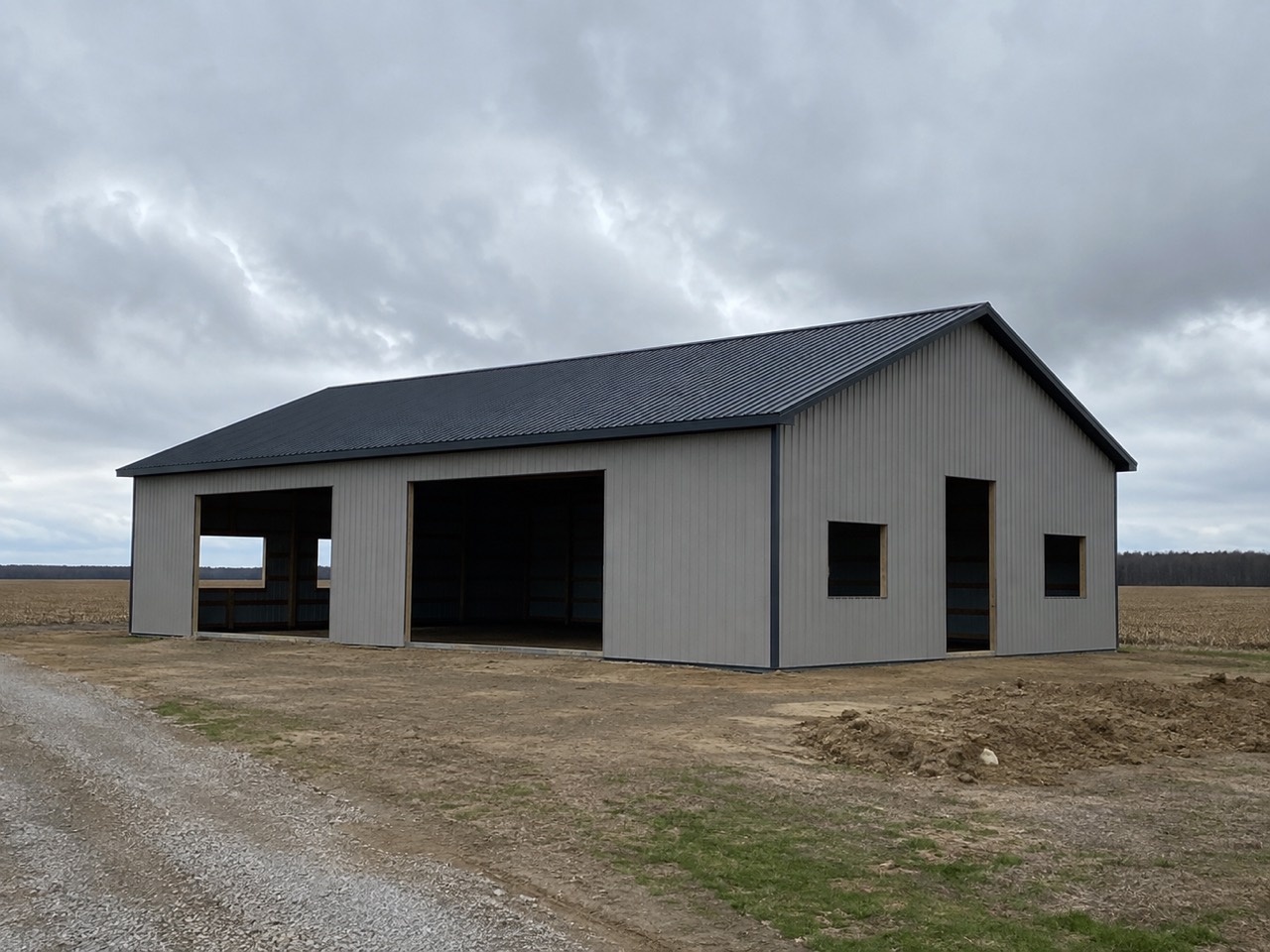
When a customer disputes a stage completion, or a warranty claim arrives two winters later, the question is whether the proof exists, not whether someone remembers taking it. The proof file exists because the checkpoints required it, one tick at a time, while the crew was on site.
The last tick in a stage is a different kind of tap: it closes the stage, moves the job on the board, and sends the customer one progress update and the team one notification, once, however many devices saw it happen. That send is stage complete, one send, once.
Where a checkpoint is not worth the tap
A one-day stage with one obvious outcome. Material Delivery does not need six checkpoints; it needs "received, checked against the order" and a photo of the bundle if it came off the truck creased. A checklist longer than the work invites blind ticking, and a blind tick is worse than none because it looks like a record.
A sub you do not control. A concrete sub who pours Saturdays and works from his own list will not tick yours. Give him a stage, an expected finish, and one photo requirement at the end. The checkpoint count should match how much of the work is yours.
A build adopted mid-stage. Never back-fill ticks for work you did not watch. Start the checkpoints at the stage the job is actually in and let the record be true from there.
Your checklist, checked in one minute
- Does each checkpoint name a physical outcome ("posts set and braced"), or an activity ("framing")?
- Which three checkpoints per job get buried within a day? Those are the ones that require a photo.
- Can the crew lead tick from site without a login, and is the tick the same one the office sees?
- Does the last tick close the stage, or does someone still drag a bar?
- Is a checkpoint that does not apply struck through, or left as skipped?
How a checklist is edited per job, what a required photo does to the tick, and what closing the last checkpoint sets in motion is the subject of Stage checkpoints; the board where those stages, photos and the money live on the same job is Project Command. What a checkpoint cannot tell you is whether the work was done well. It proves the posts went in and when. Whether they went in plumb is still the crew lead's job, and a photo of a tape on a post is as far as software can take it.